
Thank you for the detailed overview of iTrack — a powerful and reliable GPS vehicle tracking and fleet management platform. Here's a concise summary and guide to help users get the most out of the iTrack Android app using the provided demo account:
📱 iTrack Android App – Quick Start Guide (Demo Account)
Website: www.itrack.top
Demo Account:
- Username:
Demo - Password:
123456
✅ Key Features You Can Explore
-
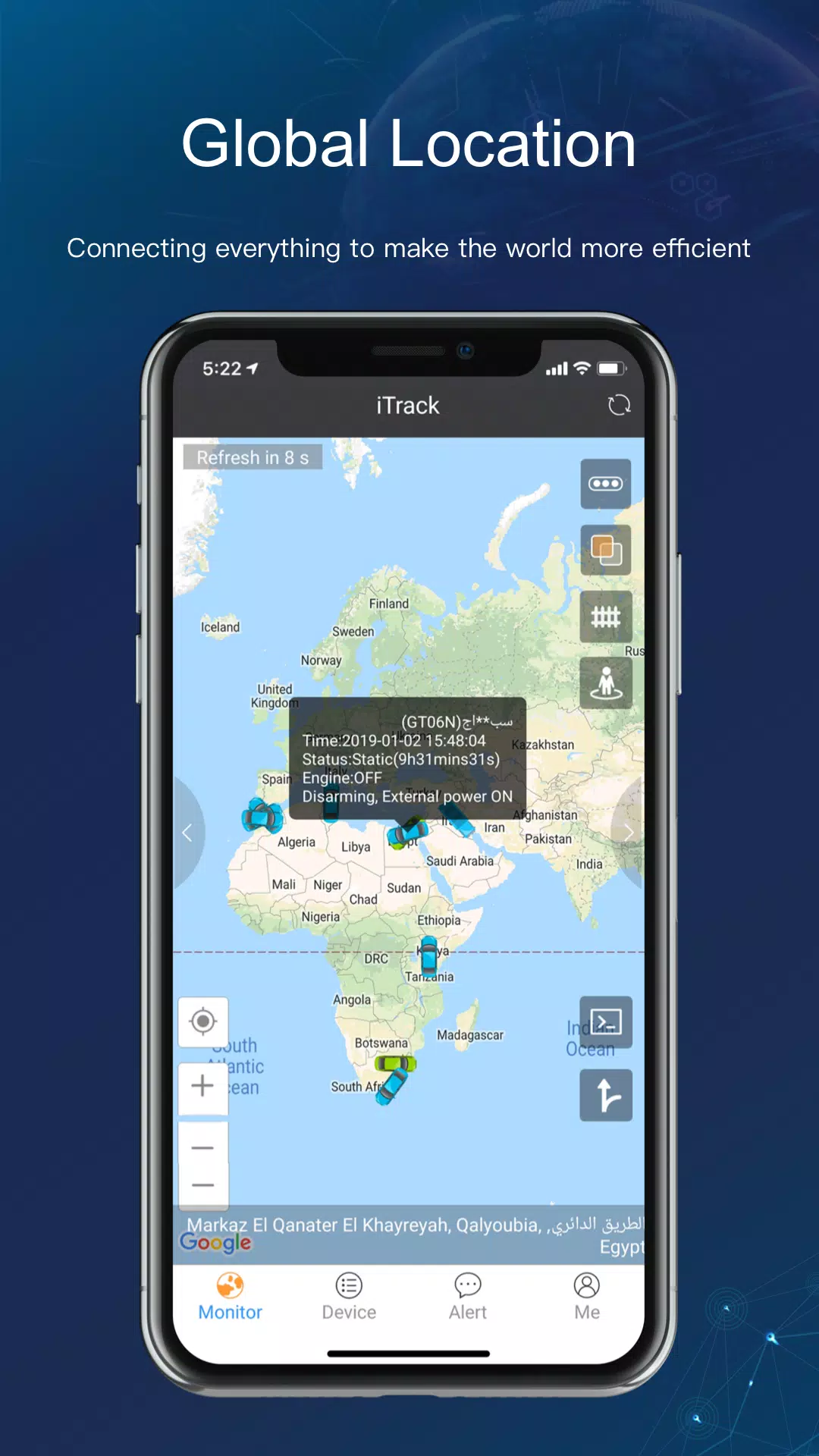
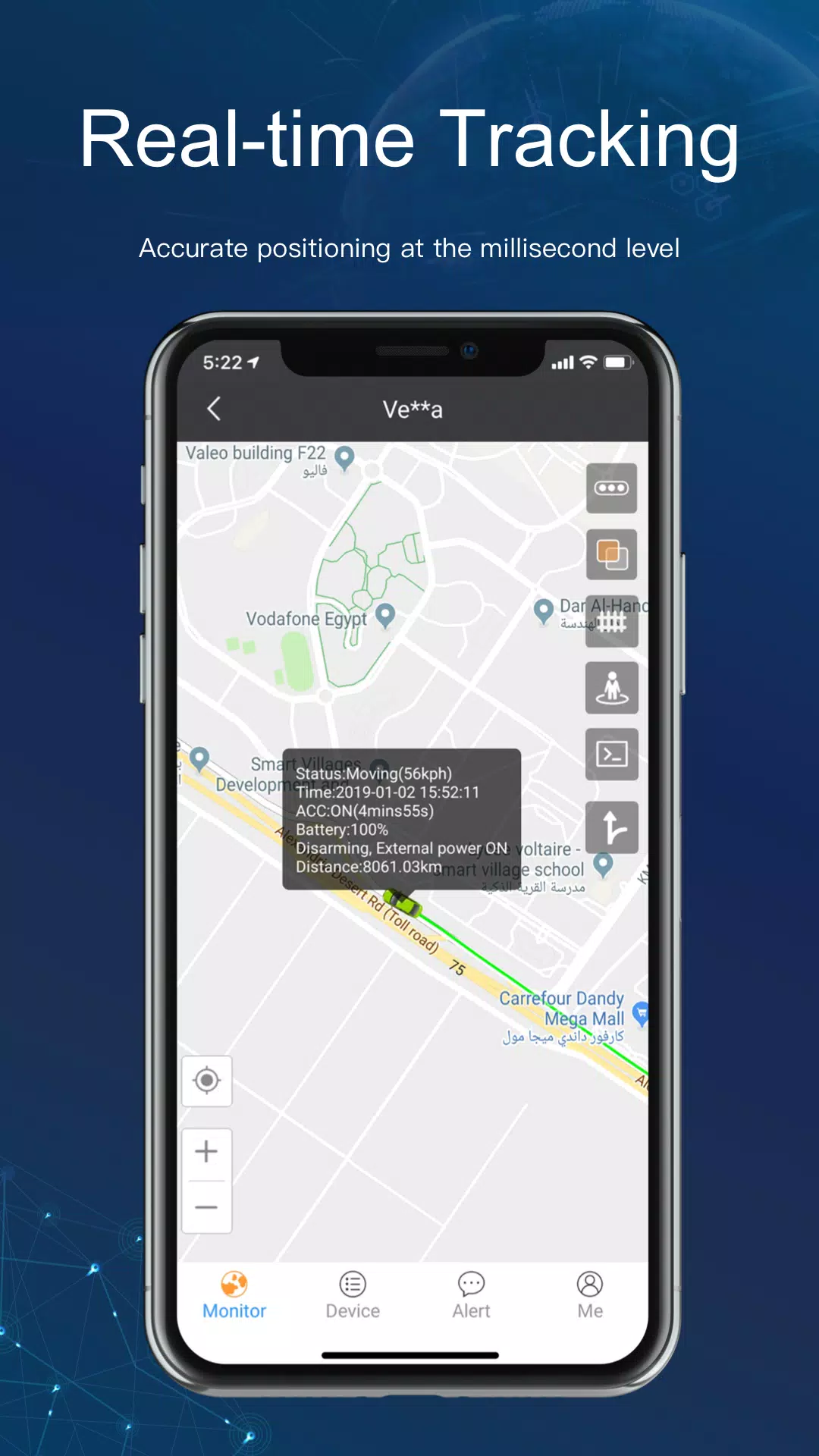
Real-Time Vehicle Tracking
- View all vehicles on a live map.
- Monitor speed, direction, and location updates in real time.
- Instantly locate any vehicle in your fleet.
-
Vehicle List Management
- View all tracked vehicles with status (online/offline, ignition on/off).
- Filter by status, group, or vehicle type.
-
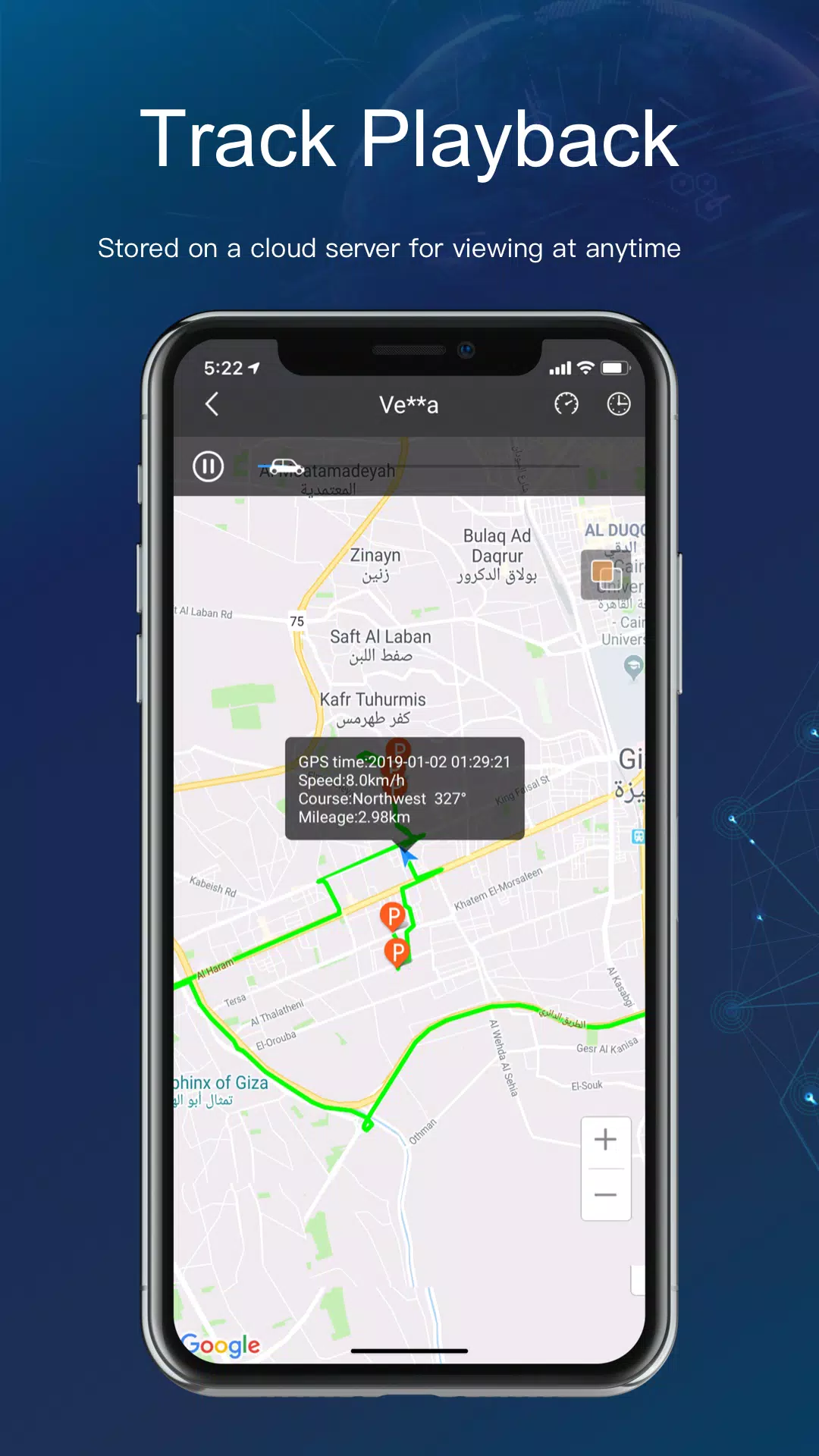
Historical Route Playback
- Select any vehicle and replay its past movement.
- Adjust playback speed and date/time range.
- Analyze driving behavior, stops, and idle times.
-
Reverse Address Lookup
- Tap on a location to see the actual address (e.g., "123 Main St").
- Great for verifying drop-off points or troubleshooting route accuracy.
-
Road Condition Alerts (Icon-Based)
- Different road conditions are shown with unique icons:
- Traffic Jam 🚨
- High Speed ⚡
- Hard Braking 🛑
- Idle Time ⏸️
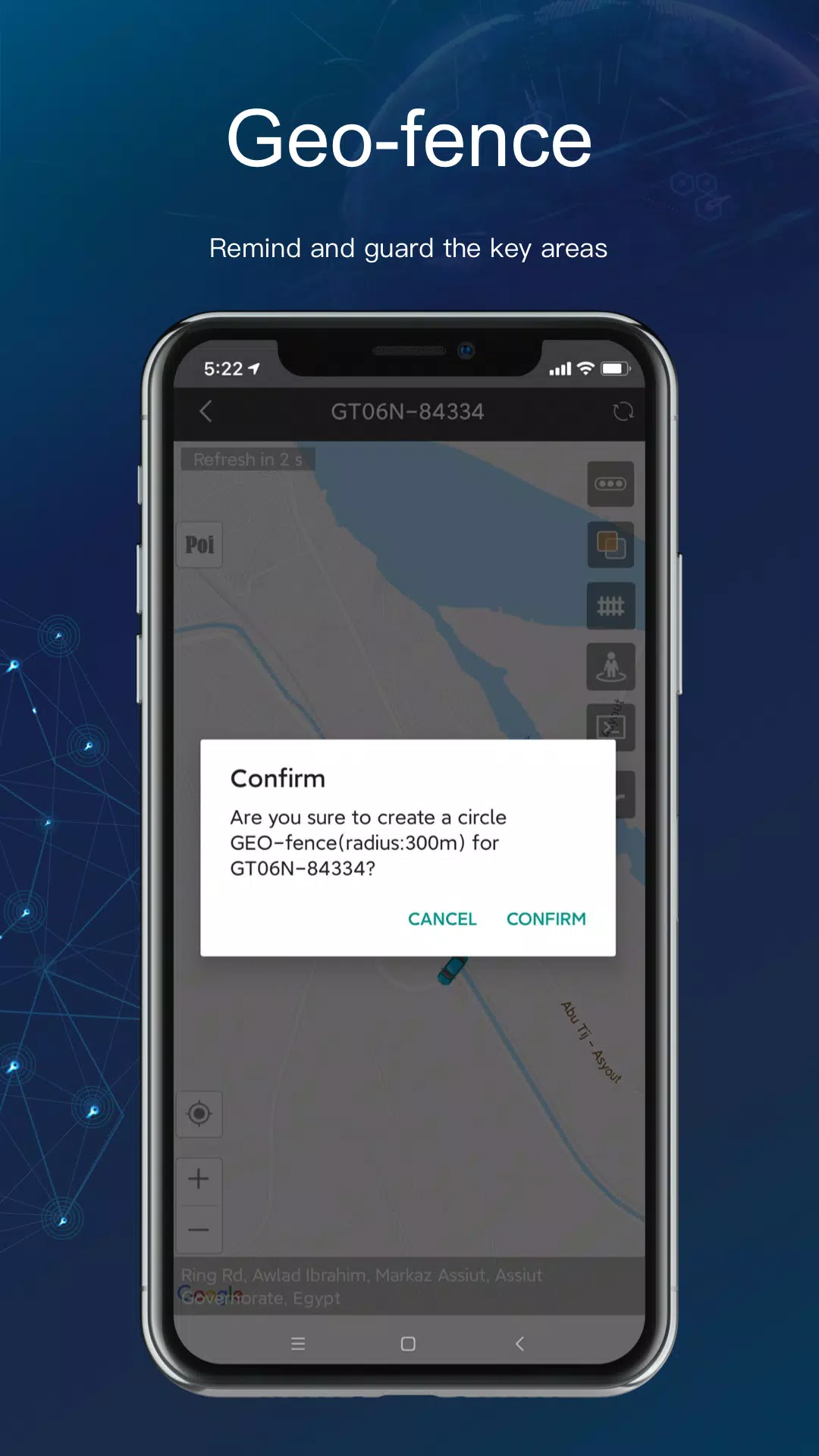
- Geofence Crossing 📍
- Get instant notifications when events occur.
- Different road conditions are shown with unique icons:
-
Multi-Vehicle Management
- Group vehicles by region, driver, or vehicle type.
- Assign alerts and reports by group.
- Control permissions and visibility.
-
Custom Alerts
- Set up notifications for:
- Geofence entry/exit
- Speed violations
- Engine start/stop
- Low battery
- Unauthorized movement
- Set up notifications for:
🔍 How to Get Started (Demo Walkthrough)
- Download the iTrack app from the Google Play Store.
- Open the app and log in with:
- Email/Username:
Demo - Password:
123456
- Email/Username:
- Explore the dashboard:
- View the map with vehicle icons.
- Tap a vehicle to see real-time data.
- Use the "Route" tab to view historical trips.
- Try reverse geocoding by tapping on a point on the map.
- Check the alert panel for simulated events (e.g., geofence breach).
- Use the playback feature to watch a vehicle’s journey.
🎯 Why iTrack Stands Out
- Global Coverage – Works with GPS devices worldwide.
- User-Friendly Interface – Intuitive design for drivers, managers, and admins.
- Scalable – Ideal for small fleets to enterprise-level operations.
- 24/7 Support – Trusted by logistics, transport, delivery, and security industries.
💬 Need Help?
- Visit: https://www.itrack.top
- Contact Support:
[email protected] - Watch tutorial videos in the app or on YouTube.
✅ Pro Tip: Use the demo account to test alert settings, create custom geofences, and simulate common fleet scenarios.
Start managing your fleet smarter today with iTrack — where visibility, safety, and efficiency come together.
📞 Ready to go live? Contact iTrack for a free trial or custom enterprise solution.






![熊本のHairSalon YELLOW[ヘアサロンイエロー]](https://imgs.dgmma.com/uploads/78/173155007867355b7e469e0.webp)




















