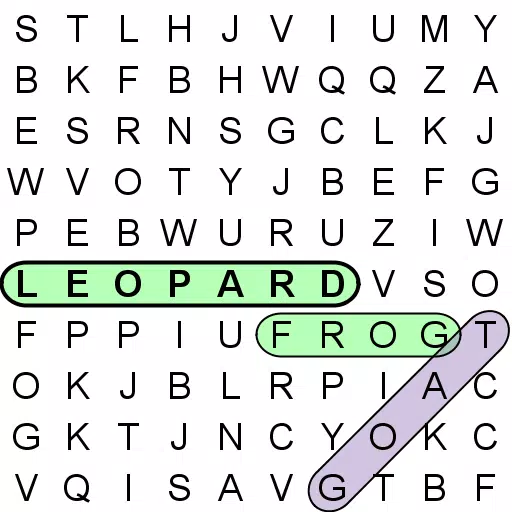
This word search app offers unparalleled flexibility compared to any other on the market.
Enjoy the most customizable word search experience available. With numerous configuration options, you can tailor the game perfectly to your device and skill level.
Find words in English or choose from 35 additional languages.
Designed for enjoyable gameplay on everything from compact mobile phones to large-screen tablets.
Tired of seeing the same words over and over? Annoyed by searching for strange, non-English terms? Struggled with grids that don't fit your screen or are hard to read? Word Search Ultimate addresses all these issues.
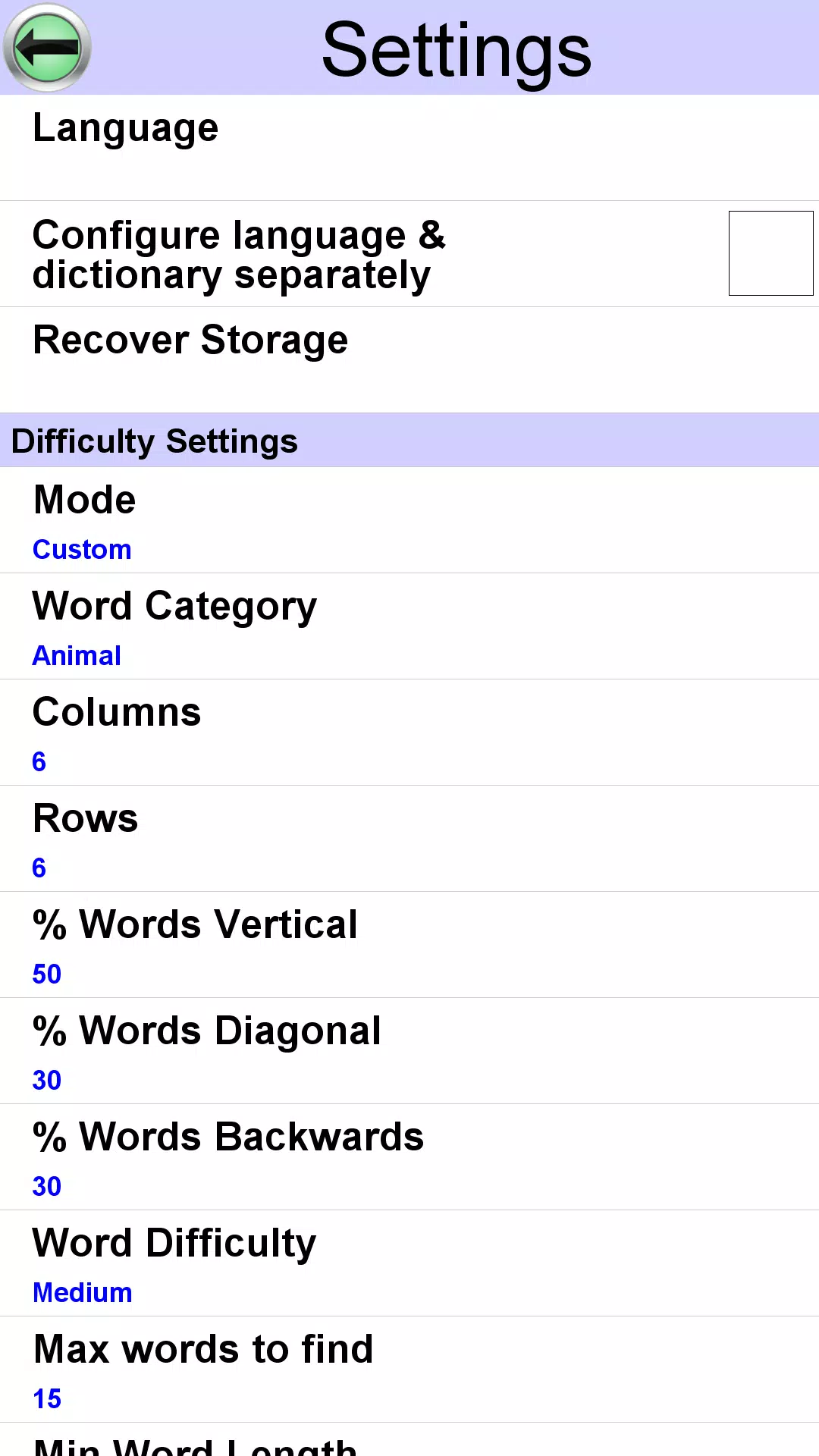
Customize these settings:
1) Grid Size
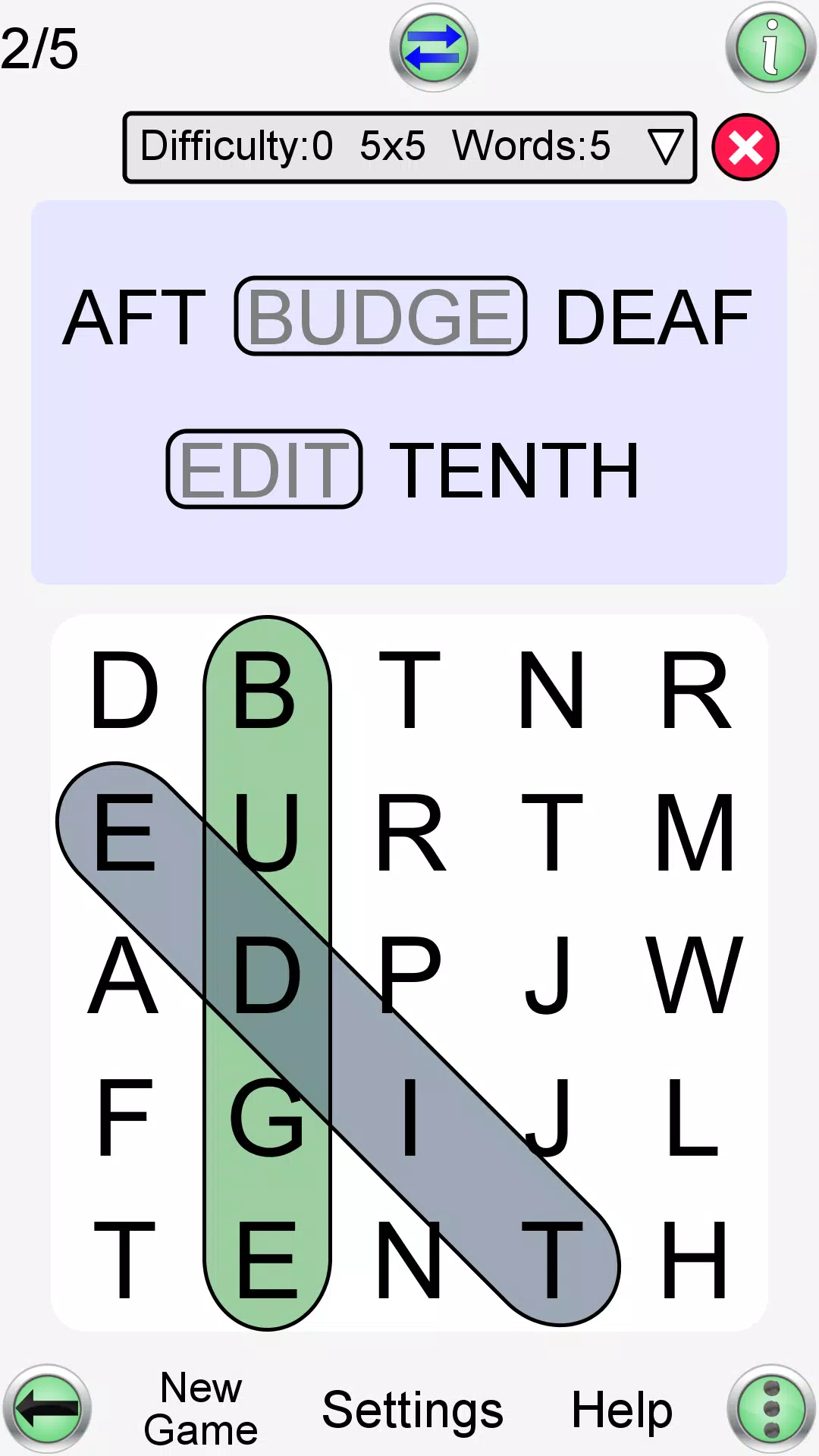
Set precise column and row counts (3 to 20). Create non-square grids like 12x15.
2) Game Difficulty
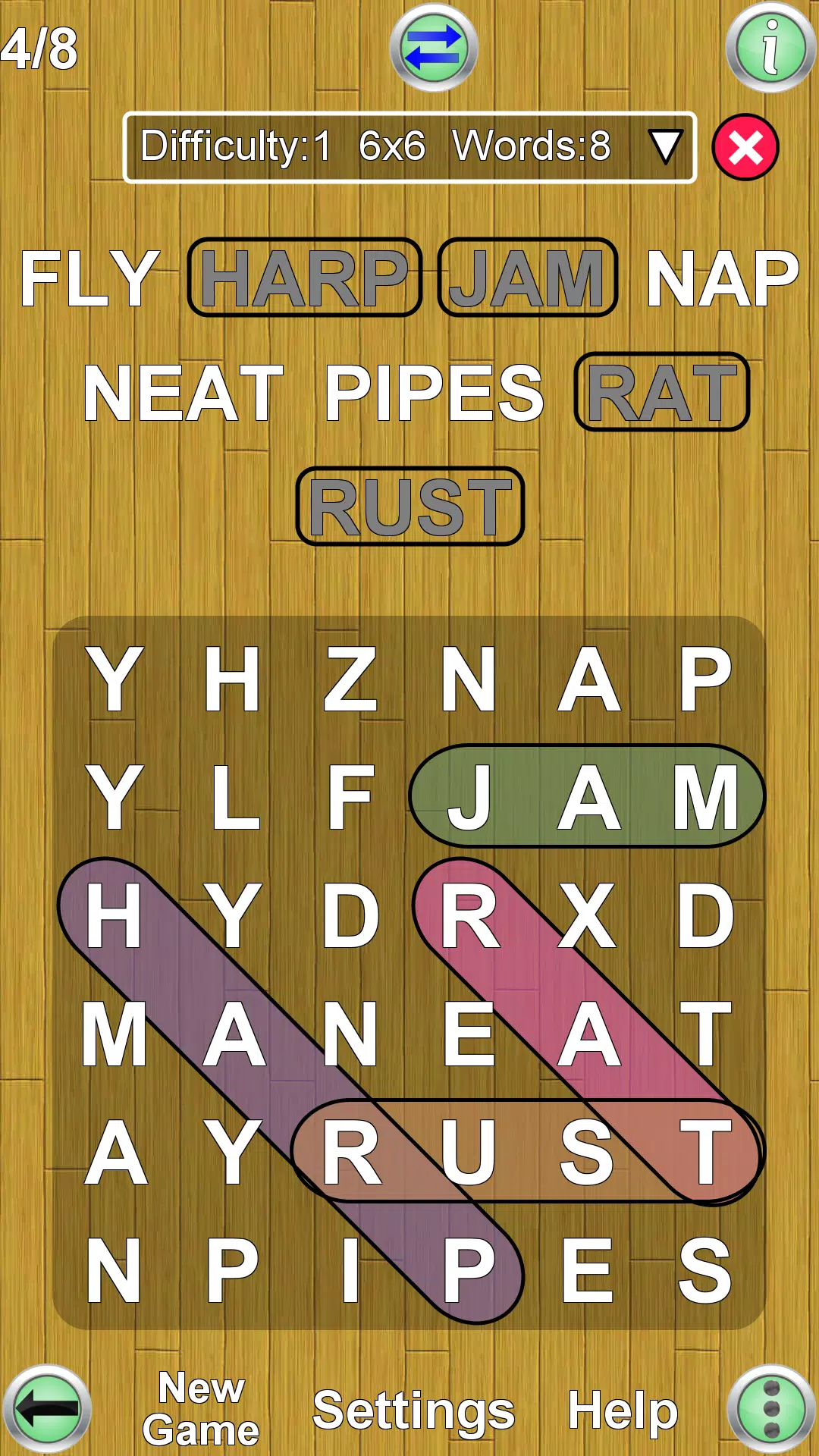
Control how many words appear diagonally, backwards, or vertically—or disable these directions entirely.
3) Word Difficulty
Select dictionary size, from 500 common words (ideal for language learners) to 80,000 terms.
4) Maximum Word Count
Choose how many words to find (1-150)—enough to fill a 20x20 grid completely.
5) Minimum & Maximum Word Length
Eliminate clutter from too many short words (a common app issue). Perfect for creating tough puzzles (e.g., only 3-letter words).
6) Highlighting
Mark discovered words or keep the grid clean for better readability.
7) Word List Layout
Display words in organized columns or spaced evenly across your screen.
8) Language
Pick from 36 available languages using downloadable dictionaries (listed below).
9) Orientation
Play in portrait or landscape—the display automatically adjusts when you rotate your device.
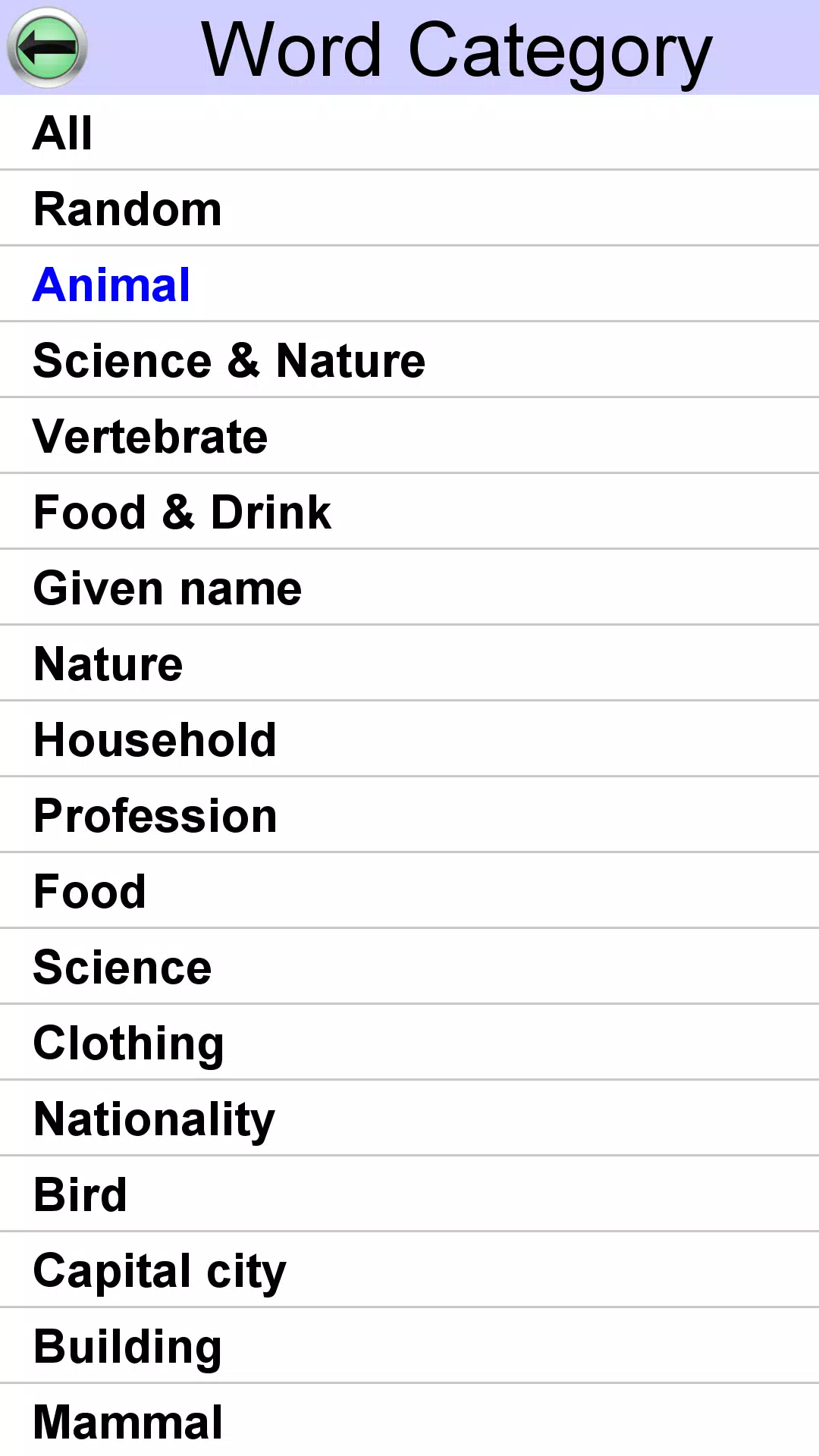
10) Word Category
Focus on specific themes like animals, food, and more.
This app gives you complete control to play exactly how you want.
Each game receives a difficulty rating from 0 (easiest) to 9 (hardest), determined by your settings or the difficulty selector. Track your best completion times across all difficulty levels with dedicated high score boards showing top 20 results.
Exclusive features include:
1) Two selection methods: (i) classic swiping (ii) tap first and last letters
2) Get help when stuck—reveal words you can't find
3) View definitions via online dictionaries (requires internet)
4) For foreign language word lists, definitions appear in your preferred language—excellent for language learning!
Available in these languages: English, French, German, Spanish, Portuguese, Italian, Dutch, Swedish, Danish, Norwegian, Finnish, Polish, Hungarian, Czech, Russian, Arabic, Bulgarian, Croatian, Greek, Indonesian, Romanian, Serbian, Serbo-Croatian, Slovak, Slovene, Turkish, Ukrainian, Afrikaans, Albanian, Azerbaijani, Estonian, Latvian, Lithuanian, Catalan, Galician, Tagalog

























![A Father’s Sins – Going to Hell [Ch. 7 Public] By Pixieblink](https://imgs.dgmma.com/uploads/67/1719578270667eae9eb6a75.jpg)