Crayon Adaptive Icon Pack: A Vibrant Icon and Wallpaper Collection
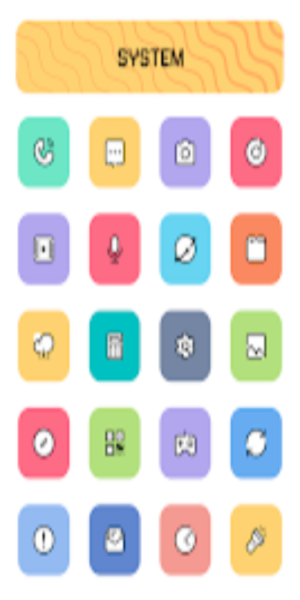
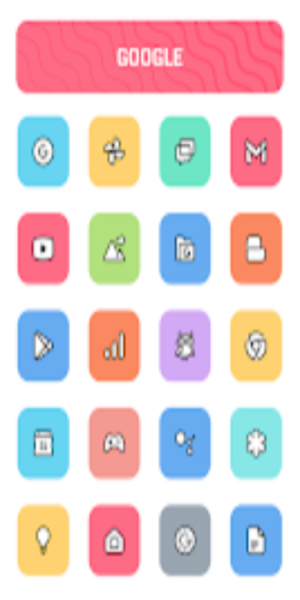
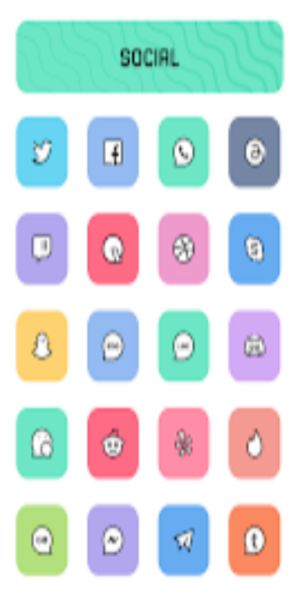
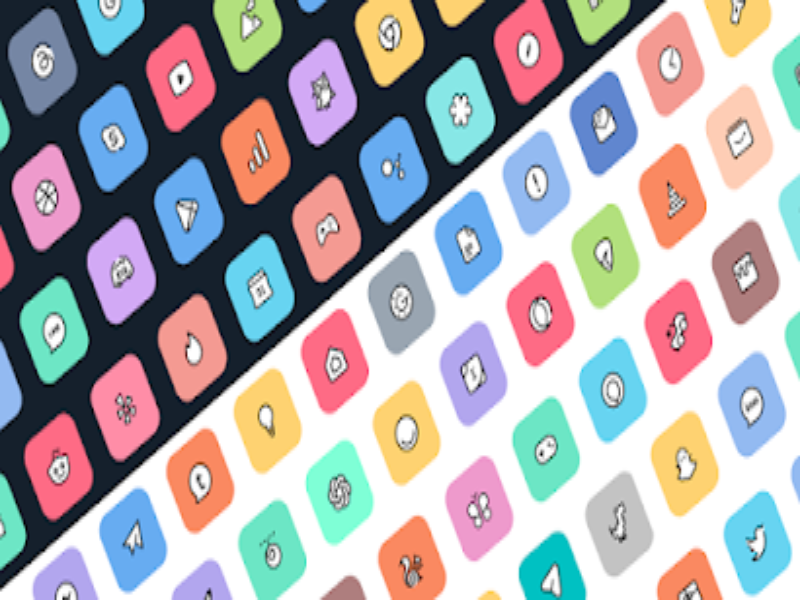
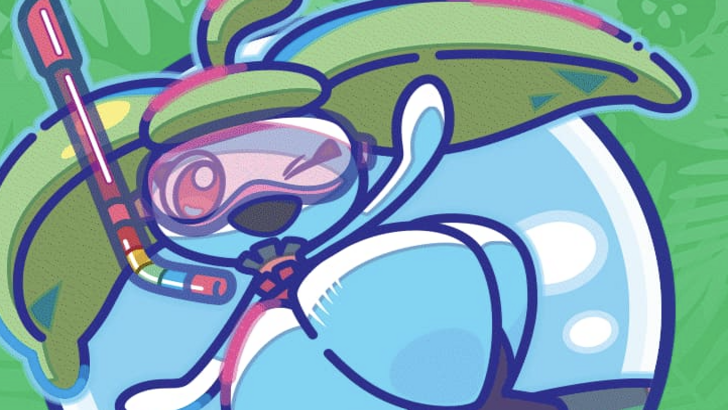
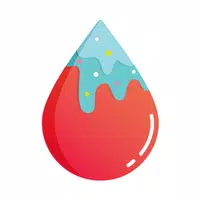
The Crayon Adaptive Icon Pack offers a delightful visual upgrade for your phone, featuring over 6800 meticulously designed icons and 100+ stunning wallpapers. Its soft color palette and charming cartoon aesthetic bring a fresh, vibrant look to your home screen. Enjoy the freedom to customize icon shapes, unleashing your creativity and personalizing your device to perfection.
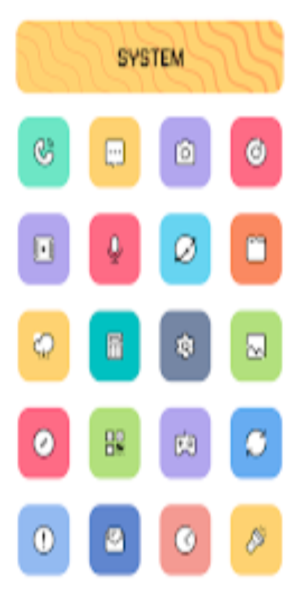
Key Features:
- Extensive Icon Library: Access over 6800 high-quality icons, with regular updates to keep your collection current.
- Adaptive Icon Shaping: Customize icon shapes to seamlessly integrate with your preferred launcher style (Nova and Niagara supported).
- Advanced Masking: Enjoy a cohesive look with a perfect masking system that blends icons flawlessly with your wallpaper.
- Alternative Icon Choices: Find the perfect icon for every app with numerous alternative options.
- Exclusive Wallpaper Selection: Complement your new icons with over 100 exclusive wallpapers designed to match the pack's aesthetic.
- Optimized for Nova Launcher: Experience the best possible integration with Nova Launcher.
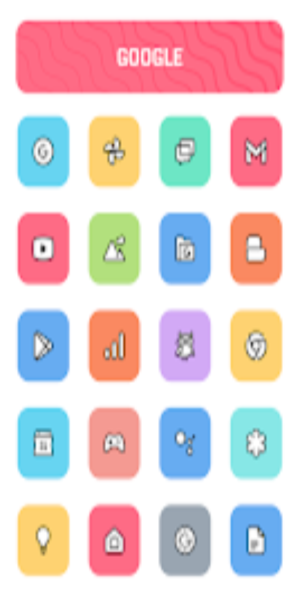
Highlights:
- Intuitive Icon Search & Preview: Easily find and preview icons before applying them.
- Dynamic Calendar: A dynamic calendar icon adjusts to reflect your current date.
- User-Friendly Material Dashboard: Navigate the extensive icon library with ease.
- Custom Folder Icons: Personalize your app folders with unique icons.
- Categorized Icons: Quickly find what you need with icons organized by category.
- App Drawer Icon Customization: Extend your customization to your app drawer.
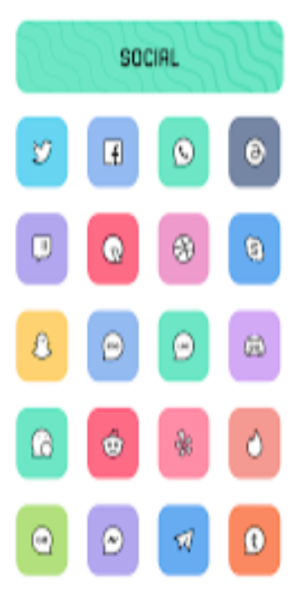
Installation:
- Install a Compatible Launcher: Select a launcher from the extensive list of supported launchers (Nova Launcher recommended).
- Apply the Icon Pack: Launch the Crayon Icon Pack app, navigate to the "Apply" section, and choose your launcher.
Supported Launchers: Action Launcher, ADW Launcher, Apex Launcher, Atom Launcher, Aviate Launcher, CM Theme Engine, GO Launcher, Holo Launcher, Holo Launcher HD, LG Home, Lucid Launcher, M Launcher, Mini Launcher, Next Launcher, Nougat Launcher, Nova Launcher, Smart Launcher, Solo Launcher, V Launcher, ZenUI Launcher, Zero Launcher, ABC Launcher, Evie Launcher, L Launcher, Lawnchair.
Unsupported Launchers: Nothing Launcher, ASAP Launcher, Cobo Launcher, Line Launcher, Mesh Launcher, Peek Launcher, Z Launcher, Launch by Quixey Launcher, iTop Launcher, KK Launcher, MN Launcher, New Launcher, S Launcher, Open Launcher, Flick Launcher, Poco Launcher.
Conclusion:
Transform your phone's appearance with the charming and colorful Crayon Adaptive Icon Pack. Its extensive collection and customization options provide a truly unique and personalized mobile experience.