Status Saver for WhatsApp: A Simple Guide to Saving Statuses
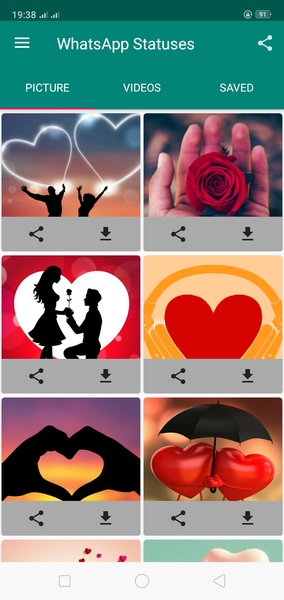
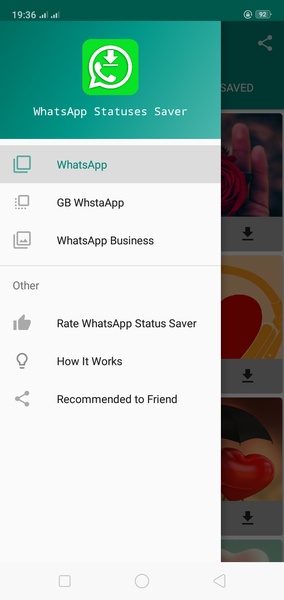
This app simplifies saving WhatsApp statuses to your Android device. Follow these steps:
- Access the Status: Open WhatsApp, go to the "Statuses" tab, and open the status you wish to save. This crucial step ensures the status is available for saving.
Advertisement
Status Saver for WhatsApp provides a convenient way to permanently store WhatsApp statuses on your Android device.
System Requirements (Latest Version):
- Android 5.0 or higher is required.