
It looks like you've provided a detailed user guide for the BeautyPro Symmetry App International, designed specifically for microblading and micropigmentation artists to ensure precise facial symmetry during eyebrow design. However, there's a small inconsistency in your numbering: you’ve listed 7 steps, but labeled them as Steps 1 through 6.
Here’s a revised and polished version of your guide with proper numbering and improved clarity for better user experience:
✅ BeautyPro Symmetry App International – User Guide (7 Simple Steps)
This app is specially designed for microblading and micropigmentation artists to achieve perfect eyebrow symmetry with precision and ease.
Step 1: Open the Application
Locate and tap the BeautyPro Symmetry App International icon on your device’s home screen to launch the app.
Step 2: Frame the Client’s Face
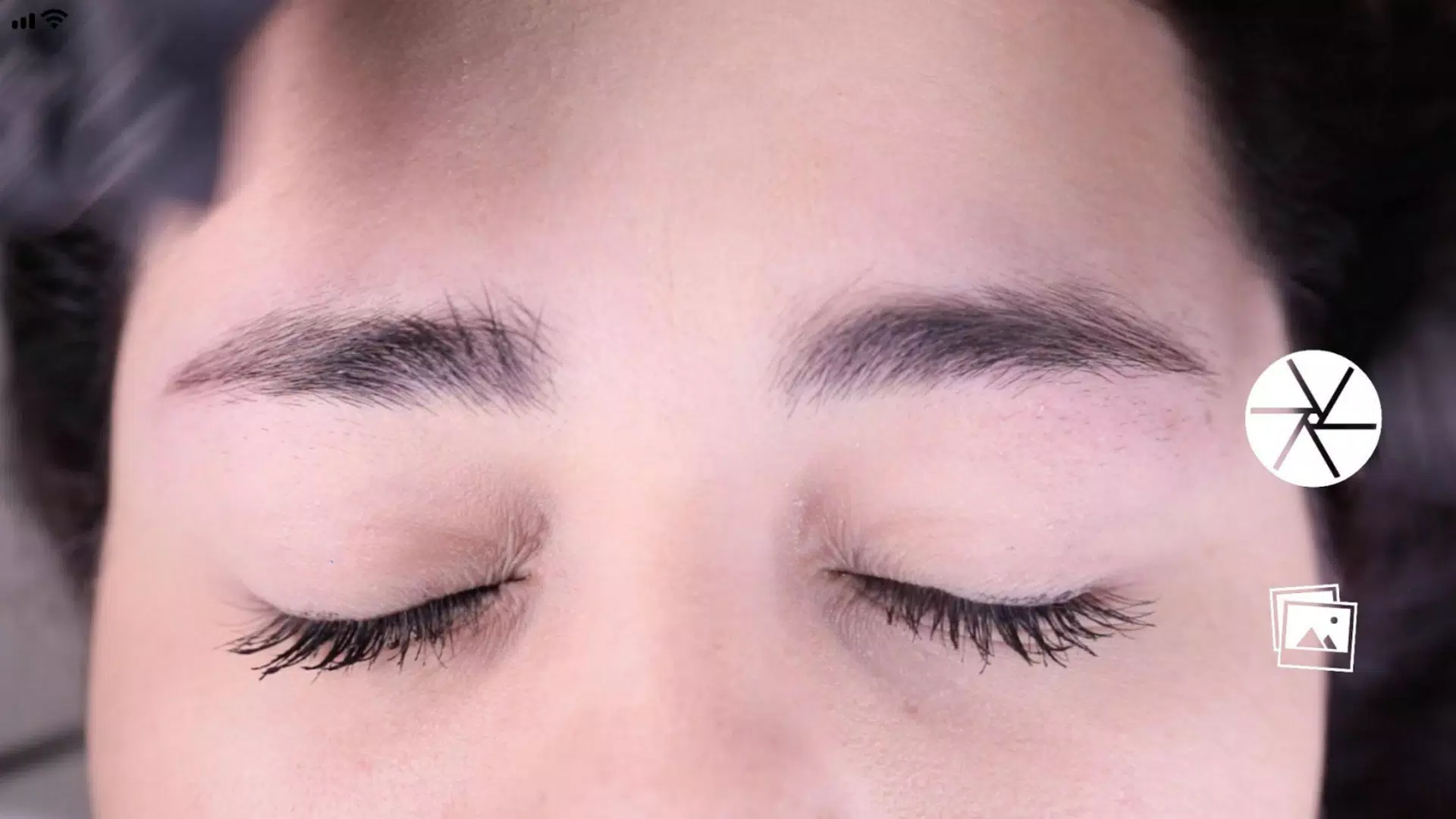
Hold your device horizontally and position it so the client’s face fits within the on-screen frame.
- Align the top horizontal lines with the arches of the eyebrows (point 2).
- Place the central vertical line on the marked centerline of the nose bridge for accurate symmetry reference.
Step 3: Capture the Image
Once the face is properly framed, press the camera button located in the center-right of the screen to take a clear photo.
Step 4: Activate the Grid Function
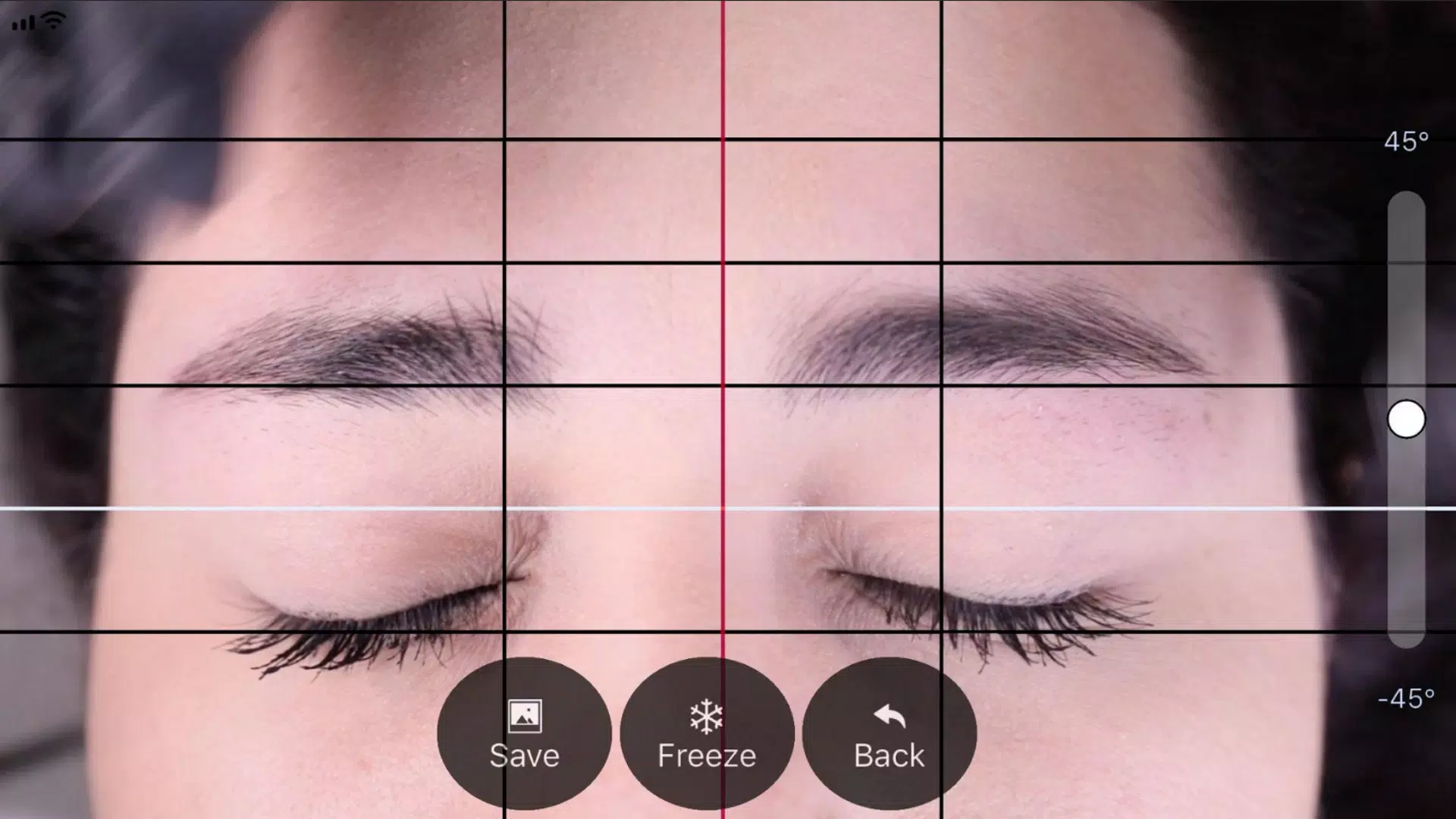
After capturing the image, a grid overlay will appear with:
- Four black horizontal lines (for eyebrow contour alignment)
- One white reference line (for mid-face symmetry)
Tap the “Grid” button to activate and lock the grid in place. Use it to fine-tune eyebrow positioning.
Step 5: Adjust Vertical Grid Lines
Customize the vertical alignment using:
- One central red line (must align precisely with the nose bridge centerline)
- Two outer black lines (set the starting points of the eyebrows)
Drag the red line to match the artist’s mark on the nose, then adjust the black lines to define the ideal eyebrow start points.
Step 6: Fine-Tune Image Level and Zoom
For optimal accuracy:
- Rotate the image using the slider on the right to level the face (ensure eyes and nose are parallel to the horizon).
- Zoom in/out using a two-finger pinch gesture for detailed adjustments.
Step 7: Save or Review Your Work
Once all lines are perfectly aligned:
- Tap the “SAVE” button to store the image in your device’s photo gallery.
- To start over, tap the “BACK” button and reposition the image.
🔹 Pro Tip: Use saved images as a reference for matching symmetry on the opposite brow during microblading.
✅ Final Note: The BeautyPro Symmetry App ensures consistent, professional results—making every eyebrow session more accurate, efficient, and client-approved.
Let me know if you’d like this exported as a PDF, printed guide, or translated into another language!









![熊本のHairSalon YELLOW[ヘアサロンイエロー]](https://imgs.dgmma.com/uploads/78/173155007867355b7e469e0.webp)