Home Apps Beauty BeautyPro Symmetry App Interna
BeautyPro Symmetry App Interna

BeautyPro Symmetry App Interna Rate : 2.6

Download
Application Description

This tool is ideal for measuring the symmetry of eyebrow designs.

Designed specifically for microblading and micropigmentation artists.

The app is very easy to use—just follow these 6 simple steps:

Step 1: Open the application.

To open the app, press the BeautyPro Symmetry App International icon on the device where you installed it.

Step 2: Align the client's face on the screen.

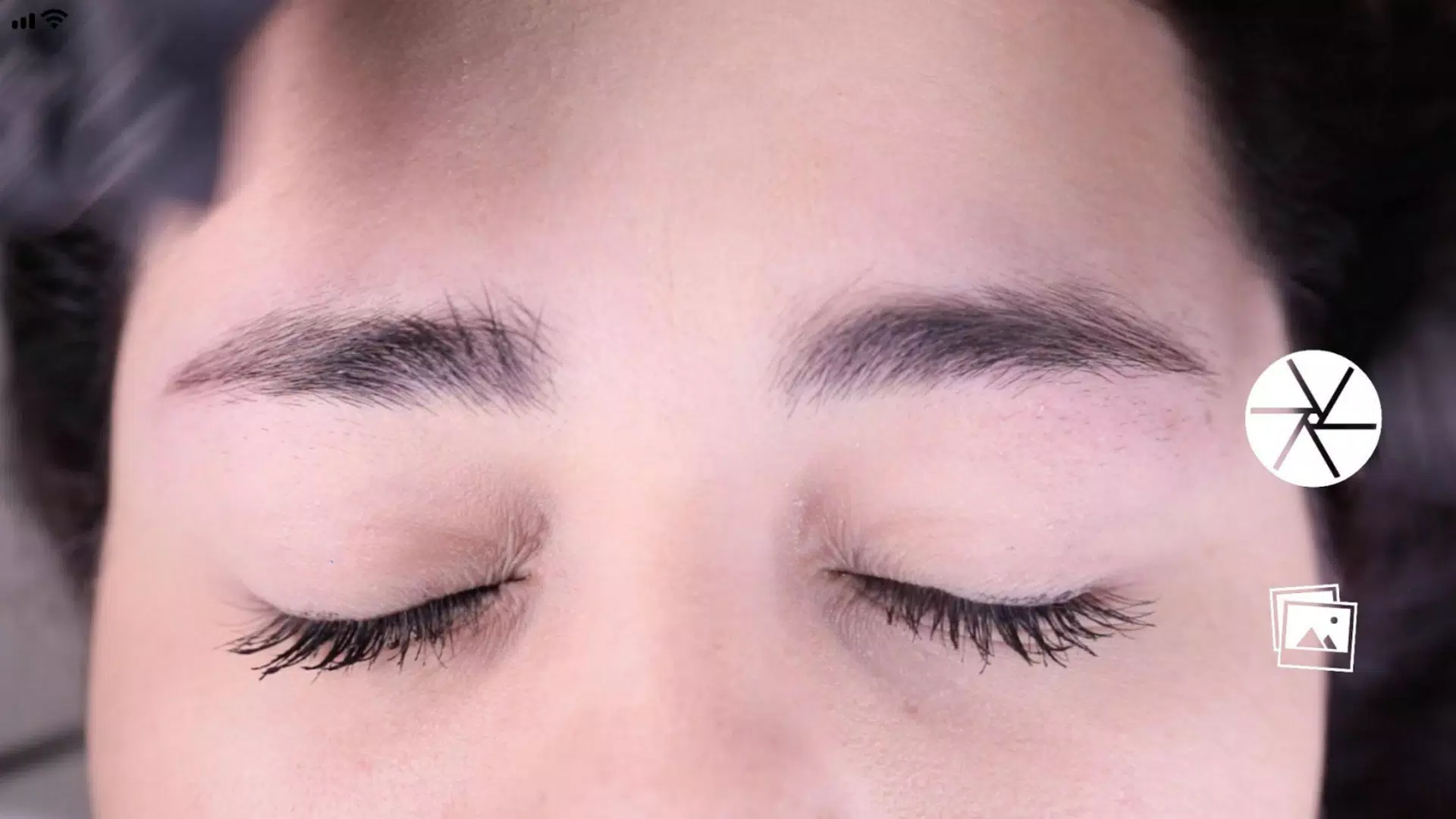
Start by holding the phone horizontally and framing the face using the two horizontal lines. Align them with the top arches of the eyebrows (point 2), and position the central vertical line on the previously marked centerline of the nose bridge.

Step 3: Capture the picture.

Once the face is centered as described in Step 2, take the photo using the button located in the center-right area of the screen.

Step 4: Use the "Grid" function.

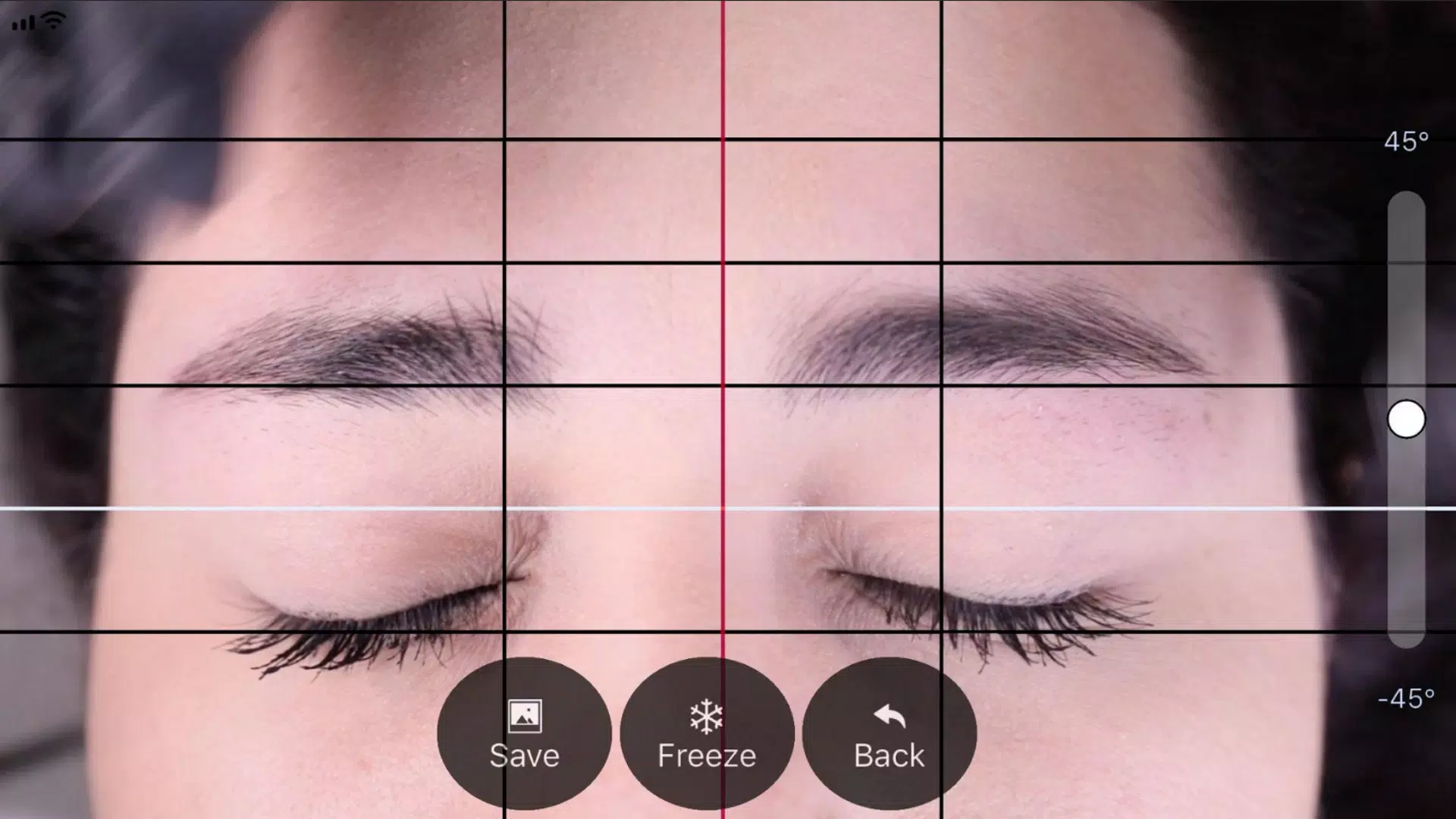
Right after capturing the image, you'll see it displayed with four black horizontal lines and one white line. Activate the "Grid" function by tapping its button to lock and adjust these lines.

Step 5: Adjust the vertical lines.

Similarly, you can adjust the vertical grid lines: a central red line and two black side lines. The black lines' position depends on the red line. Align the red line with the marked center of the nose bridge, and use the black lines to set the distance between the starting points of the eyebrows.

Step 6: Adjust level and zoom.

If needed, you can adjust the image in two ways: rotate it using the slider on the right to level the photo, or zoom in/out using a two-finger pinch gesture.

Step 7: Once all lines are correctly positioned, press the "SAVE" button to store the image in your device's photo gallery. To discard the image and start over, press the "BACK" button.
Screenshot
BeautyPro Symmetry App Interna Screenshot 0
BeautyPro Symmetry App Interna Screenshot 1
Reviews Post Comments
Apps like BeautyPro Symmetry App Interna More+
Latest Articles More
  • Nonogram Game Hits 10-Year Mobile Milestone

    Ten years ago, Picture Cross launched as "World’s Biggest Picture Cross," aspiring to become the leading nonogram app on mobile. Today, with more than 10,000 puzzles, Picture Cross marks its 10th anniversary by introducing fresh modes and additional

    Mar 07,2026
  • "Plunder Panic 3.0 Launches on Mobile with Cross-Play"

    Plunder Panic has just launched globally on mobile. It arrives with Version 3.0, titled the Pocket Pirates Update, and is officially available today. Will Winn Games has extended its team-based pirate brawler to Android and iOS devices, including bot

    Mar 04,2026
  • Alien: Earth Episode 4 Review

    Alien: Earth's fourth episode, "Observation," continues the franchise's trend of aptly named installments in its first television series. Showrunner Noah Hawley and his team slow down the xenomorph-centric action surrounding the crashed Maginot to as

    Feb 23,2026
  • Outer Worlds 2: 11-Min Exclusive Gameplay - IGN

    Welcome to our exclusive IGN First series this April – dedicated entirely to The Outer Worlds 2. Here's your first look at real-time gameplay as we infiltrate the N-Ray Facility, showcasing the game’s enhanced mechanics and redefined level design. Wh

    Feb 22,2026
  • Tron: Bithell Games Axes Majority of Full-Time Staff

    British indie studio Bithell Games has let go of the "majority" of its full-time employees, just weeks after releasing its time-loop action title Tron: Catalyst, after being unable to secure a new large-scale project.This decision leaves 11 team memb

    Feb 21,2026
  • Star Wars: Tales of the Underworld Debuts First in Fortnite

    Fans eager to watch the first episodes of Star Wars: Tales of the Underworld will need to visit Fortnite to see the series before it arrives on Disney+.Epic Games revealed today how it plans to expand its current Star Wars offerings, announcing that

    Feb 21,2026