
It looks like you've provided a detailed user guide for the BeautyPro Symmetry App International, designed specifically for microblading and micropigmentation artists to achieve precise eyebrow symmetry. However, there's a small inconsistency in your step numbering — you listed 7 steps, but the introduction says "follow these 6 simple steps." Let's clean that up and present a polished, professional version of your guide with accurate numbering and improved clarity.
✅ BeautyPro Symmetry App International – User Guide (6 Simple Steps)
Designed exclusively for microblading and micropigmentation artists, the BeautyPro Symmetry App ensures perfect eyebrow symmetry with precision and ease.
Follow these 6 simple steps to achieve professional results every time:
Step 1: Open the App
Locate and tap the BeautyPro Symmetry App International icon on your device’s home screen to launch the application.
Step 2: Align the Client’s Face on the Screen
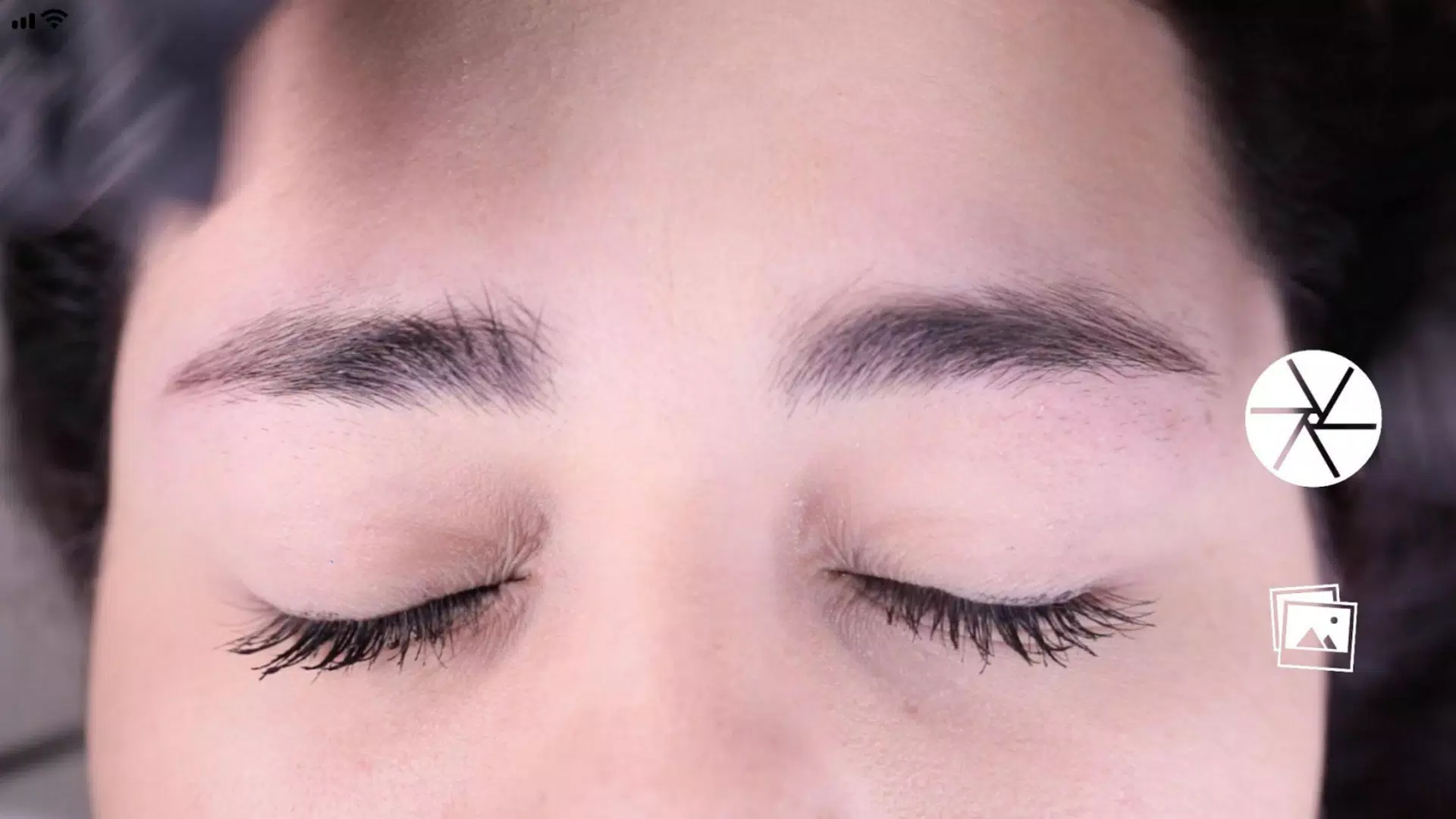
Hold your device horizontally and frame the client’s face within the viewfinder.
- Position the two top horizontal lines to match the arch tips of both eyebrows (point 2).
- Align the central vertical line with the marked centerline of the nose bridge (the natural midline of the face).
This ensures proper facial symmetry and alignment.
Step 3: Capture the Image
Once the face is properly framed and aligned, press the center-right capture button to take a high-resolution photo.
Step 4: Activate the Grid Function
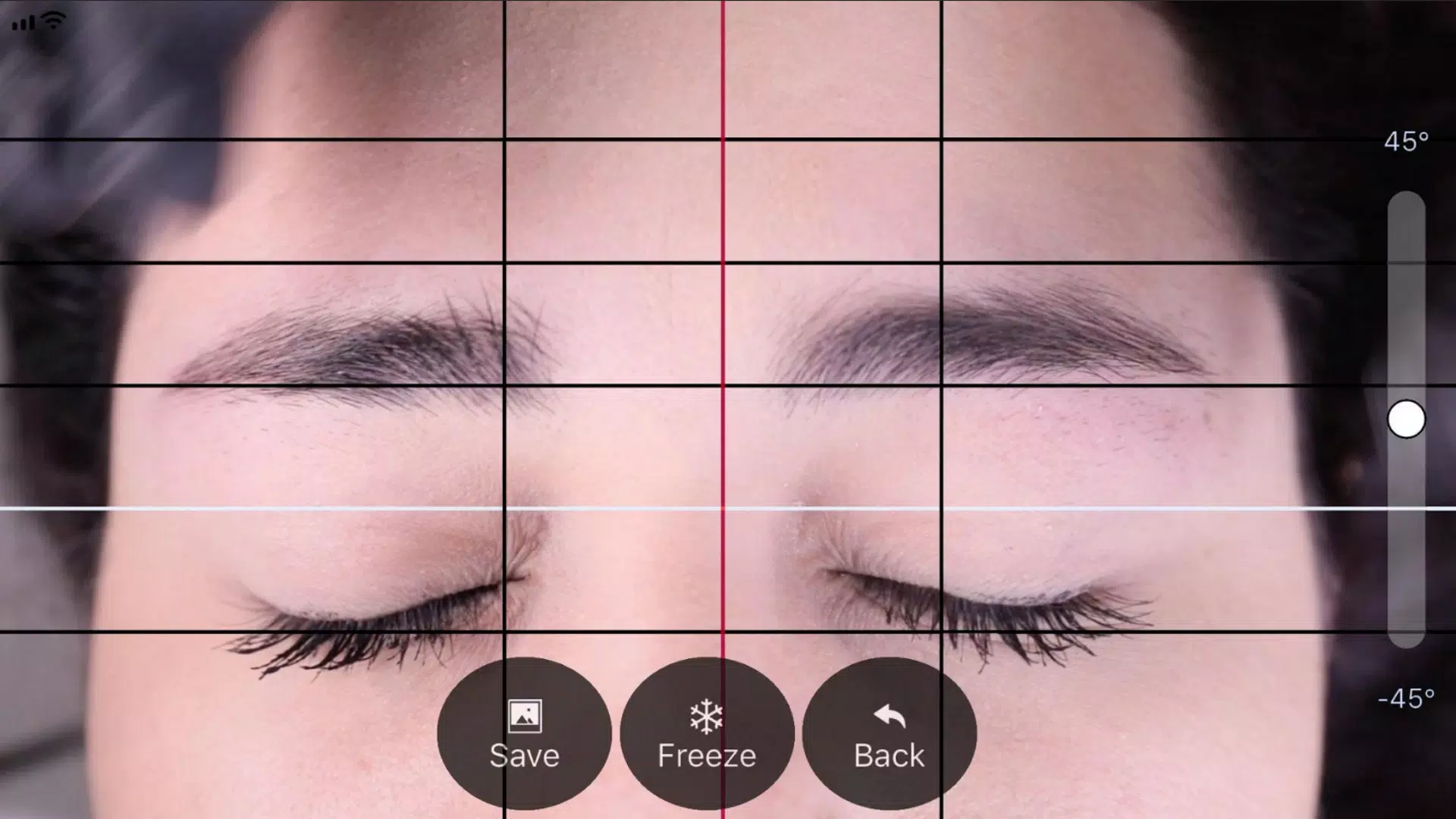
After capturing the image, you’ll see a grid overlay with:
- Four black horizontal lines (for eyebrow shape reference),
- One white horizontal line (for facial midline),
- Three vertical lines (one red center line, two black side lines).
Tap the “Grid” button to activate and lock the grid system. This allows you to adjust lines precisely.
Step 5: Adjust the Vertical Grid Lines
- Move the red central line to perfectly align with the marked center of the nose bridge.
- Use the two black side lines to define the starting points of the eyebrows.
- Adjust the black lines symmetrically so they match the natural starting angles on both sides.
This ensures balanced and proportional eyebrow placement.
Step 6: Finalize and Save
- Use the slider on the right to rotate the image and level it (e.g., ensure the eyes and nose are straight).
- Use a two-finger pinch gesture to zoom in or out for better precision.
- Once all lines are perfectly aligned and the image is level, tap the “SAVE” button to store the photo in your device’s photo gallery.
🔴 Need to start over? Tap the “BACK” button to discard the image and retake it.
✨ Tips for Best Results:
- Use good lighting to avoid shadows and glare.
- Ensure the client’s head is level and not tilted.
- Take multiple photos if needed and compare them using the saved grid.
With BeautyPro Symmetry App International, achieving perfect symmetry in every eyebrow design has never been easier — accuracy, consistency, and confidence in every stroke.
✅ Professional. Precise. Perfect.
Let me know if you'd like a printable PDF version, a poster-style visual guide, or an audio-narrated tutorial script!









![熊本のHairSalon YELLOW[ヘアサロンイエロー]](https://imgs.dgmma.com/uploads/78/173155007867355b7e469e0.webp)