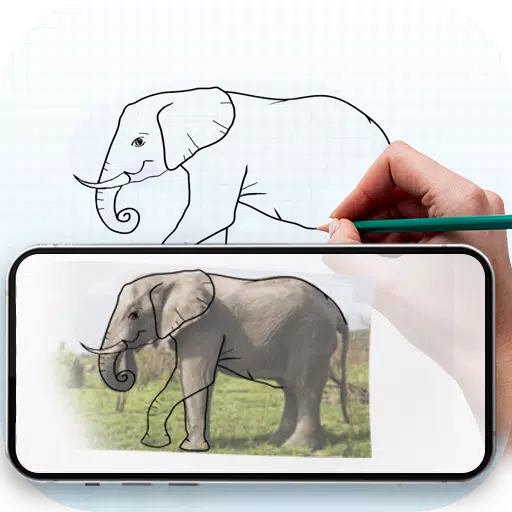
Project any image onto paper by using your phone's camera as a tracing guide.
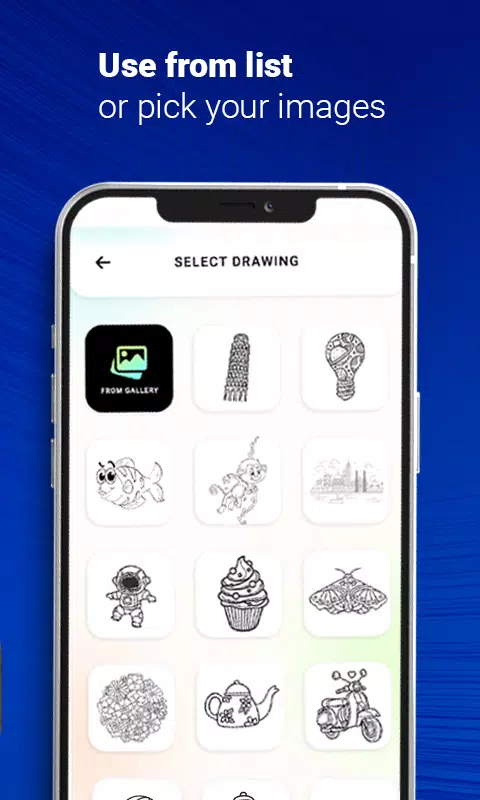
Learn and practice drawing through this method. It simplifies image tracing. Just pick an image from the app or your gallery, apply a filter to make it traceable. The image will display on your screen with the camera active. Position your phone about a foot above, look at the screen, and draw on your paper.
Key Features:
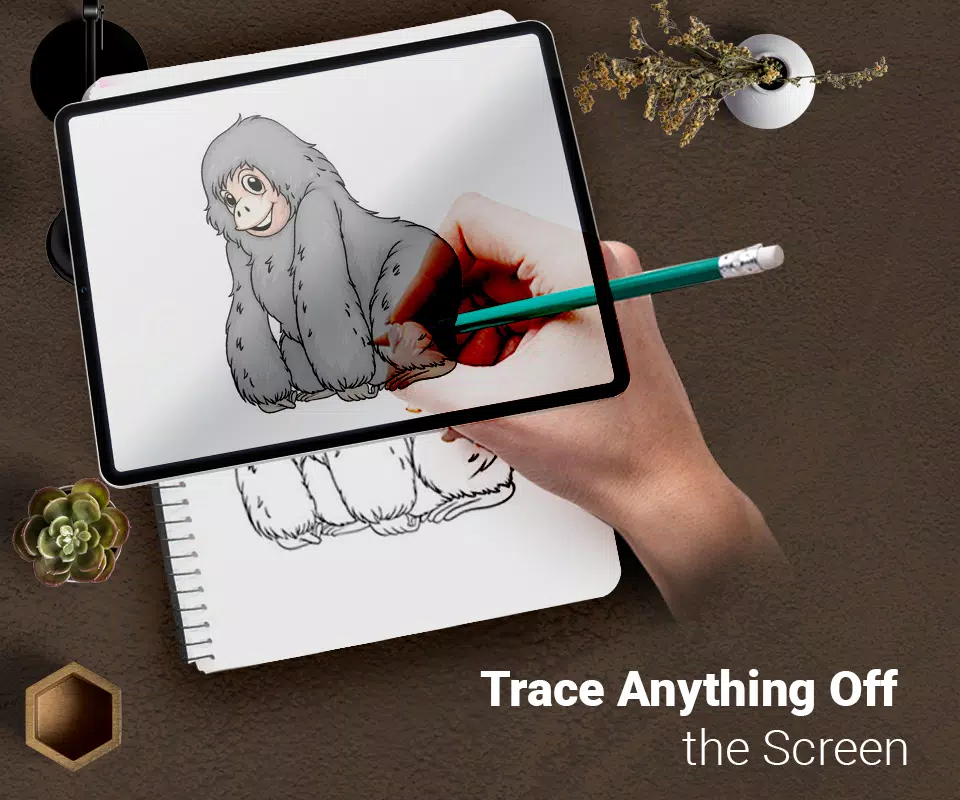
- Trace any image using the camera feed on your phone's screen. The image doesn't physically appear on the paper, but you replicate it exactly by tracing.
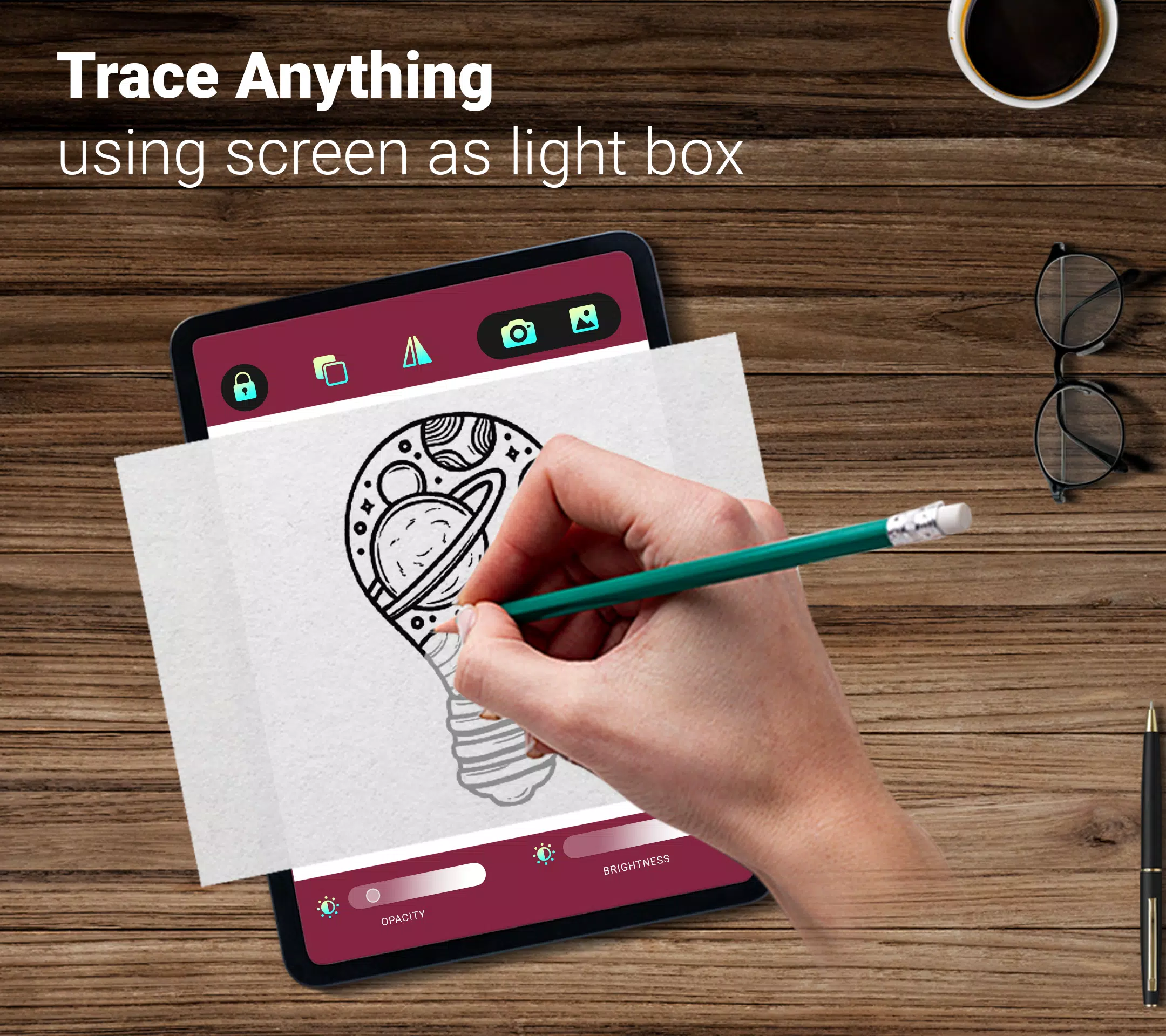
- Draw on paper while viewing a transparent image overlay with your camera open.
- Select from sample images provided in the app and draw directly in your sketchbook.
- Choose any photo from your gallery, convert it into a traceable outline, and sketch it on blank paper.
- Adjust image transparency or convert photos into line drawings to create your artwork.







![熊本のHairSalon YELLOW[ヘアサロンイエロー]](https://imgs.dgmma.com/uploads/78/173155007867355b7e469e0.webp)