Minecraft teleportation lets you instantly travel across your world, a handy feature for faster exploration, avoiding danger, and easily moving between bases or different game areas. The methods available depend on your game version, so let's explore them all.
**Also Read:** How to travel to the Nether via portal
Table of Contents
- General Information on Teleportation in Minecraft
- Teleportation in Survival Mode
- Teleportation via Command Blocks
- Teleportation on Servers
- Common Errors and Solutions
- Tips for Safe Teleportation
General Information on Teleportation in Minecraft
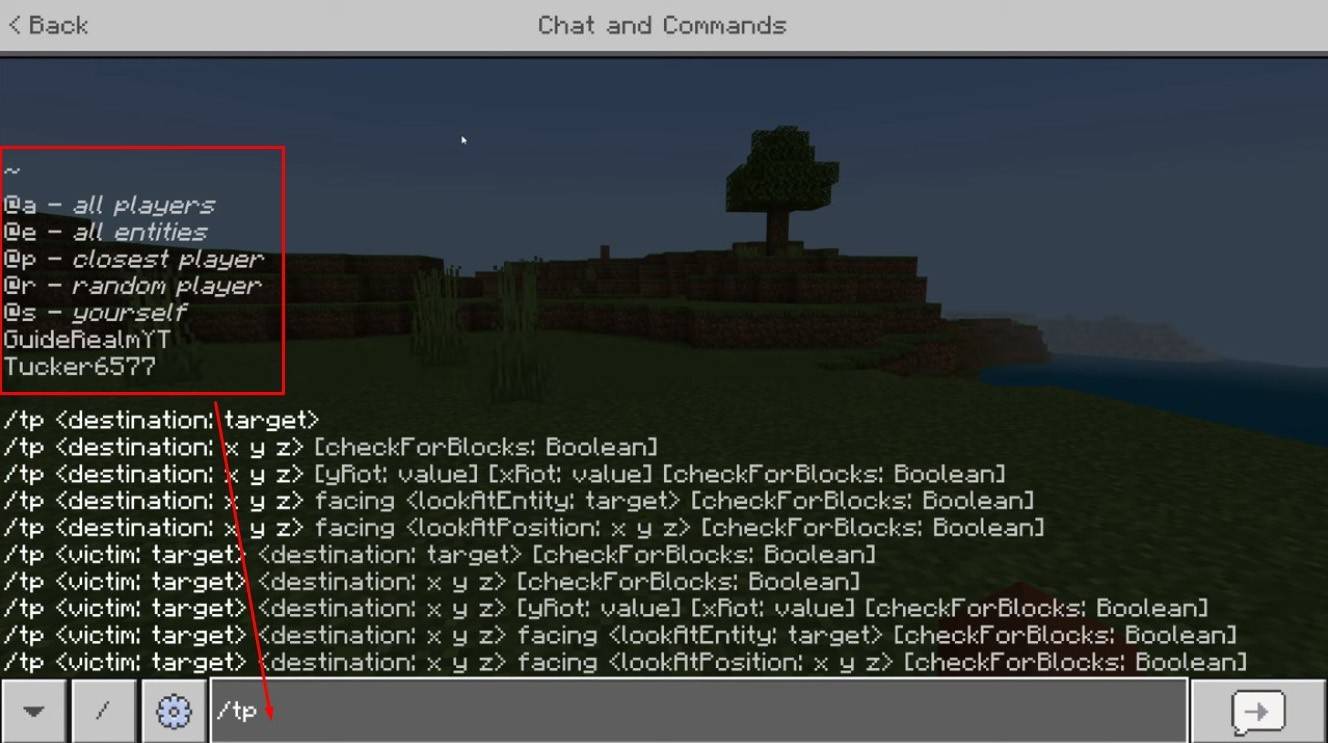
The main command is "/tp," offering many variations and parameters for precise movement. You can teleport to a player, specific coordinates, or even control your viewing direction. You can even move creatures!
Here are the main command functions:
| Command Name | Action |
|---|---|
| /tp | Teleports you to another player. |
| /tp | Allows server admins/operators to move a player. |
| /tp | Teleports you to specific world coordinates. |
| /tp | Sets viewing direction (yaw = horizontal, pitch = vertical). |
| /tp @e[type= | Teleports all creatures of a specified type to given coordinates. |
| /tp @e[type=creeper,limit=1] | Teleports only one of the nearest creatures of a specified type. |
| /tp @e | Teleports *all* entities (players, creatures, items, boats). Use cautiously; it can lag the server. |
On servers, command availability depends on player permissions. Operators and admins have free reign, while regular players need authorization.
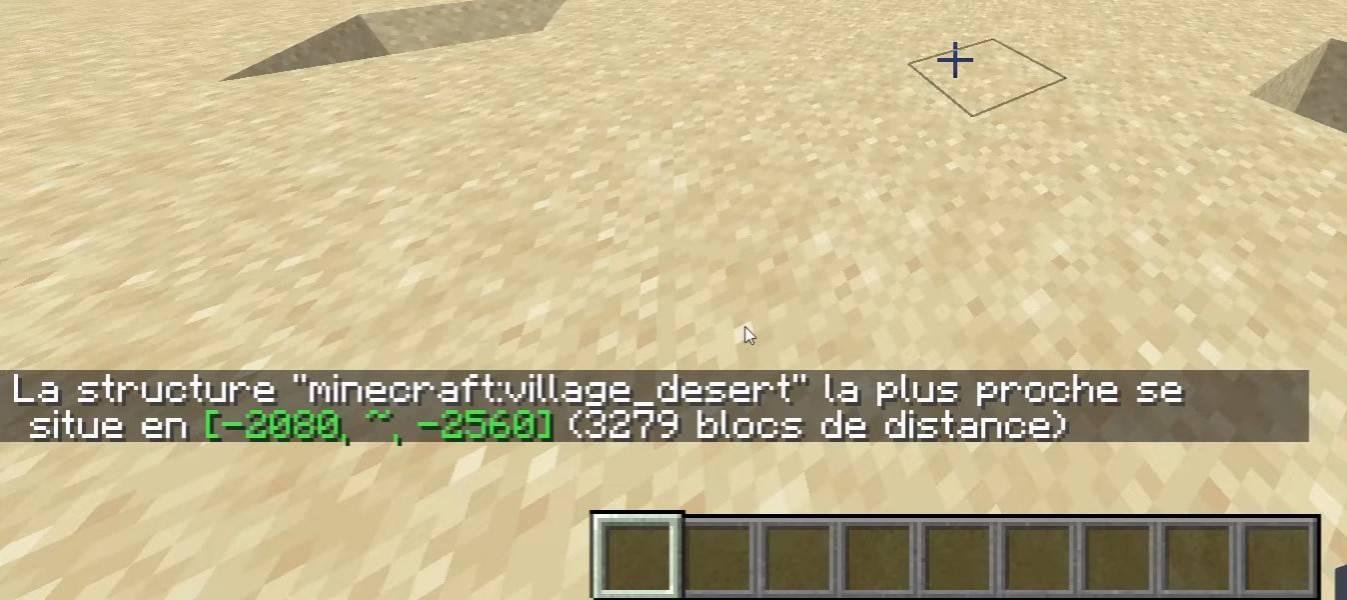
The "/locate" command is also useful for finding structures (villages, strongholds). Combined with "/tp," it quickly gets you to a location.
Teleportation in Survival Mode
This command is initially unavailable but can be enabled by activating cheats when creating a world, using a command block, obtaining admin rights on a server, or installing plugins like EssentialsX.
Teleportation via Command Blocks
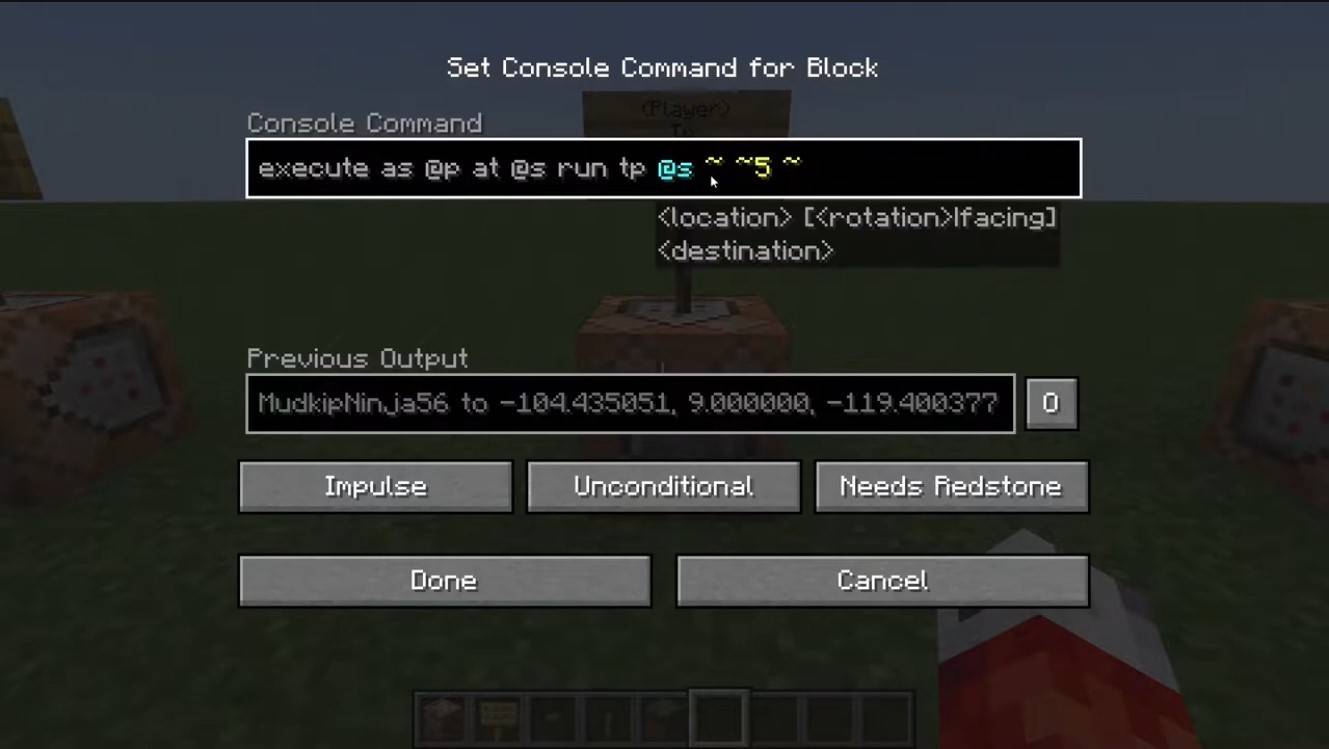
Command blocks automate teleportation. Enable them in multiplayer settings, obtain the block with "/give @p command_block," place it, enter your command, and connect a lever or button to activate your custom teleporter!
Teleportation on Servers
Servers often have custom teleportation commands, but availability depends on your role. Admins, moderators, and donators usually have more options; regular players face restrictions. Common server commands include:
- "/spawn" - Returns you to the server spawn point.
- "/home" - Teleports you to your saved home.
- "/sethome" - Sets your home point.
- "/warp" - Teleports to a predefined warp point.
- "/tpa" - Sends a teleport request to another player.
- "/tpaccept" - Accepts a teleport request.
- "/tpdeny" - Rejects a teleport request.
Check server rules before teleporting; some servers have restrictions, delays, or penalties for teleporting during combat. If a command fails, check your permissions or look for alternatives.
Common Errors and Solutions
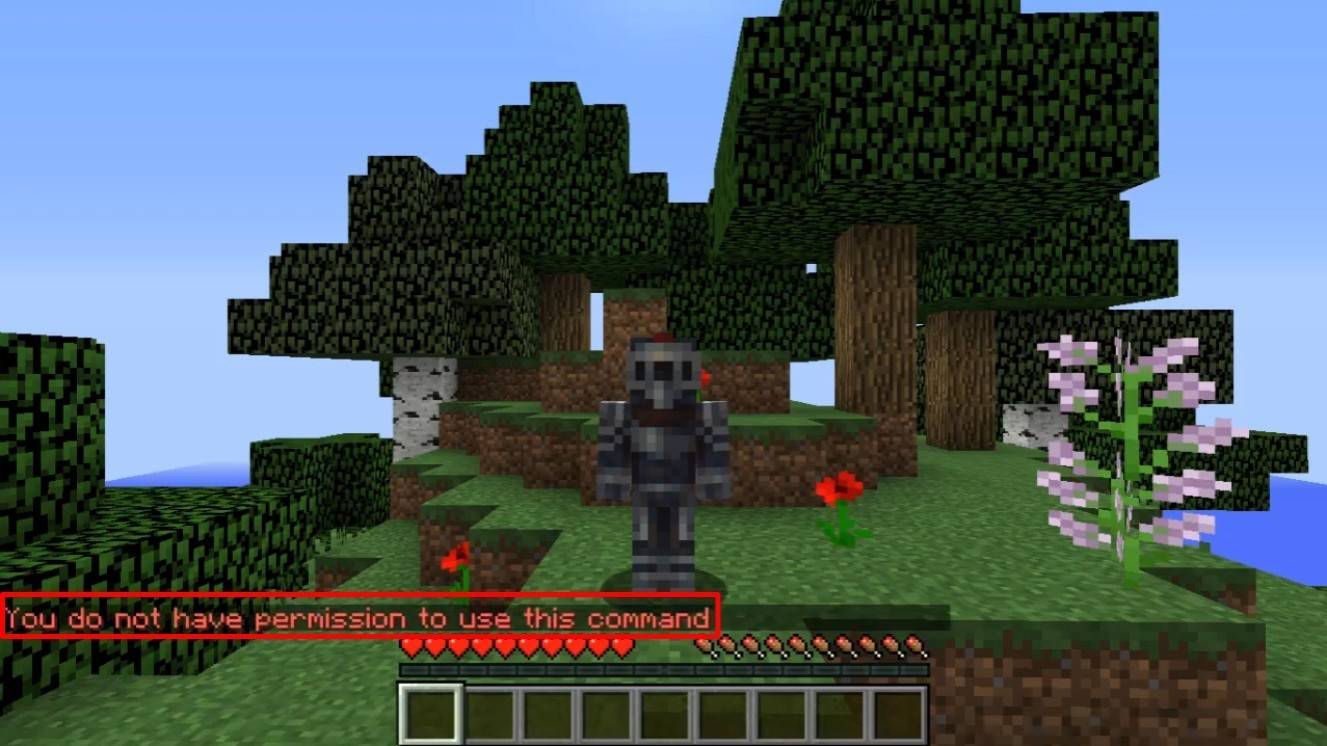
"You do not have permission" means you lack the necessary rights. Ask an admin for permission or enable cheats in singleplayer. "Incorrect argument" indicates a typing error; double-check your command and arguments. If you end up underground, ensure your Y coordinate isn't too low (64 or higher is recommended). Delays might be due to intentional server settings to prevent cheating.
Tips for Safe Teleportation
Ensure your destination is safe. On servers, use "/tpa" to avoid accidental teleports. Set a return point with "/sethome" before exploring new areas. When teleporting to unknown locations, carry potions or a totem of undying for safety.
Minecraft teleportation is a powerful tool for efficient navigation and gameplay. Command blocks, plugins, and commands allow for effective travel. Use it wisely to avoid disrupting the game experience!
Main image: youtube.com











![Return To The Village [BETA]](https://imgs.dgmma.com/uploads/96/1731064514672df2c2b2319.webp)