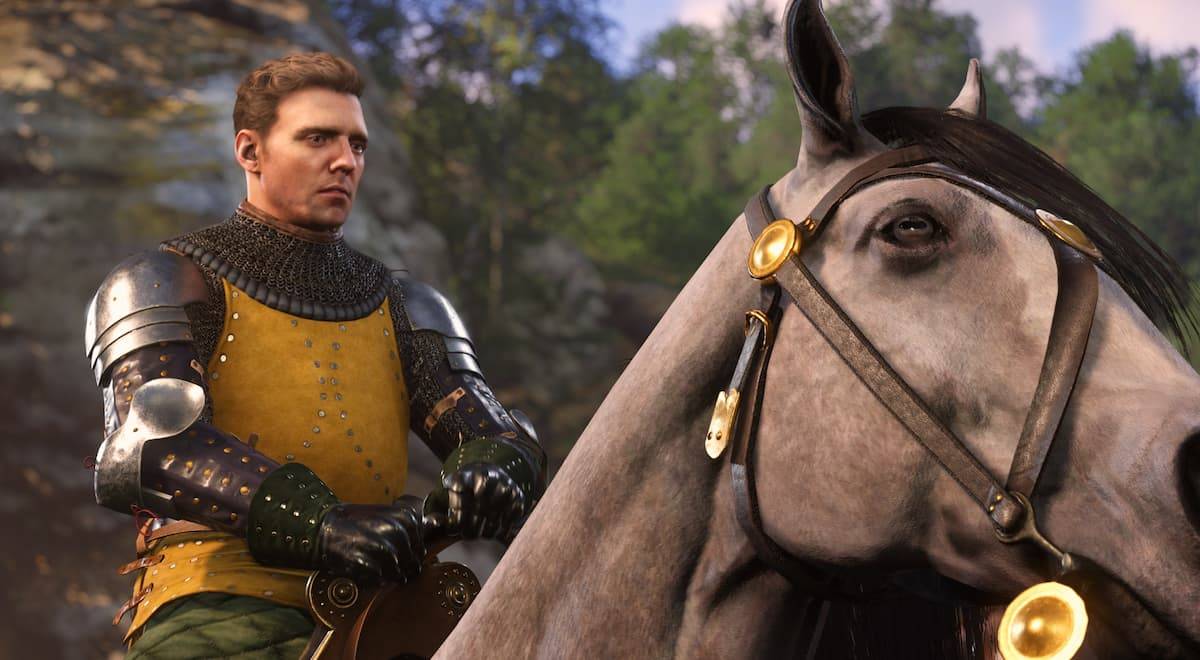
Optimize your Kingdom Come: Deliverance 2 PC gameplay for high FPS! This guide provides the best settings to maximize your framerate, assuming your system meets the recommended specifications (at least 32GB RAM is highly recommended).
Table of contents
Best PC Settings for Kingdom Come Deliverance 2Graphics SettingsAdvanced Settings
Best PC Settings for Kingdom Come Deliverance 2
While the minimum PC requirements are relatively low, Kingdom Come: Deliverance 2 is RAM-intensive. Here's how to boost your FPS:
Graphics Settings
- Display Mode: Fullscreen
- Overall Image Quality: Custom
- V-Sync: Off (unless experiencing screen tearing; then enable and consider increasing overall quality for 60fps)
- Horizontal FOV: 100
- Technology: DLSS (Quality Mode)
- Motion Blur: Off
- Near DOF: Off
Advanced Settings
- Object Quality: High
- Particles: Medium
- Lighting: Medium
- Global Illumination: Medium
- Postprocessing Quality: Low
- Shader Quality: Medium
- Shadows: Medium
- Textures: High
- Volumetric Effects Detail: Medium
- Vegetation Detail: Medium
- Character Detail: High
These settings should deliver a smooth 100+ FPS experience in less populated areas, with slightly lower FPS in busier locations. Prioritize V-Sync if screen tearing is a problem, accepting a potential FPS reduction for a smoother visual experience.
For more Kingdom Come: Deliverance 2 tips, including romance options and perk strategies, check out The Escapist.