Your in-game name in Blizzard games is more than just a nickname; it's your digital identity, a reflection of your personality and gaming style. But what happens when that cool name gets old? Fortunately, changing your name is straightforward, though the method depends on your platform.
Table of Contents
- Can you change your name in Overwatch 2?
- How to Change Your Name in Overwatch 2
- Changing Your Nick on PC
- Changing Your Name on Xbox
- Changing Your Username on PlayStation
- Final Recommendations
Can you change your name in Overwatch 2?
Yes! Changing your Overwatch 2 name is easy, regardless of whether you're on PC or console. This guide will walk you through the process.
How to Change Your Name in Overwatch 2
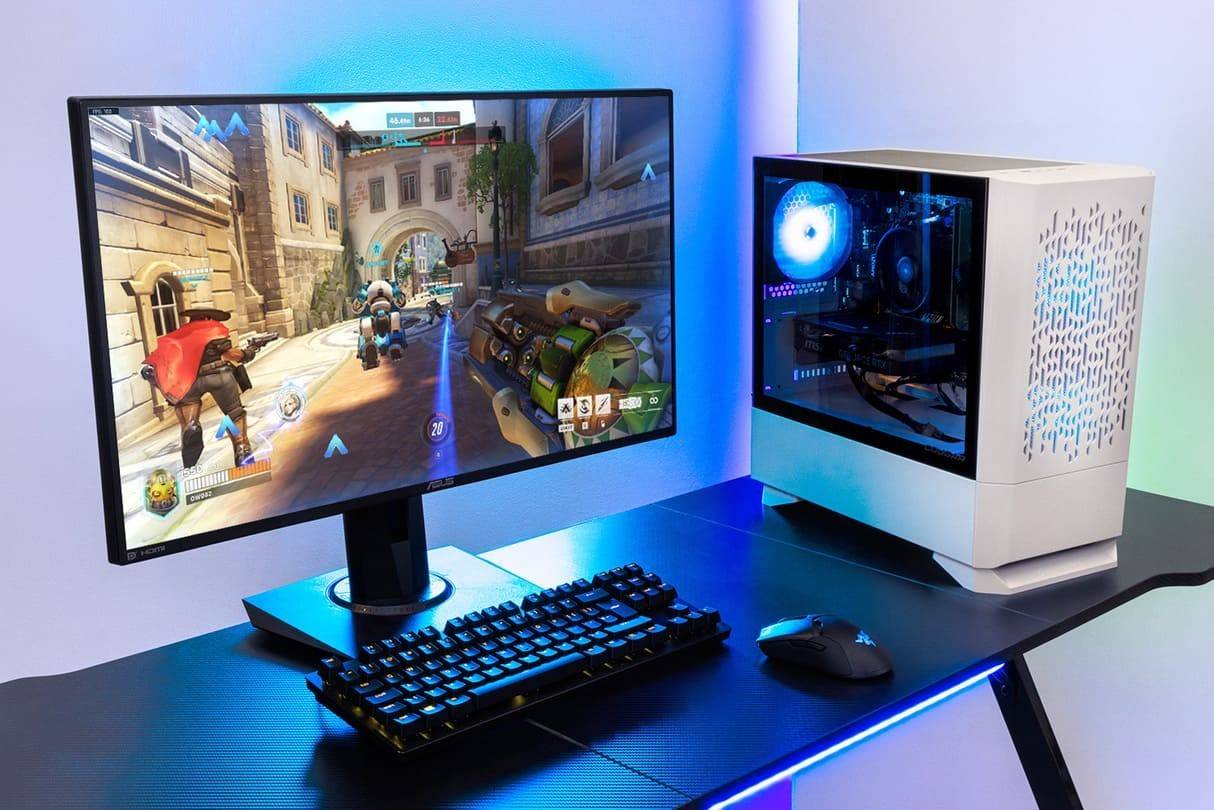
Your in-game name is tied to your Battle.net account (your BattleTag). Here's what you need to know:
- You get one free BattleTag change.
- Subsequent changes cost money (approximately $10 USD; check your region's pricing in the Battle.net shop).
- If you have cross-platform play enabled, the process is the same for PC and consoles.
- If cross-platform play is disabled, you'll change your name through your console's settings.
Changing Your Nick on PC
For PC players, or console players with cross-platform play enabled, follow these steps:
- Go to the Battle.net website and log in.
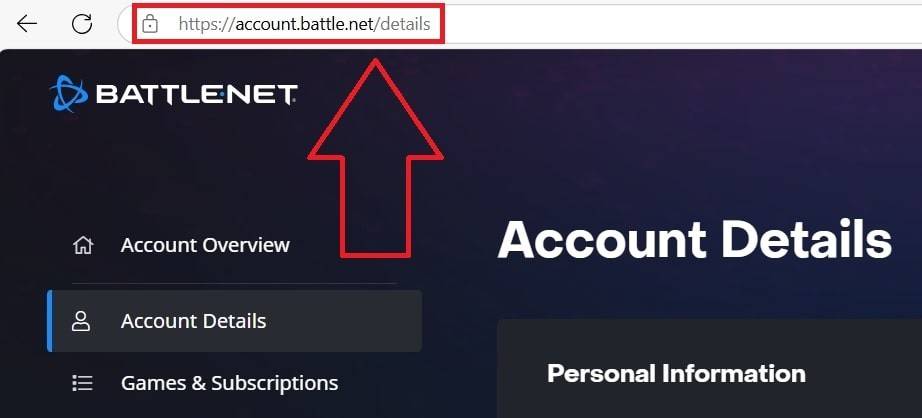
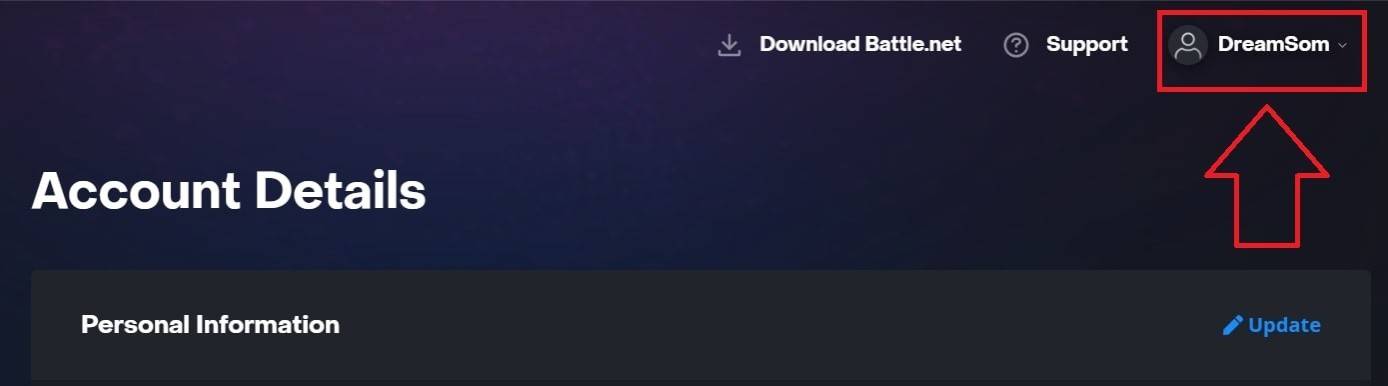 Click your username (top right).
- Select "Account Settings" and find your BattleTag.
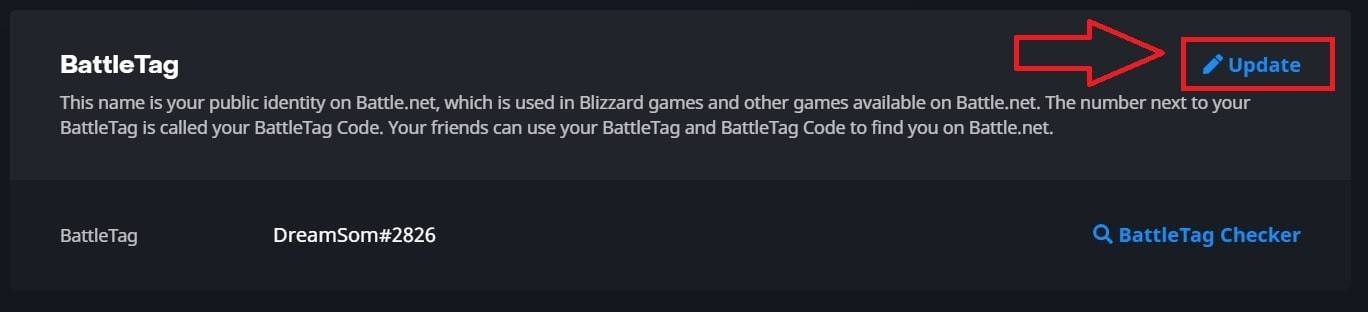 Click the blue "Update" (pencil icon).
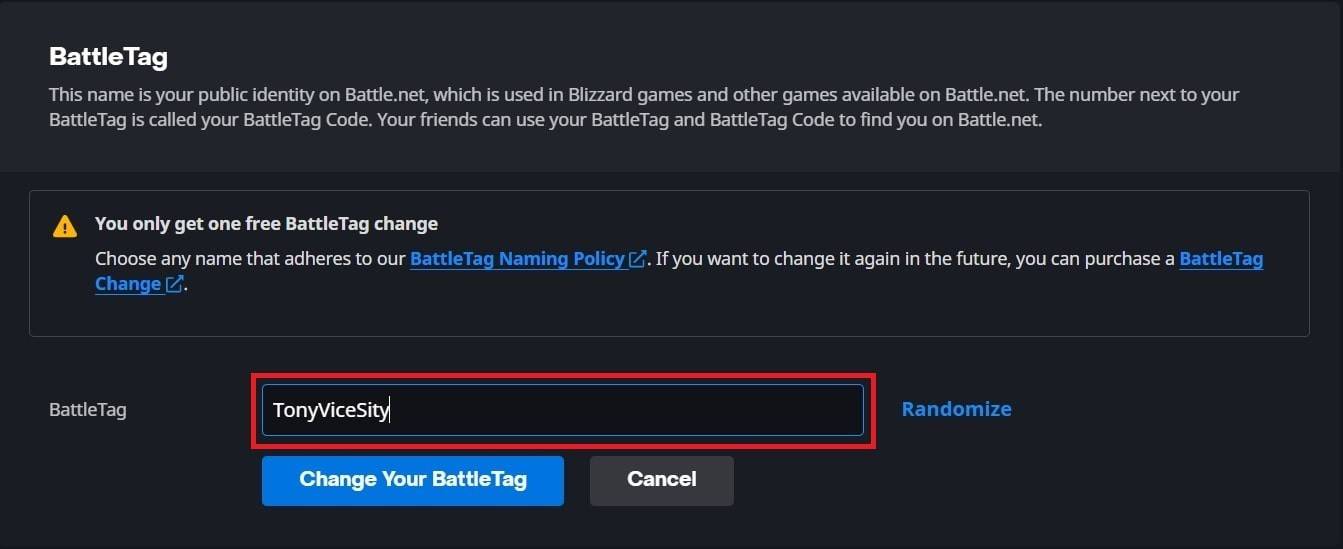 Enter your new name (following BattleTag naming rules).
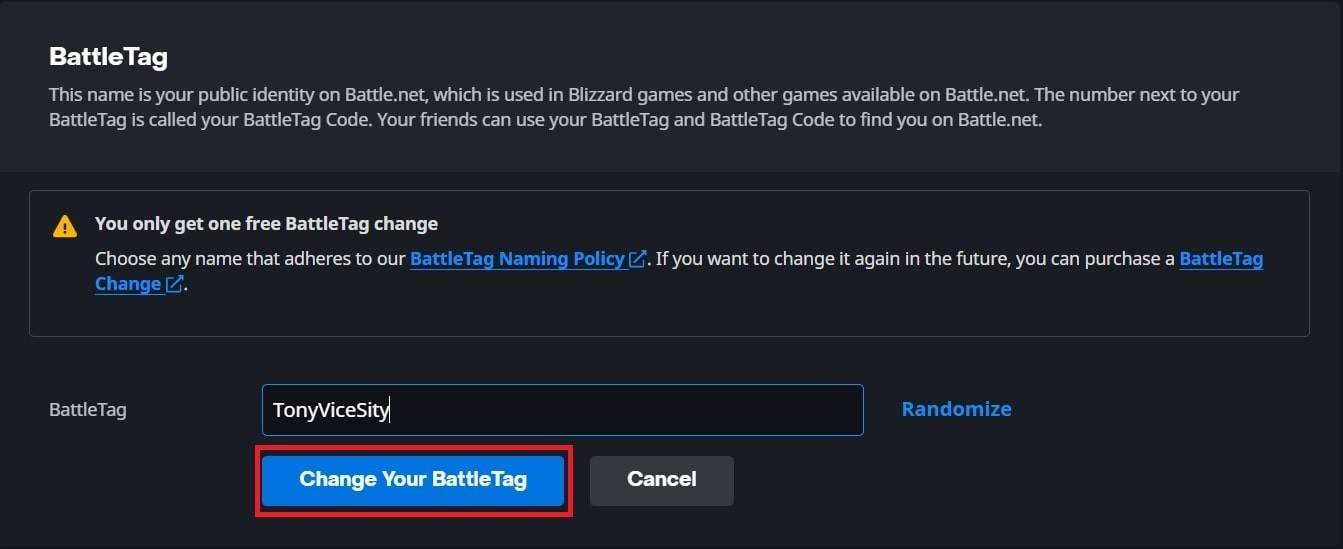 Click "Change Your BattleTag".
Your new name might take up to 24 hours to fully update.
Changing Your Name on Xbox
With cross-platform play disabled, your Xbox Gamertag is your in-game name. Here's how to change it:
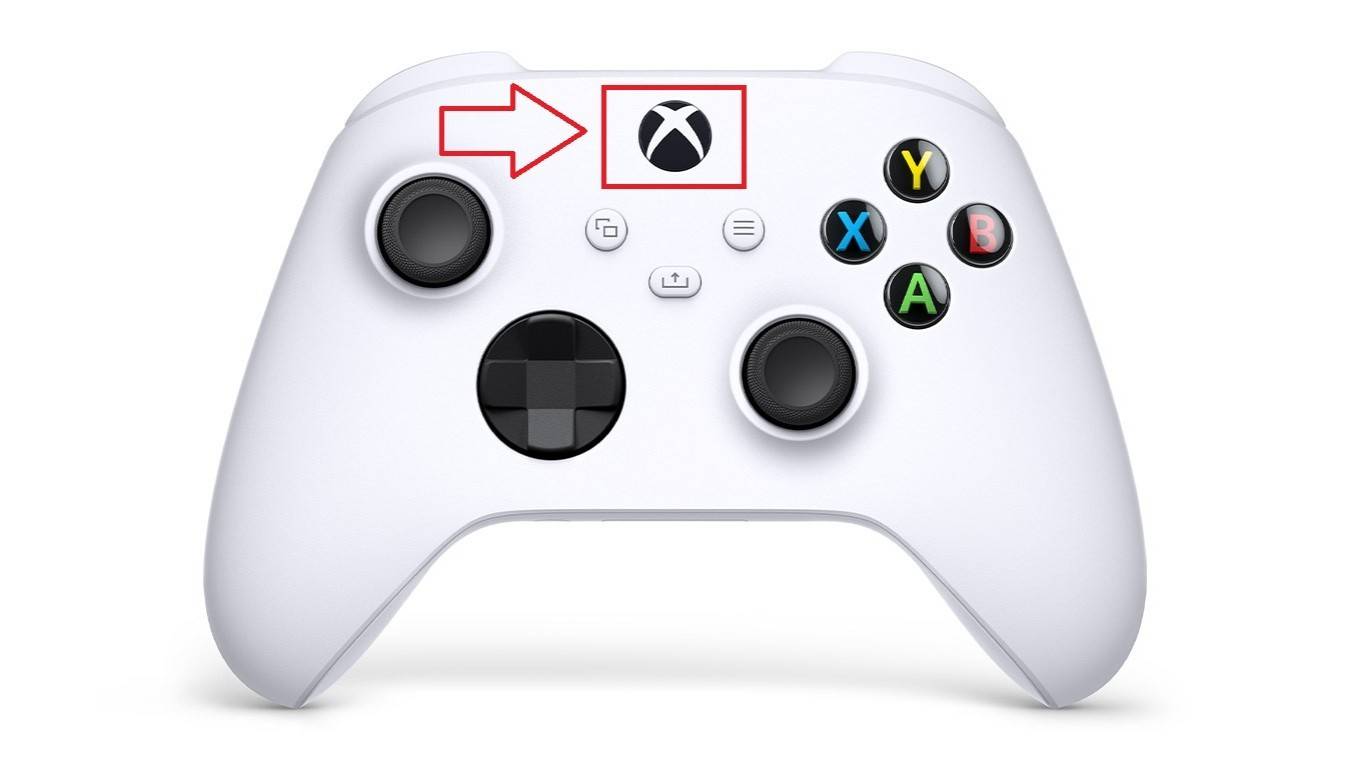
- Press the Xbox button; go to "Profile & System", then your profile.
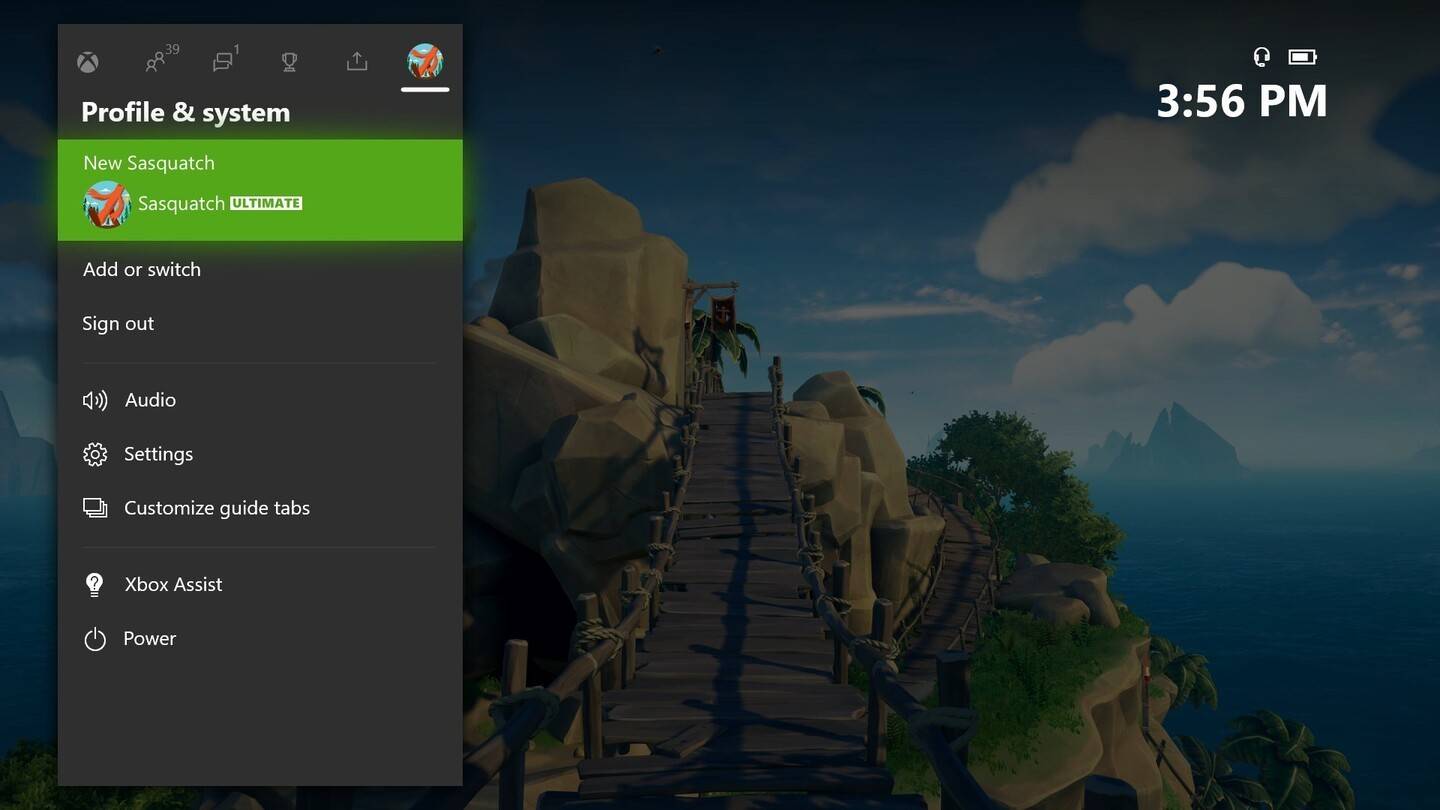 Select "My Profile", then "Customize Profile".
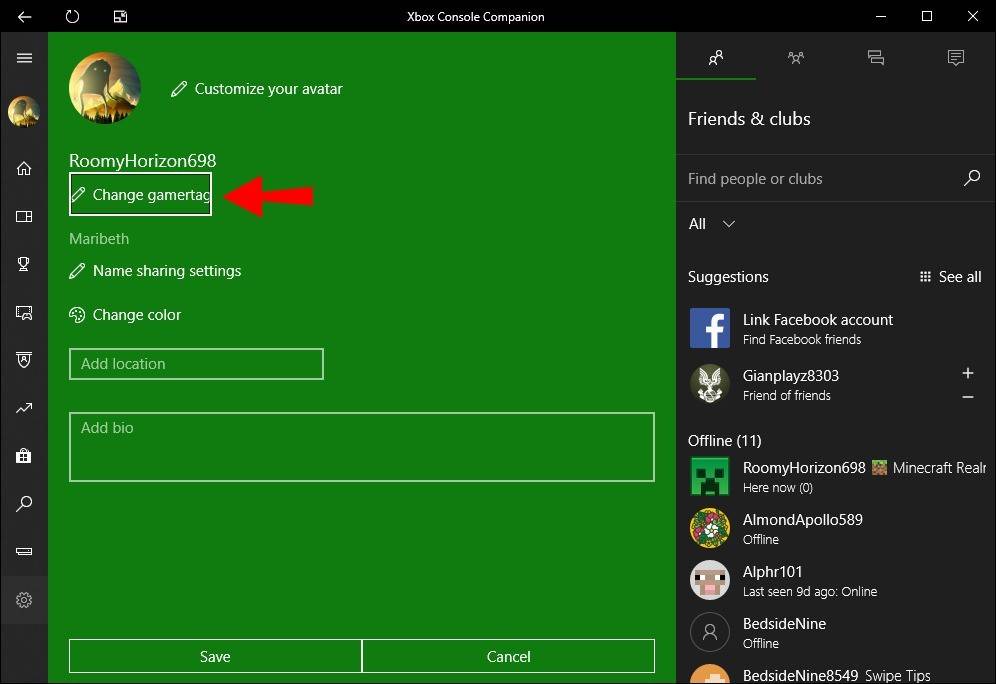 Click your Gamertag, enter the new one, and confirm.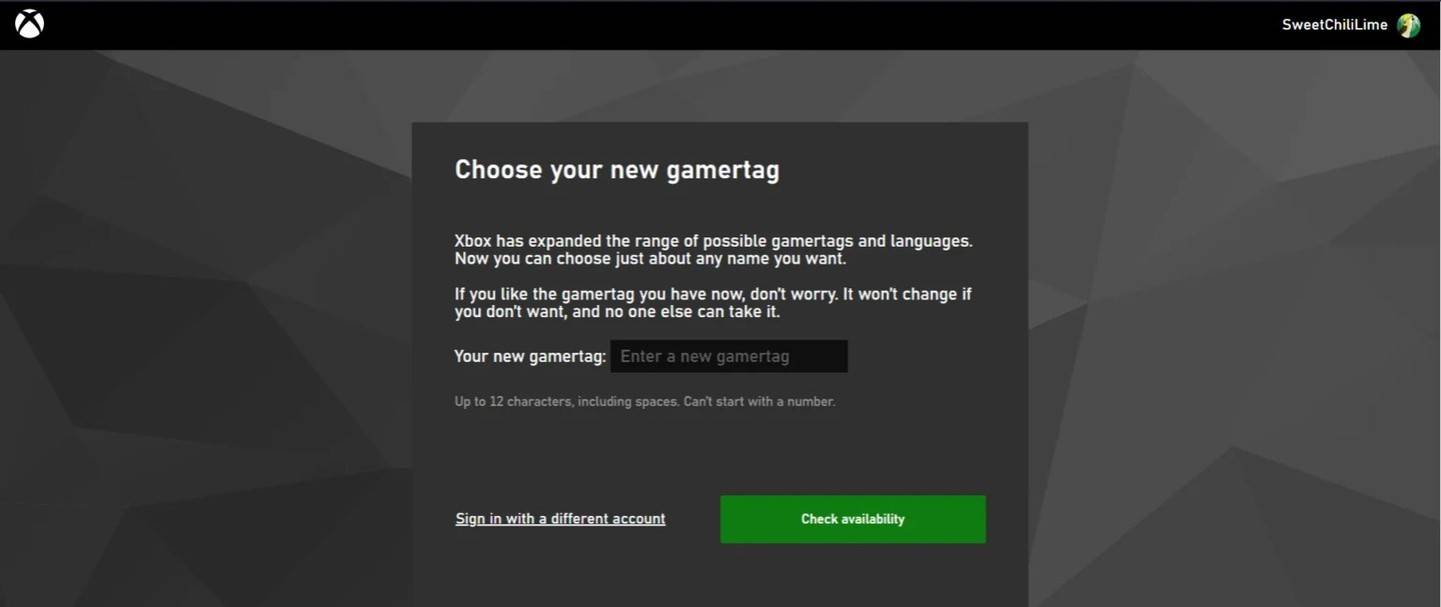
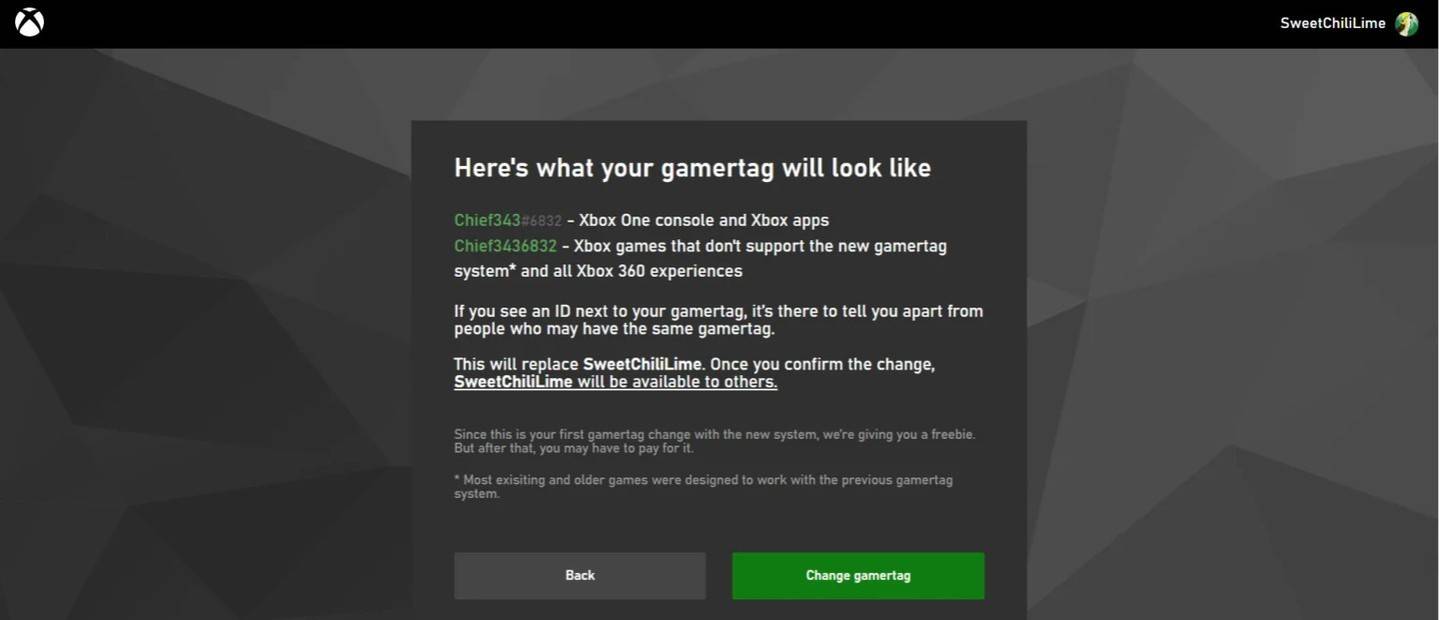
Note: This only changes your name for other Xbox players without cross-play.
Changing Your Username on PlayStation
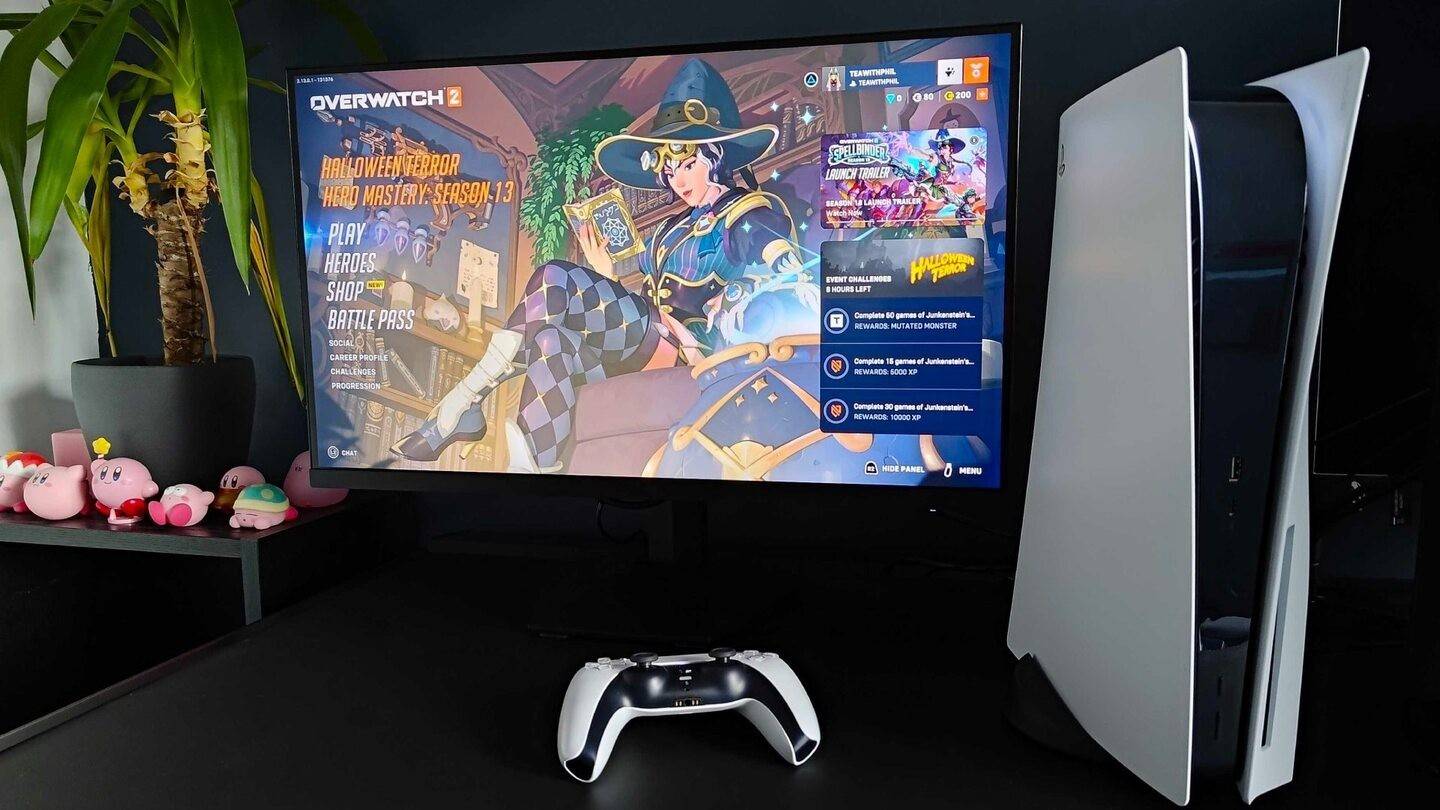
On PlayStation, you use your PSN ID. With cross-platform play disabled:
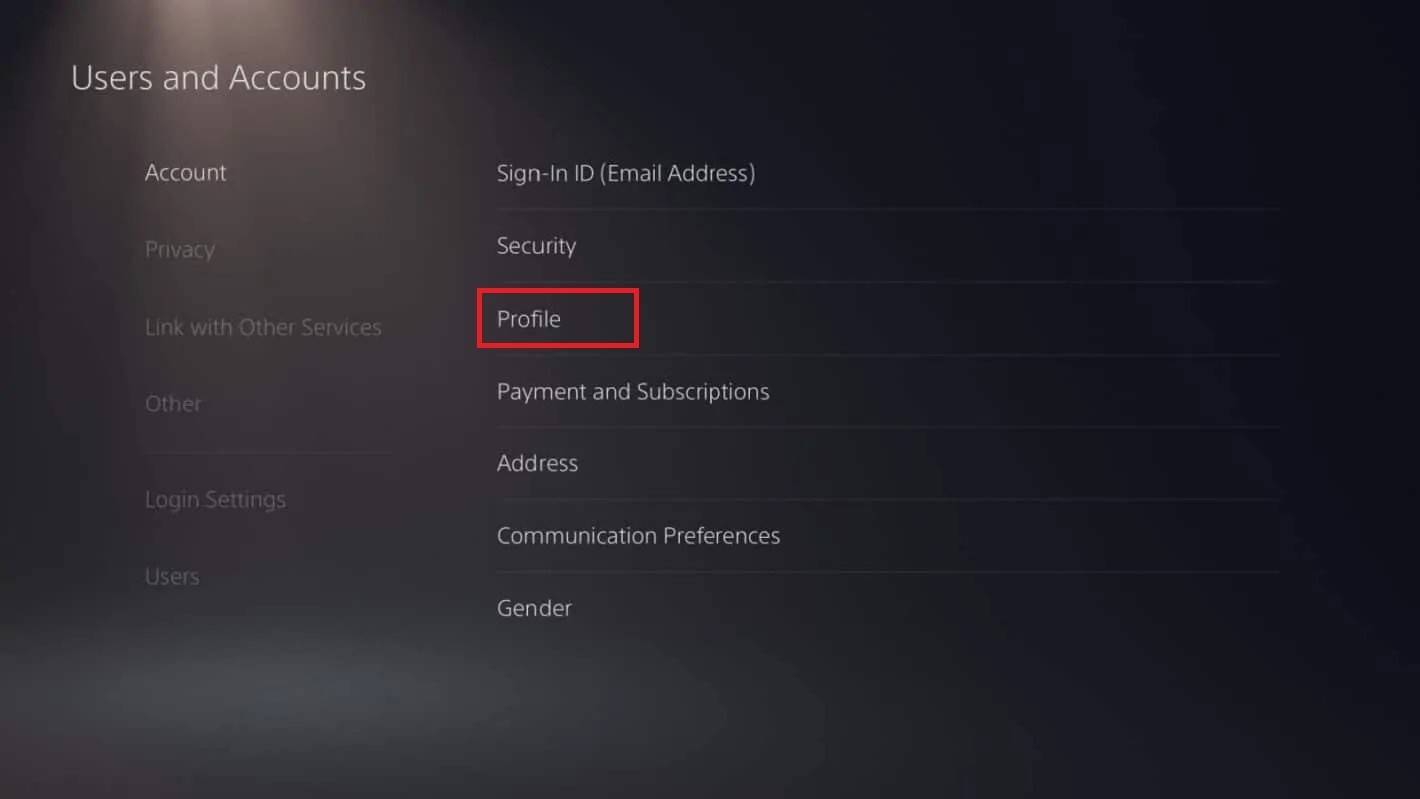
- Go to "Settings", then "Users and Accounts", then "Accounts", and "Profile".
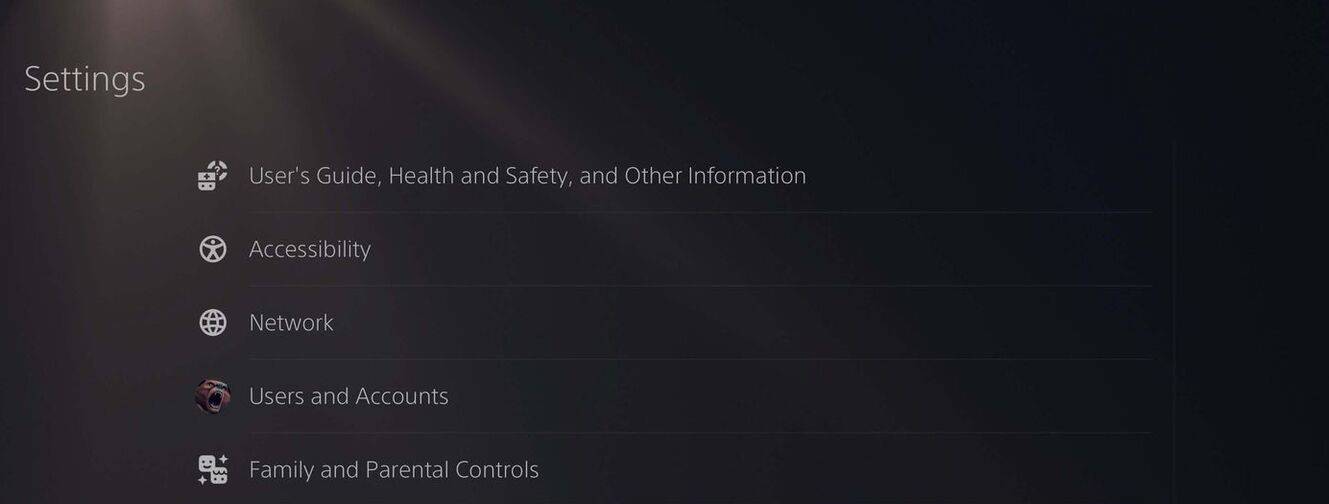
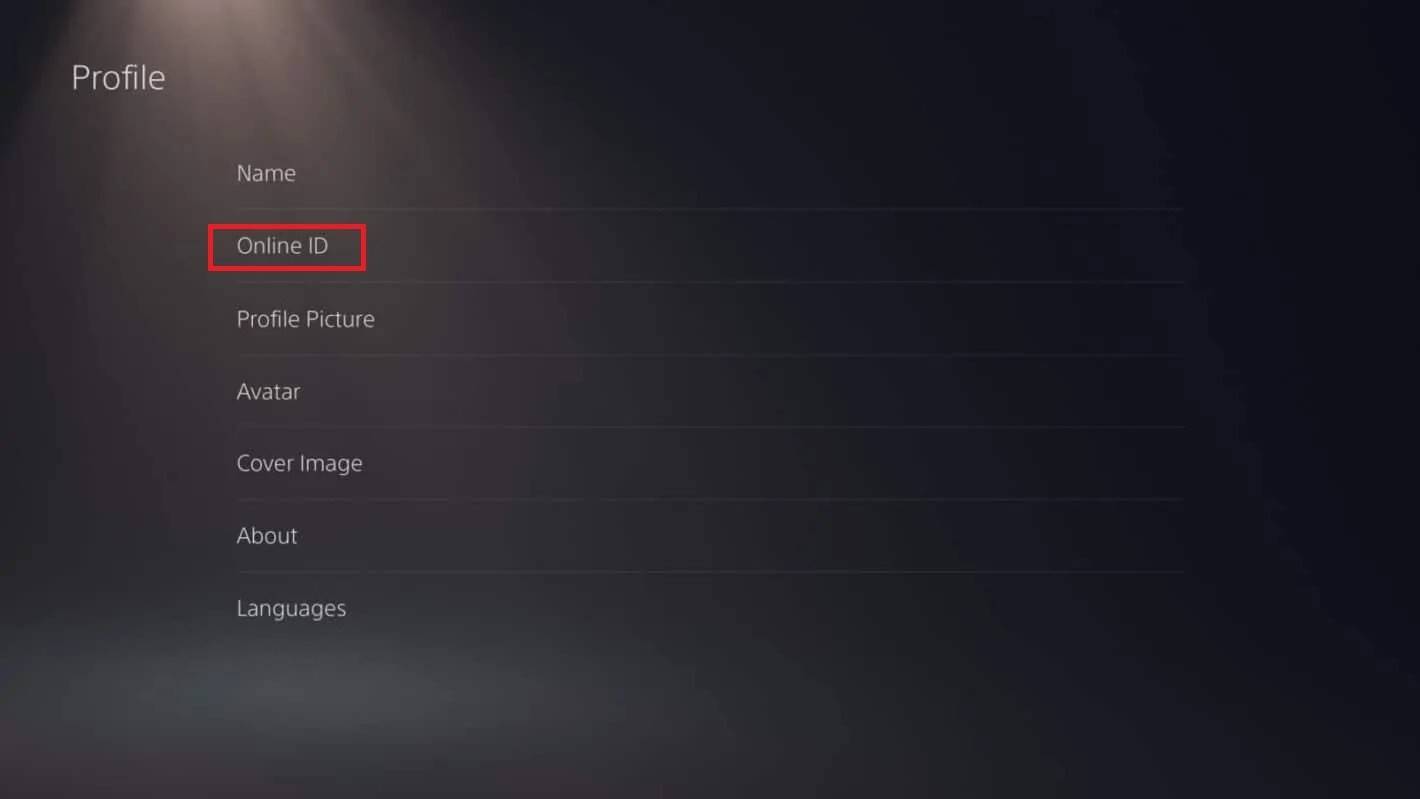 Find "Online ID", click "Change Online ID", enter your new name, and confirm.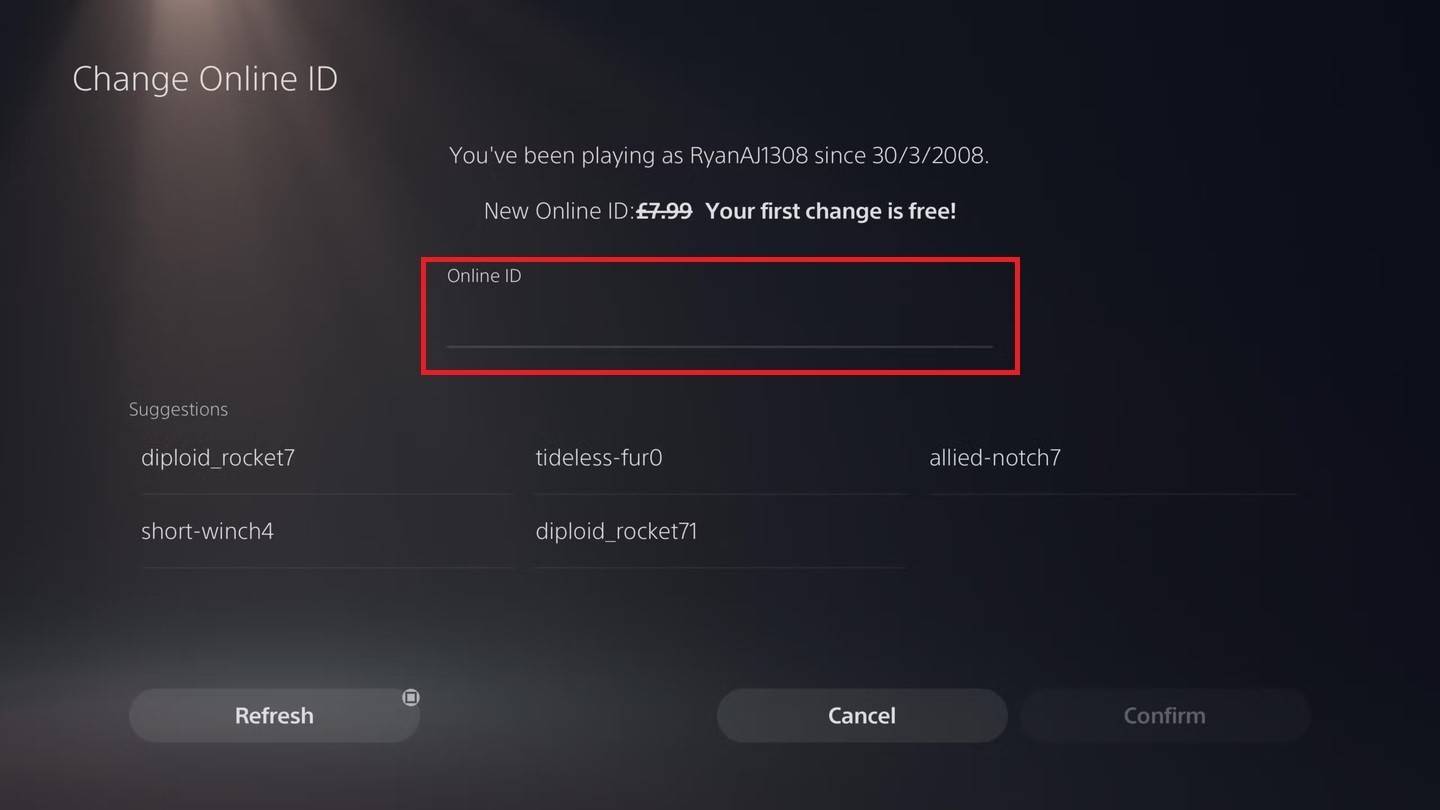
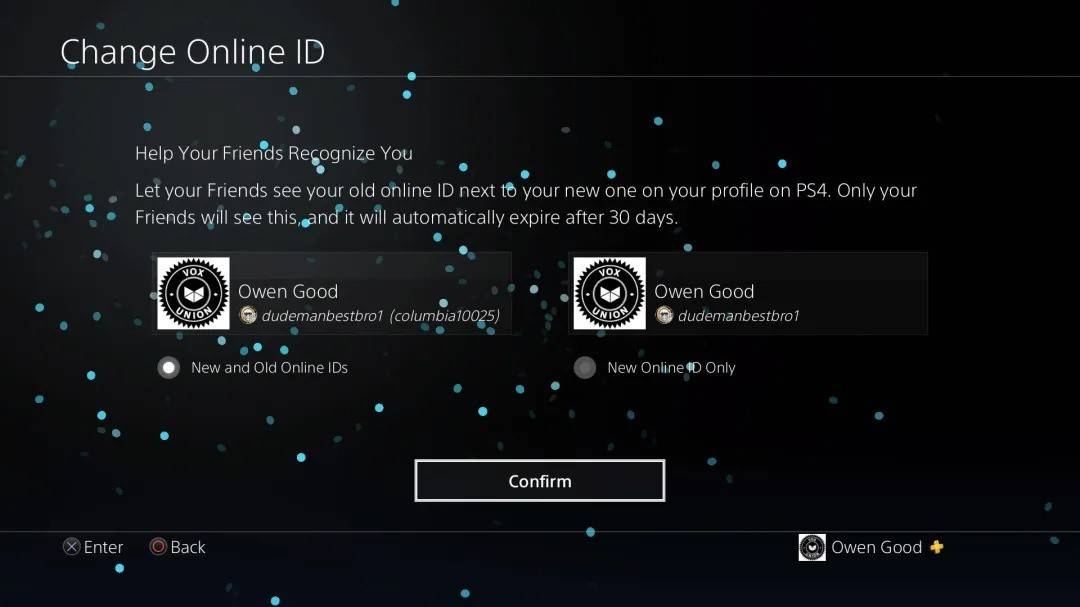
Note: This only changes your name for other PlayStation players without cross-play.
Final Recommendations
Choose the method above that applies to your setup (PC/cross-play enabled vs. console/cross-play disabled). Remember, you only get one free BattleTag change; subsequent changes incur a fee. Ensure sufficient funds in your Battle.net Wallet if needed.