
Nuga Cloner APK: Mastering Multiple Apps on Your Android Device
Nuga Cloner, a groundbreaking app developed by Nuga Cloner Dev, revolutionizes Android app management. It allows users to run multiple instances of the same app simultaneously on a single device, ideal for managing multiple social media accounts, gaming profiles, or boosting productivity. This advanced tool offers unparalleled flexibility and efficiency for the modern Android user.
Why Users Love Nuga Cloner
The core appeal of Nuga Cloner lies in its effortless app duplication. Users appreciate the ability to manage numerous accounts across various platforms without needing multiple devices. This significantly enhances productivity and engagement, allowing seamless transitions between different roles or perspectives – perfect for both personal and professional use.
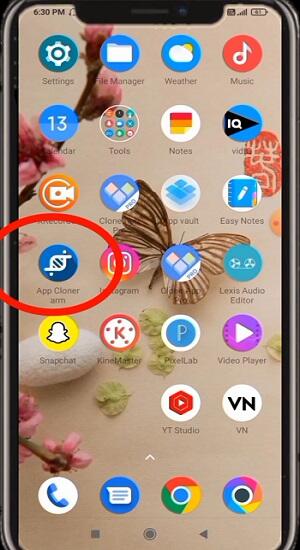
Nuga Cloner also prioritizes privacy and security with robust data protection measures. Its customization options allow users to personalize cloned apps with unique icons and names, improving organization and the overall user experience. The data-saving features, restricting cloned apps to Wi-Fi usage, offer significant mobile data cost reductions.
How Nuga Cloner Works
Efficiently managing apps with Nuga Cloner is straightforward:
- Download Nuga Cloner from a reputable source to ensure you obtain the authentic, secure version.
- Enable "Allow from Unknown Sources" in your phone's security settings to permit the installation.
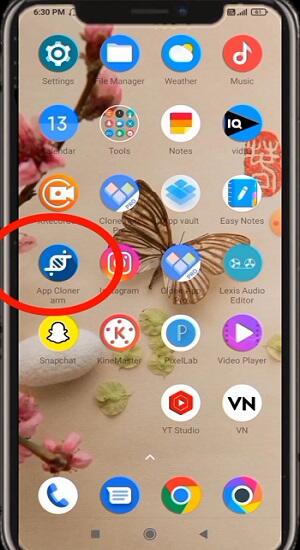
- Install the APK and launch Nuga Cloner, following the on-screen instructions.
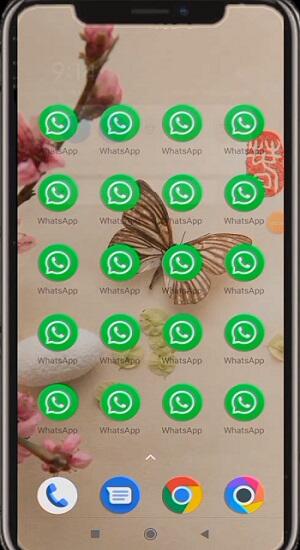
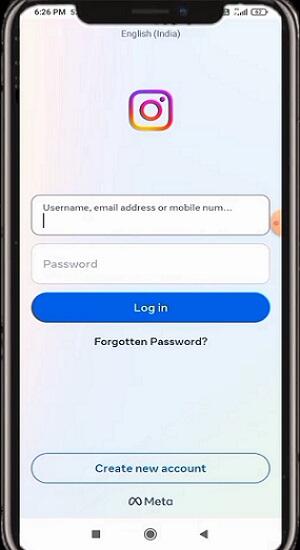
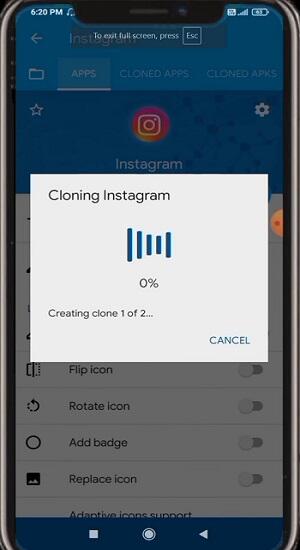
- Select the app for cloning, customize its settings (icon, name, etc.), and create the clone. This clear differentiation between original and cloned apps simplifies management.
Advertisement
Key Features of Nuga Cloner APK
Nuga Cloner boasts a comprehensive feature set:
- App Cloning: Effortlessly create multiple app instances for managing multiple accounts.
- Customization: Personalize cloned apps with over 200 customization options, including icons, names, and settings.
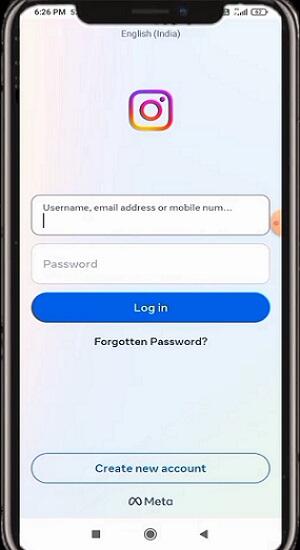
- Privacy Protection: Incognito mode and password protection enhance security and confidentiality.
- Network Control: Restrict cloned app internet access to Wi-Fi to conserve mobile data.
- Multiple Account Management: Simultaneously manage multiple accounts for various apps.
- Storage Management: Keep cloned app data separate from originals for better organization.
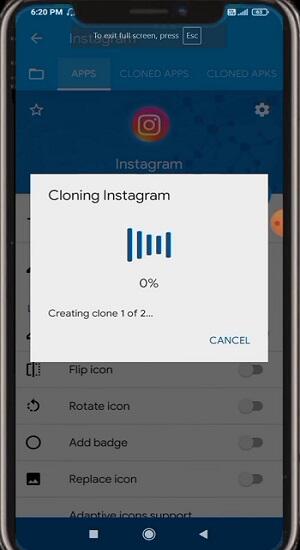
- Easy Updates: Easily update all cloned apps simultaneously.
- User-Friendly Interface: Intuitive design for seamless app cloning, regardless of user experience level.
Tips for Maximizing Nuga Cloner Usage in 2024
To optimize Nuga Cloner's performance:
Advertisement
- Backup Original Apps: Create backups before cloning to safeguard your data.
- Manage Permissions Carefully: Review and grant only necessary permissions for cloned apps.
- Regularly Update Cloned Apps: Maintain compatibility and security with regular updates.
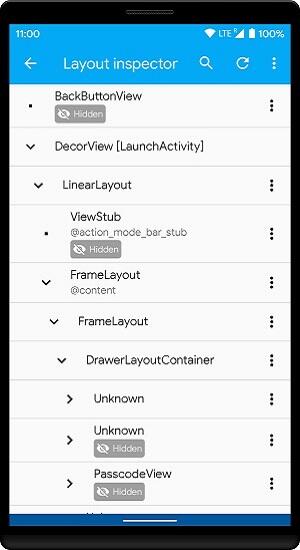
- Optimize App Performance: Adjust resource allocation in Nuga Cloner to improve performance.
- Manage Storage: Regularly clear cache and unused data to maintain optimal device performance.
- Utilize Security Features: Leverage app locking and incognito mode for enhanced security.
- Customize Notifications: Manage notifications effectively to avoid overload.
Conclusion
Nuga Cloner is an indispensable tool for Android users seeking to overcome single-account limitations. Its comprehensive features, from app cloning to robust privacy controls, empower users to personalize their mobile experience. Download Nuga Cloner MOD APK today and elevate your mobile productivity.








![熊本のHairSalon YELLOW[ヘアサロンイエロー]](https://imgs.dgmma.com/uploads/78/173155007867355b7e469e0.webp)