Send your Silhouette designs to Bluetooth-enabled cutting machines directly from your mobile device - anytime, anywhere!
Silhouette Go unlocks a new level of mobility. Operate your Silhouette cutting machine from any room or while on the move, using only your smartphone or tablet. Effortlessly pick designs from your Silhouette Library and wirelessly send them to your cutter via Bluetooth.
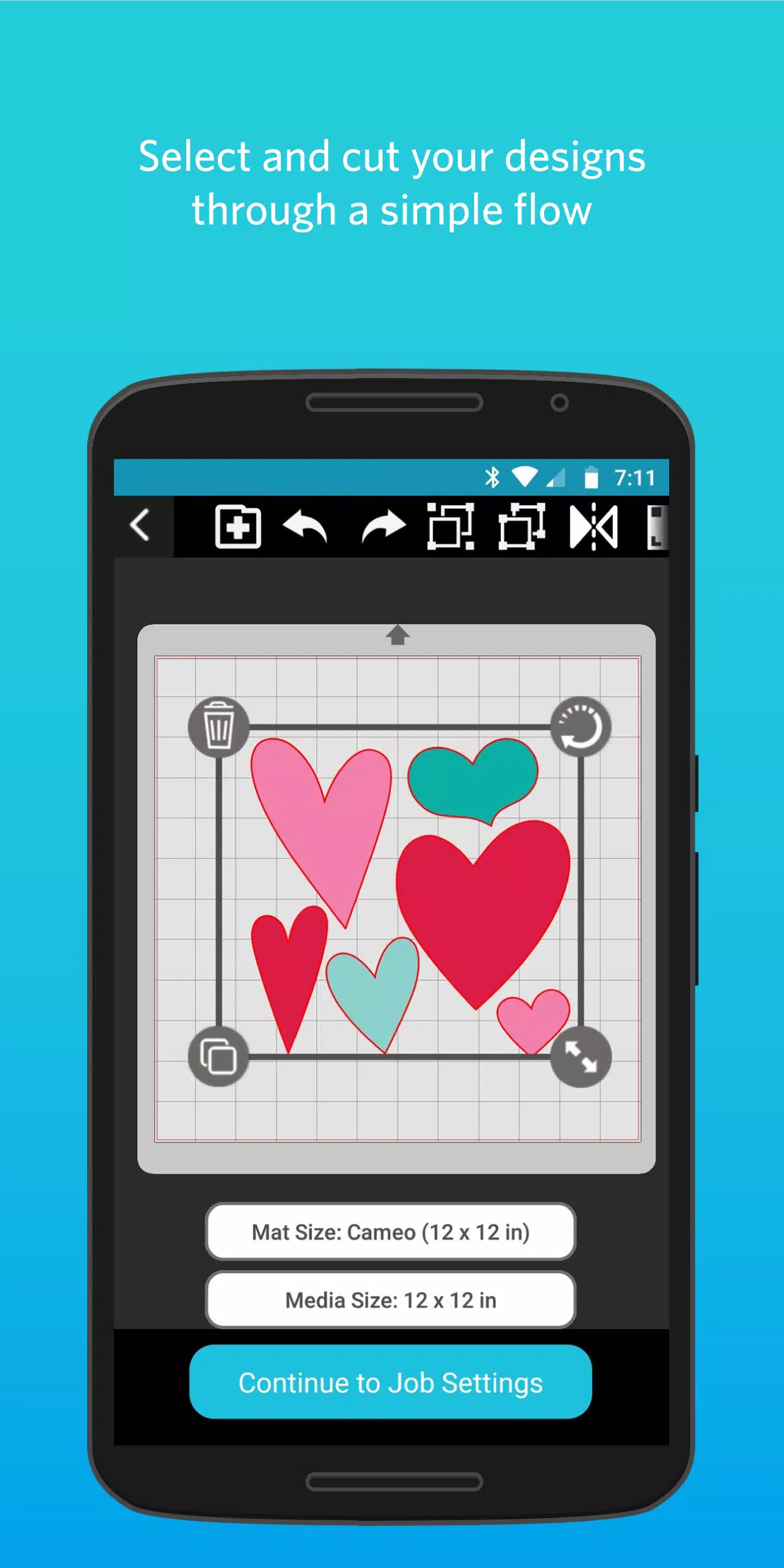
● SIMPLE FLOW
Silhouette Go simplifies the entire process with a guided, step-by-step workflow. Just open the app on your mobile device, choose your design, adjust the cut settings, and send it directly to your Silhouette machine.
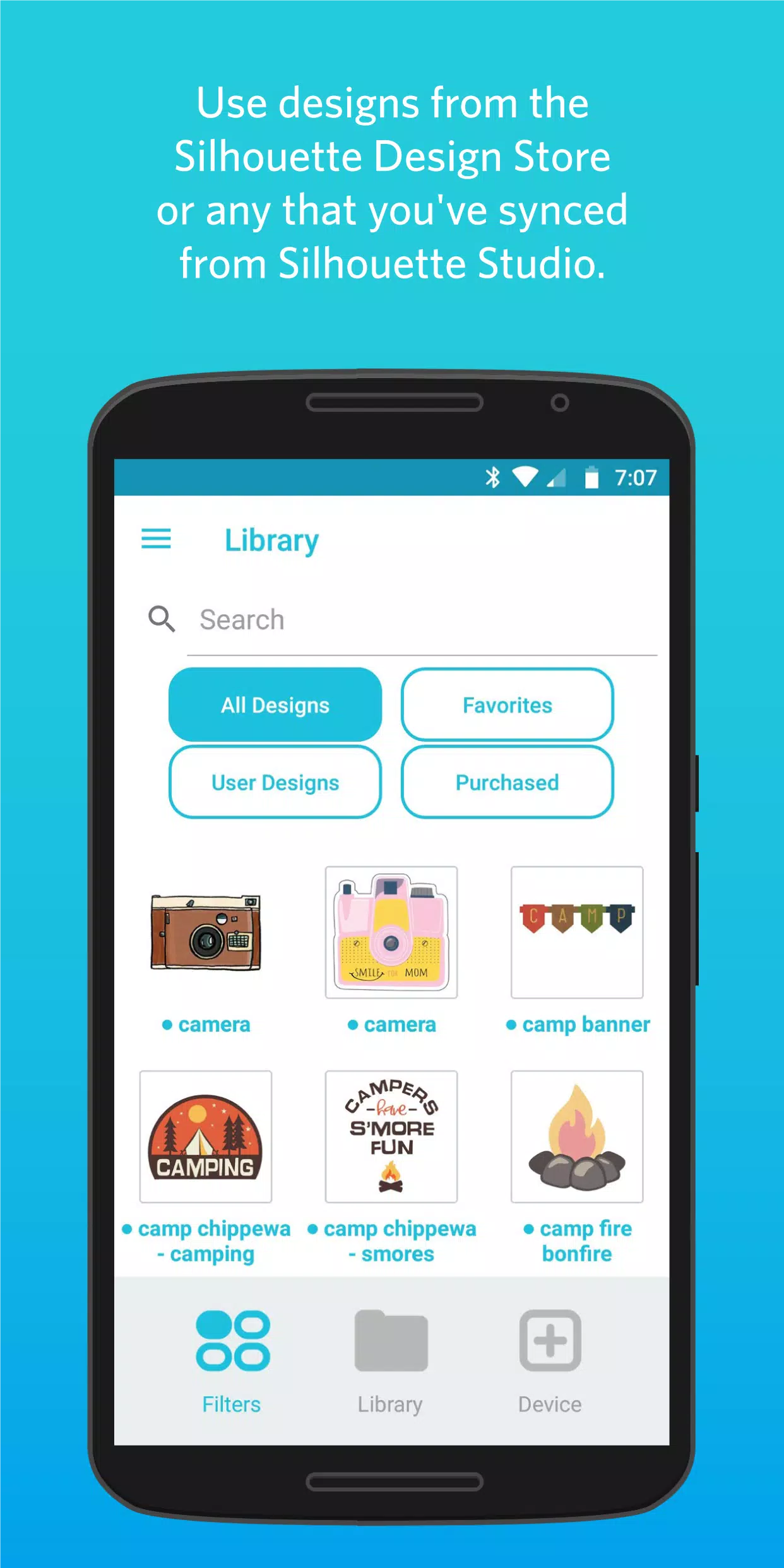
● ACCESS YOUR LIBRARY
Any design downloaded from the Silhouette Design Store or synced from Silhouette Studio is immediately available and ready to use.
● OPEN SVG FILES
Directly import your own SVG files into the app from your phone's storage for quick and easy use.
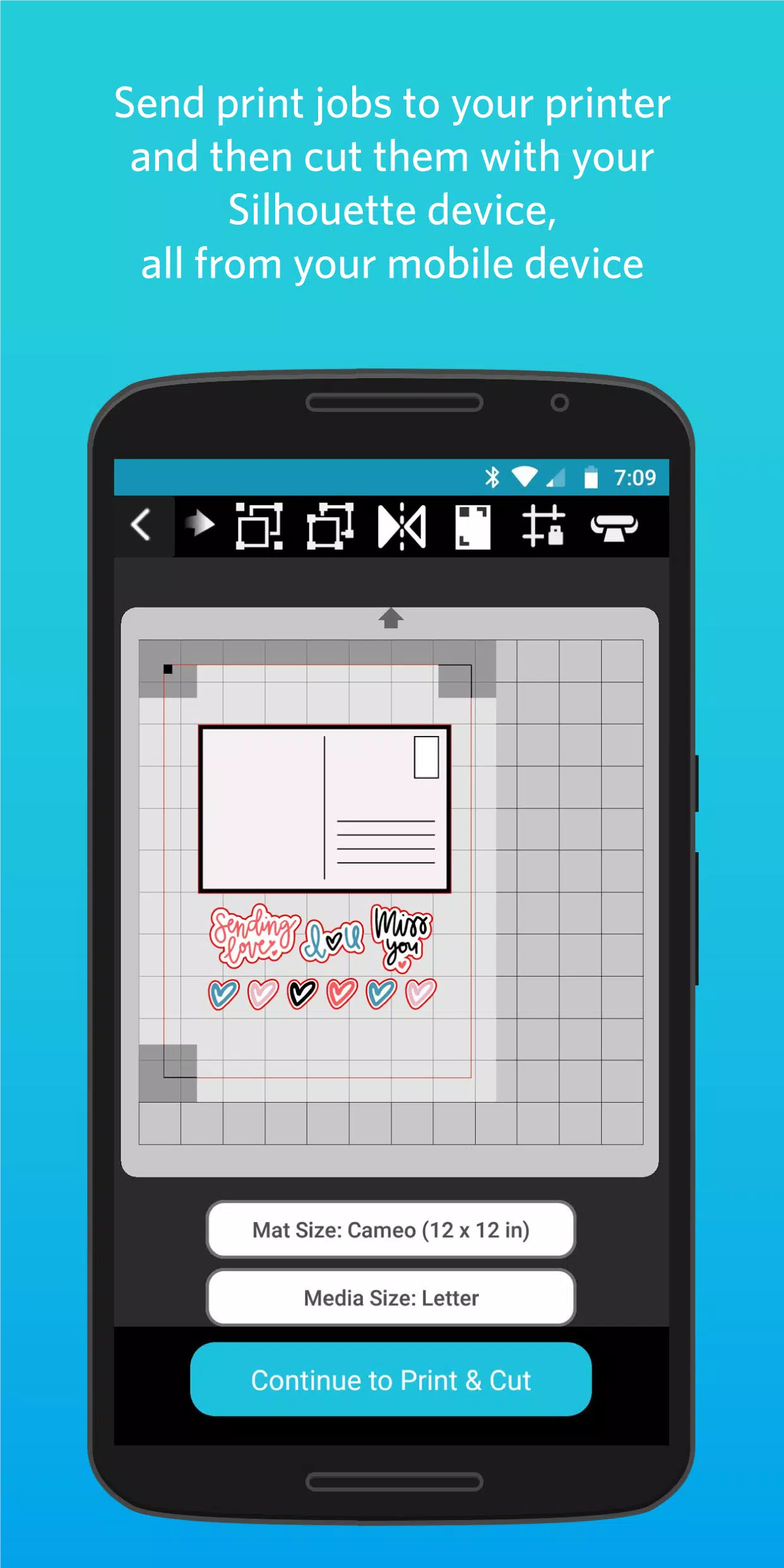
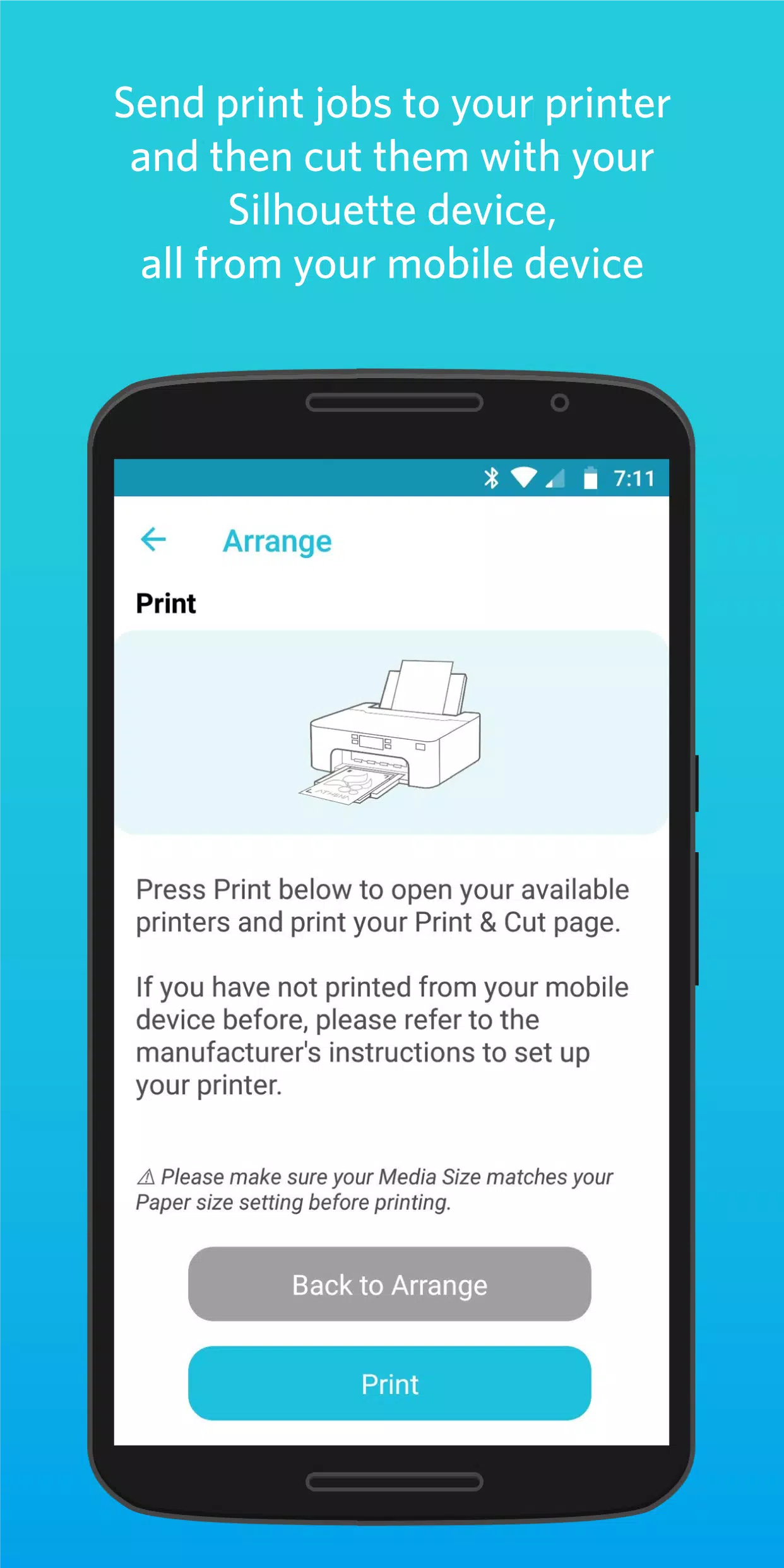
● PRINT THEN CUT
Send print jobs to your printer and then precisely cut them out with your Silhouette machine, all controlled from your mobile device.
What's New in Version 1.1.076
Updated on November 5, 2024
Changes since version 1.1.072:
• Enhanced support for the Cameo Pro MK-II
• Added IPT support for the Cameo Pro MK-II
• Introduced Auto Cross Cut for all vinyl materials
• Improved the experience when sending from Web to Go
• Fixed a crash in the Material Settings
• Corrected Custom Media maximum width values
• Fixed the display for 15-inch and 24-inch cutting mats
• General translation updates








![熊本のHairSalon YELLOW[ヘアサロンイエロー]](https://imgs.dgmma.com/uploads/78/173155007867355b7e469e0.webp)