Are you on the hunt for a simple and efficient way to capture all your favorite moments? Look no further! Our Camera for Android app is the perfect solution for all your photography needs. With three different modes to choose from—camera, video recorder, and panorama—you can easily snap stunning photos and videos with just a tap on your phone or tablet. From pinch to zoom, smart panorama shooting, and customizable settings for picture quality and white balance, this app has everything you need to capture picture-perfect memories. Download our app today and start capturing your world in HD!
Features of Camera for Android:
- Easy to Use: The simple and user-friendly interface of the app makes it easy for users to navigate and capture moments effortlessly. Whether you are a beginner or a pro, this app is suitable for all skill levels.
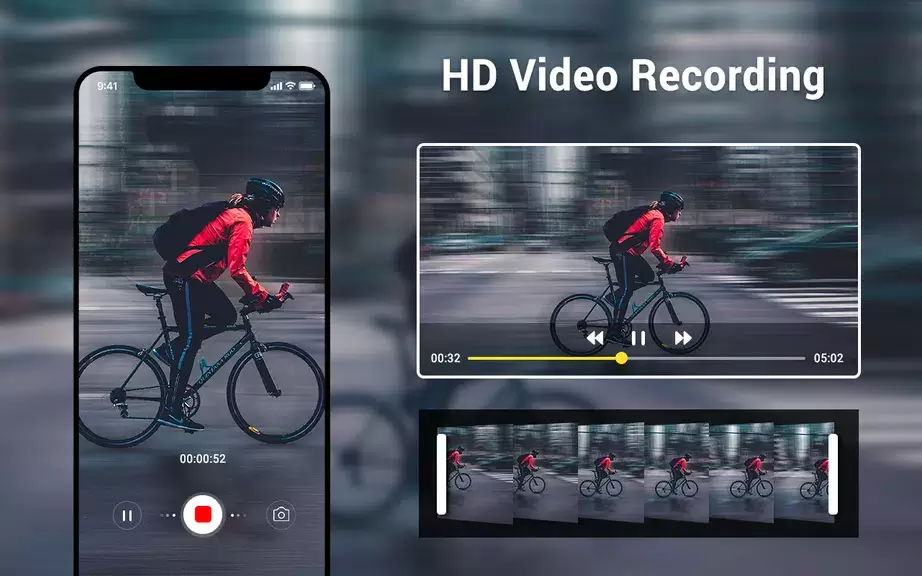
- High-Quality Images: With HD camera and video features, you can capture stunning photos and videos with crisp details and vibrant colors. The picture quality setting allows you to customize the resolution to suit your preferences.
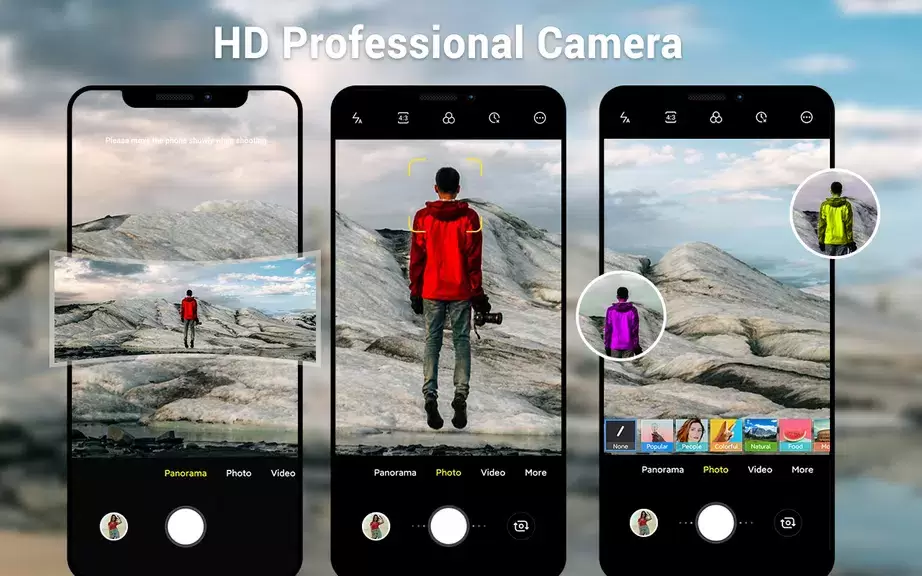
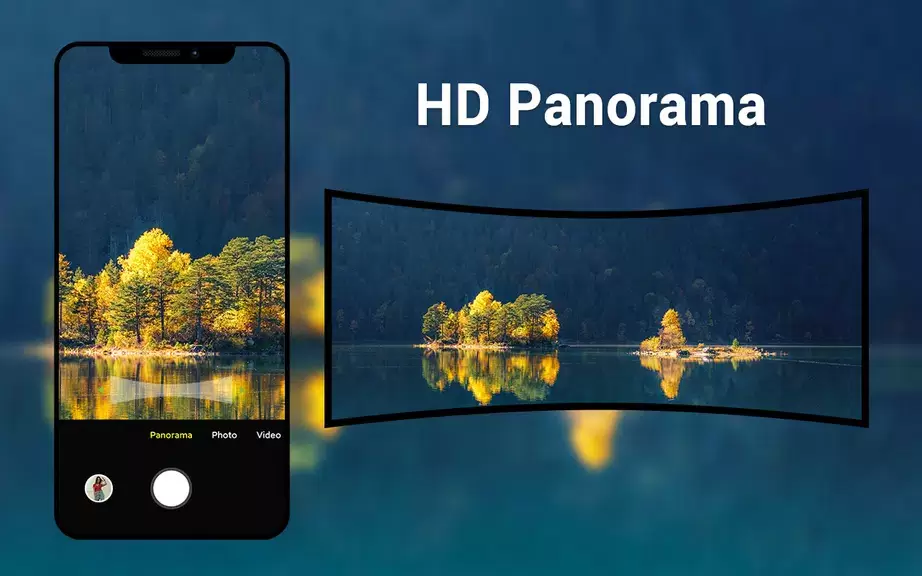
- Versatile Modes: The app offers three modes—camera, video recorder, and panorama—giving you the flexibility to choose the best mode for different shooting scenarios. The smart panorama shooting feature helps you capture wide landscapes with ease.
- Customizable Settings: From white balance settings to exposure and screen modes, you can customize various settings to enhance your photography experience. The configurable volume keys make it convenient to adjust settings quickly.
Tips for Users:
- Experiment with Different Modes: Explore the camera, video recorder, and panorama modes to discover the best mode for each situation. Switch between modes to capture a variety of shots.
- Use Pinch to Zoom: Take advantage of the pinch to zoom feature to get closer to your subject without compromising image quality. This feature is perfect for capturing details from a distance.
- Set Picture Quality: Adjust the picture quality setting based on your preferences and the intended use of the photos. Higher resolution settings are ideal for printing or viewing on larger screens.
Conclusion:
In a crowded market of camera applications, this Android-native HD camera app stands out for its simplicity, high-quality images, versatile modes, and customizable settings. Whether you are a casual photographer or a professional, this app caters to your needs with its intuitive interface and advanced features. Download Camera for Android now to elevate your photography experience and capture moments with ease.










![熊本のHairSalon YELLOW[ヘアサロンイエロー]](https://imgs.dgmma.com/uploads/78/173155007867355b7e469e0.webp)