
Camera FV-5 is a professional-grade camera app transforming your smartphone into a versatile photography tool. Users enjoy manual control over ISO, exposure, focus, and more, mimicking a DSLR experience. Customizable hardware buttons and multiple screen display modes offer precise control for capturing perfect shots. It's ideal for photography enthusiasts seeking advanced mobile features.
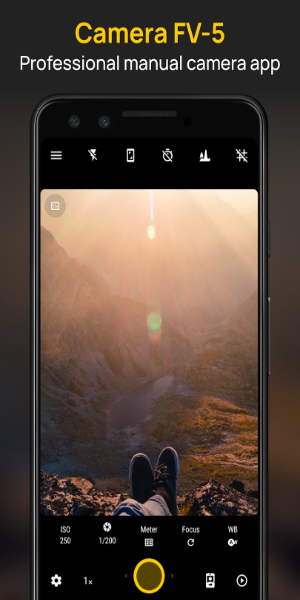
Overview of Camera FV-5
Camera FV-5 is a versatile mobile application turning your smartphone into a professional camera. Perfect for photography enthusiasts wanting high-quality images without dedicated equipment, it offers extensive manual controls and professional-level features.
How to Use
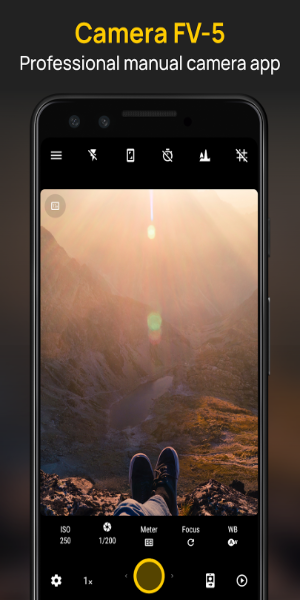
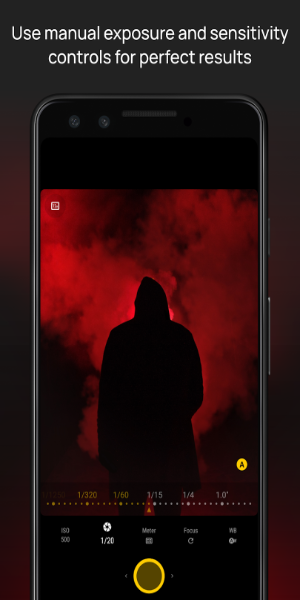
Using Camera FV-5 is intuitive yet powerful. Manually adjust ISO, exposure compensation, focus mode, metering mode, white balance, and program mode. Customize hardware buttons for dedicated camera controls. Multiple screen display modes ensure precise image composition.
Key Features
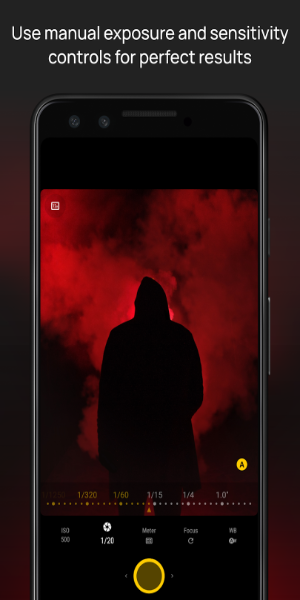
Manual Camera Controls
- ISO: Adjust light sensitivity for clear photos in diverse lighting.
- Exposure Compensation: Fine-tune exposure to avoid over/underexposure.
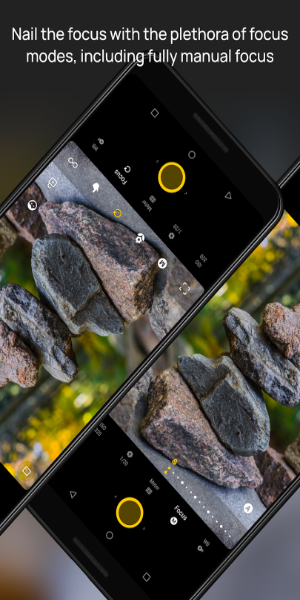
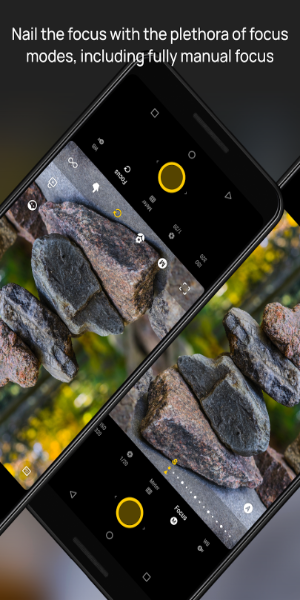
- Focus Mode: Choose auto-focus, macro, or manual focus for precise control.
- Metering Mode: Control light measurement for accurate exposure.
- White Balance: Adjust color temperature for true-to-life colors.
- Program Mode: Prioritize shutter speed or aperture for specific effects.
Hardware Button Customization
Customize hardware buttons (power, volume) as camera controls for quick adjustments without on-screen taps.
Multiple Screen Display Modes
Various display modes optimize image composition and alignment for precise framing and creative shots.
Diverse Photography Modes
- Exposure Compensation: Adjust brightness independent of ISO and aperture.
- Program and Speed-Priority Modes: Prioritize shutter speed for action or aperture for depth of field.
- Autofocus and Manual Focus: Use autofocus for convenience or manual focus for precise subject focus.
- Macro and Touch-to-Focus: Capture close-up details with macro or tap to focus.
Support Features
- Long Exposures: Supports up to 30-second exposures for night scenes and light trails.
- EXIF and XMP Metadata: Embeds detailed photo information (camera settings) for reference and organization.
App Design and User Experience
The user-friendly interface prioritizes functionality and ease of use. Quick access to essential controls and in-depth customization options cater to both beginners and advanced users. Camera FV-5 offers a seamless professional camera experience.
Pros and Cons
Pros:
- Professional Control: Extensive manual settings like a DSLR.
- Customization: Customizable hardware buttons and screen display modes.
- Feature-rich: Various photography modes and long exposure support.
Cons:
- Learning Curve: Mastering advanced features takes time.
- Hardware Limitations: Performance depends on phone hardware capabilities.
Enjoy the Thrills of Professional Photography
Camera FV-5 is a must-have for elevating mobile photography. Whether novice or pro, this app delivers intuitive design, extensive features, and professional capabilities for precise and stylish photos. Download now to unleash your creativity and capture stunning images.







![熊本のHairSalon YELLOW[ヘアサロンイエロー]](https://imgs.dgmma.com/uploads/78/173155007867355b7e469e0.webp)




















