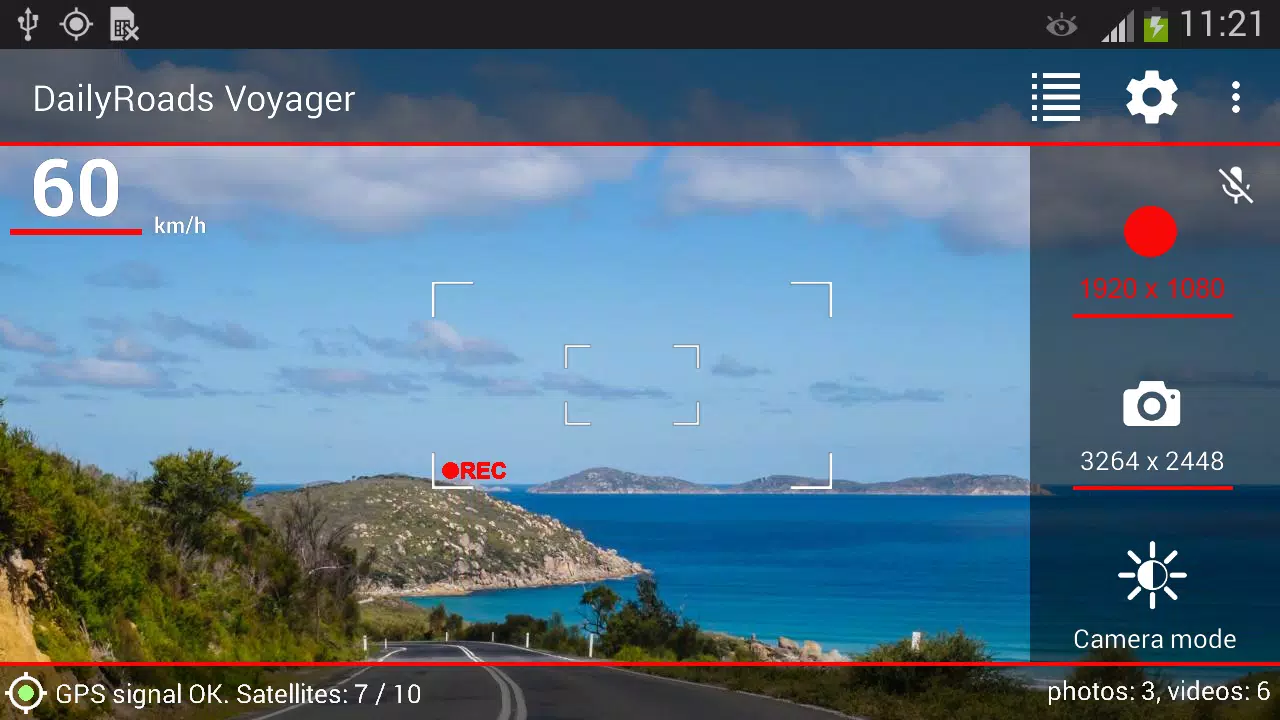
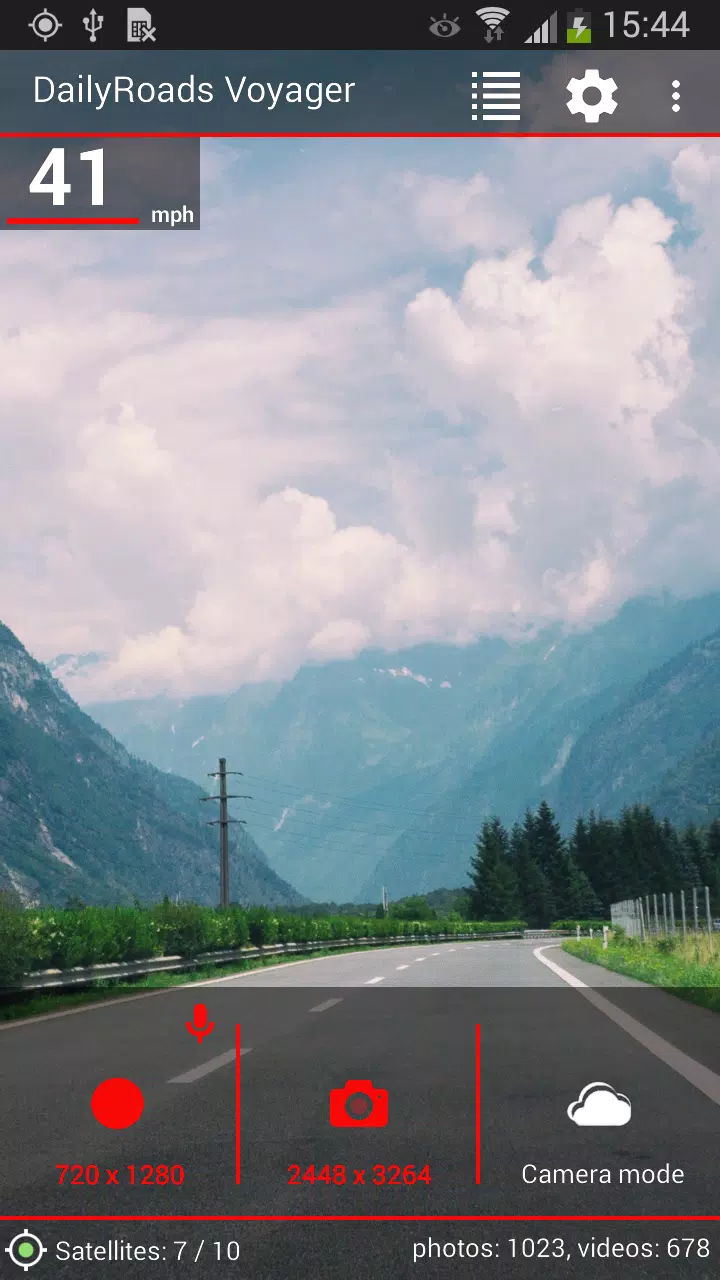
Trusted by millions to securely capture video while driving—for evidence or capturing memorable moments.
Since 2009, DailyRoads Voyager has served as your reliable car blackbox, dash cam, or auto DVR, continuously recording videos and photos on the road. It automatically captures everything, but keeps only the important clips for later review or as evidence. With just a tap, even while driving, you choose what to save.
Video evidence from the app can prove crucial in accidents, insurance fraud cases, disputes with police, crash-for-cash schemes, or disagreements with fellow drivers.
Key features:
- Continuous recording with adjustable video length and quality; optional audio recording
- Customizable storage limits with loop recording so your SD card never fills up
- One-touch video protection to save interesting moments from your entire trip
- Auto-save on sudden impact (e.g., a collision) with configurable G-force sensitivity
- Capture photos automatically at set intervals and resolutions—ideal for time-lapse videos
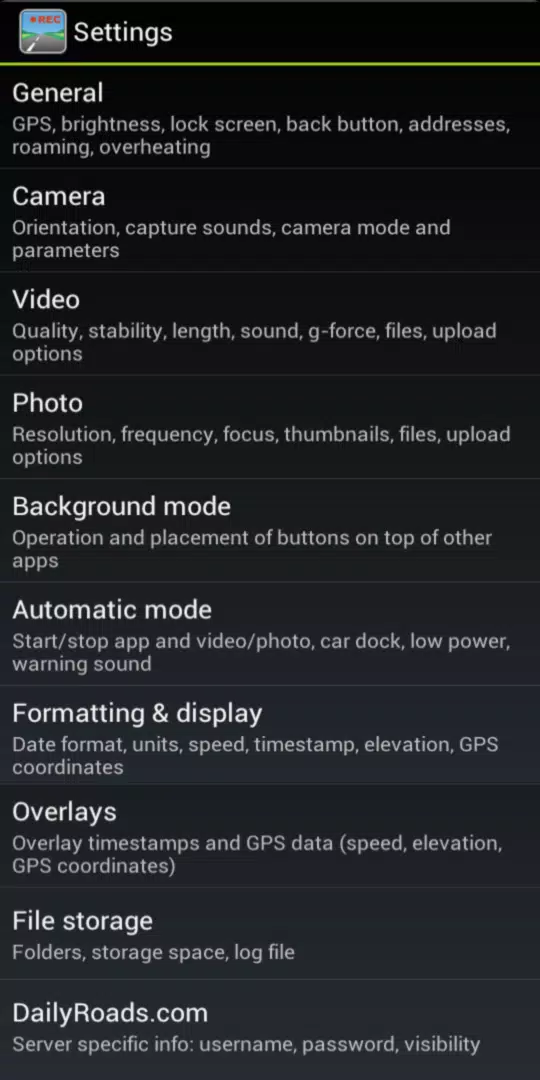
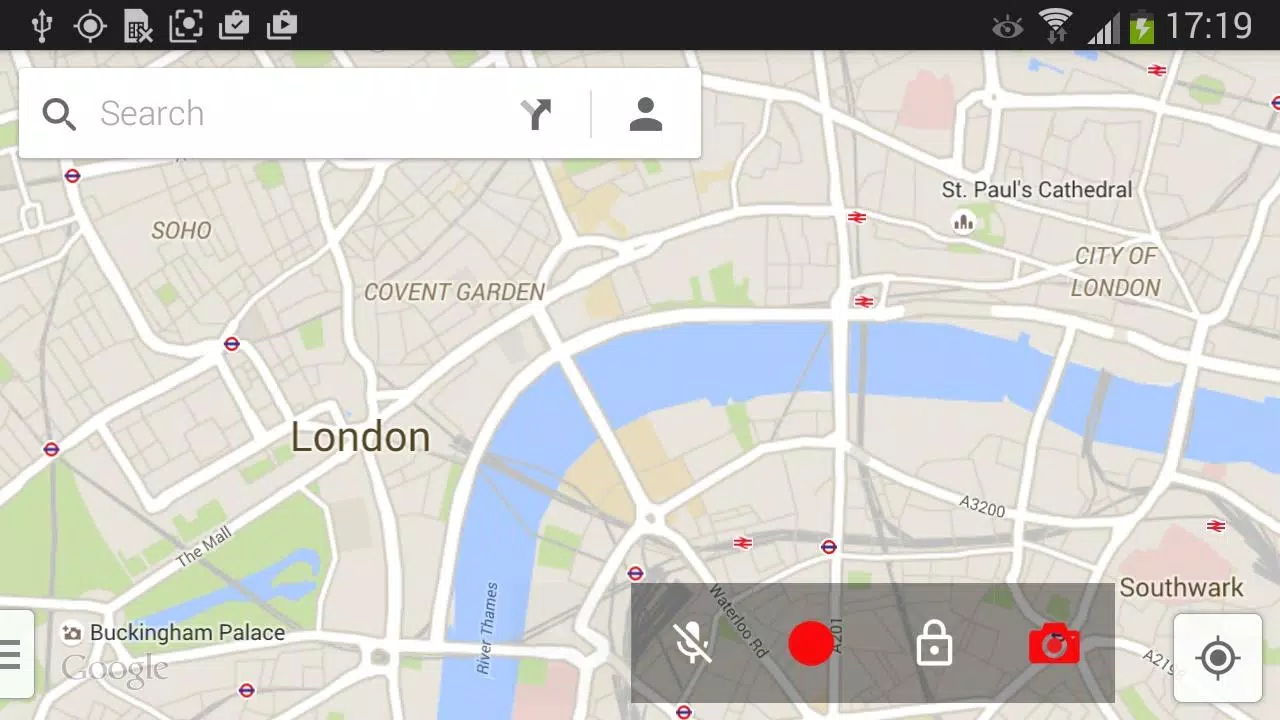
- Background video and photo capture, with optional on-screen buttons for other apps
- Auto start and stop based on car dock detection and related preferences
- Timestamped and geotagged videos and photos
- Automatically detect street addresses for saved videos and photos
- View media locations on an interactive map
- Display speed, elevation, time, and GPS coordinates on videos and photos
- Option to switch speed units (km/h or mph) and date format
- Overheating prevention
- Disable GPS to save battery
- Adjust screen brightness for safer nighttime driving
- Built-in file manager and media browser
- Add titles, descriptions, or bookmarks to files
- Upload files to DailyRoads.com
- App2SD support
This is a free app supported by ads, which are removed after any in-app purchase.
Pro version benefits:
- Ad-free experience
- Select your camera after setup
- Upload to Dropbox and custom servers
- Auto-launch the app after device start-up
- Use Bluetooth for auto-start and auto-stop
- Includes 1000 video overlay credits on the server
Enjoy the ride—and stay safe on the road!
Check compatible video settings by phone model: https://dailyroads.app/voyager/stats
Read user reviews: https://dailyroads.app/voyager/reviews
Explore upcoming features: http://future.dailyroads.com
What's New in the Latest Version 8.1.1
Last updated on Jan 13, 2024
- Fixed background video recording on Android 14
- Improved background GPS performance on Android 13 and 14
- Added audio track icon in the Files section
- Resolved Start App function on Android 13 and 14
- Enhanced design elements for Android 13 and 14











![熊本のHairSalon YELLOW[ヘアサロンイエロー]](https://imgs.dgmma.com/uploads/78/173155007867355b7e469e0.webp)