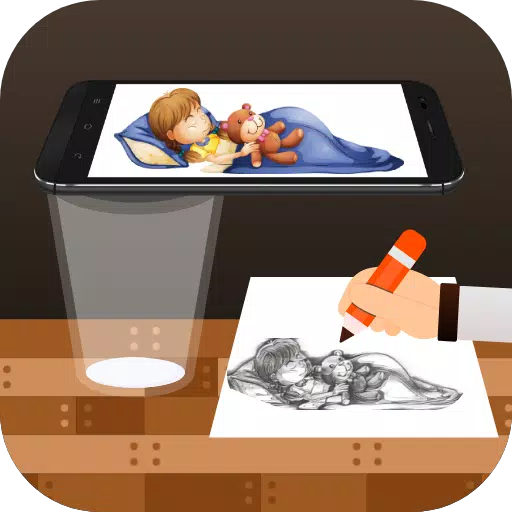
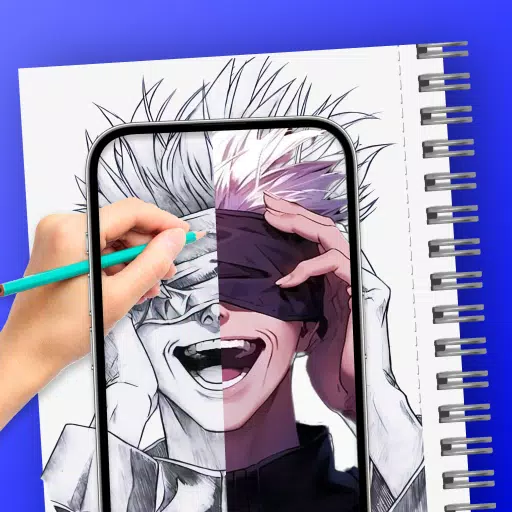
Trace images onto paper using your phone's camera with the Draw to Sketch app.
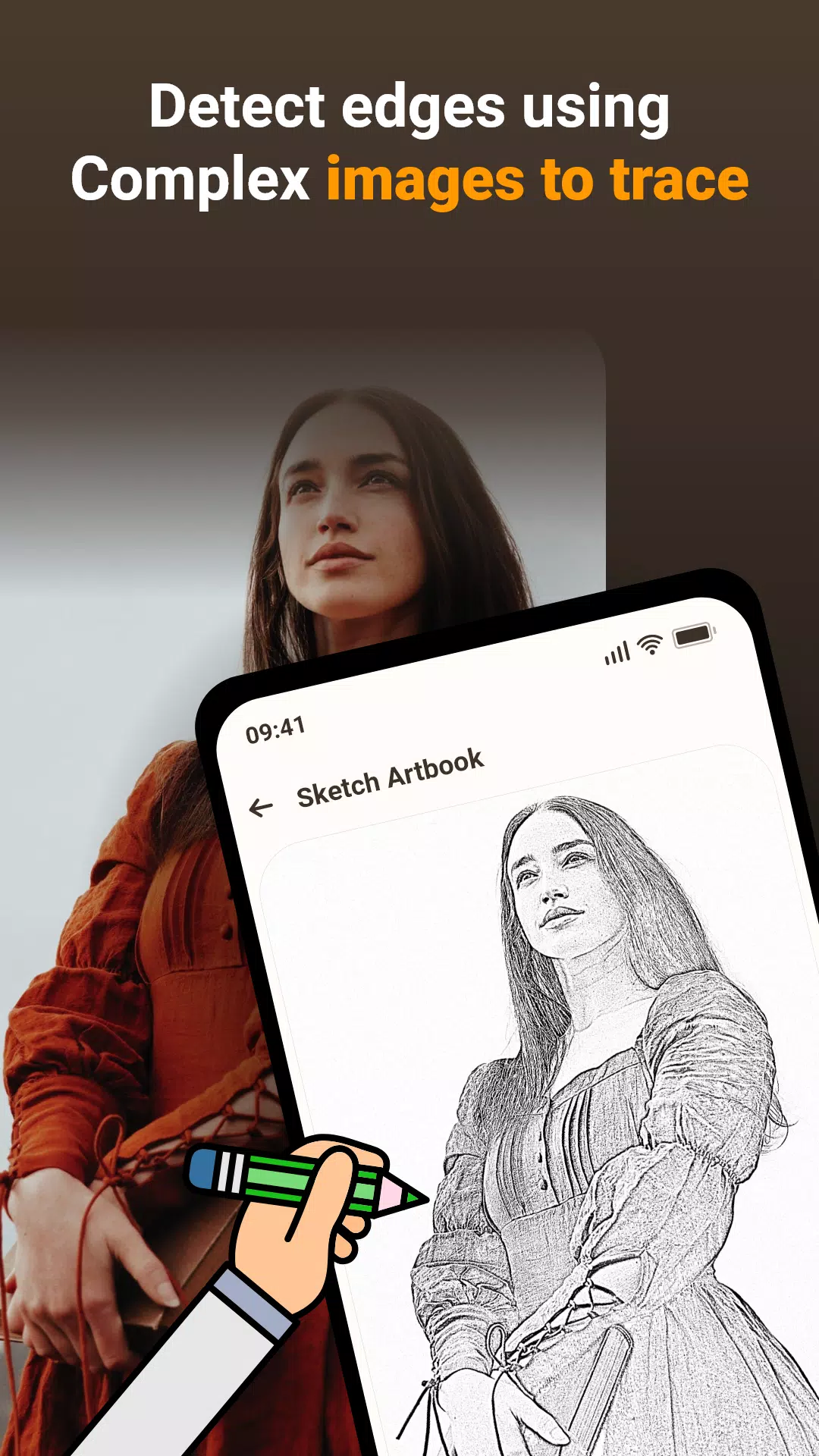
The Draw, Trace & Sketching app transforms photos and artwork into outlines. Use your phone’s camera to see and trace lines directly onto paper. Trace it and sketch it—an excellent tool for learning to draw.
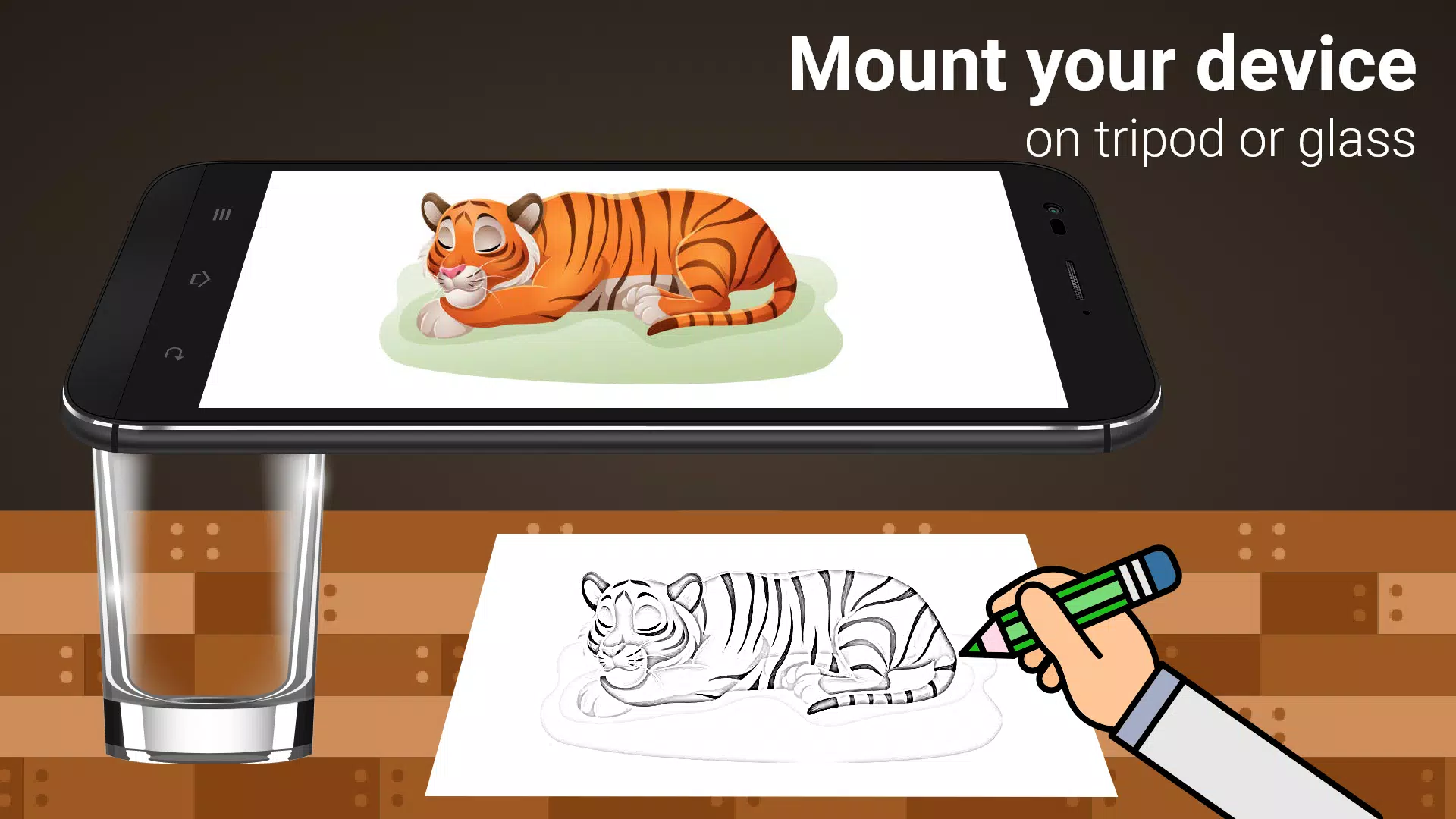
The app makes tracing simple. Pick an image from the app or your gallery and apply a filter to prepare it for tracing. The image then appears on your screen over the live camera feed. Hold your phone about a foot above the paper and look at the screen to draw.
Main Features:
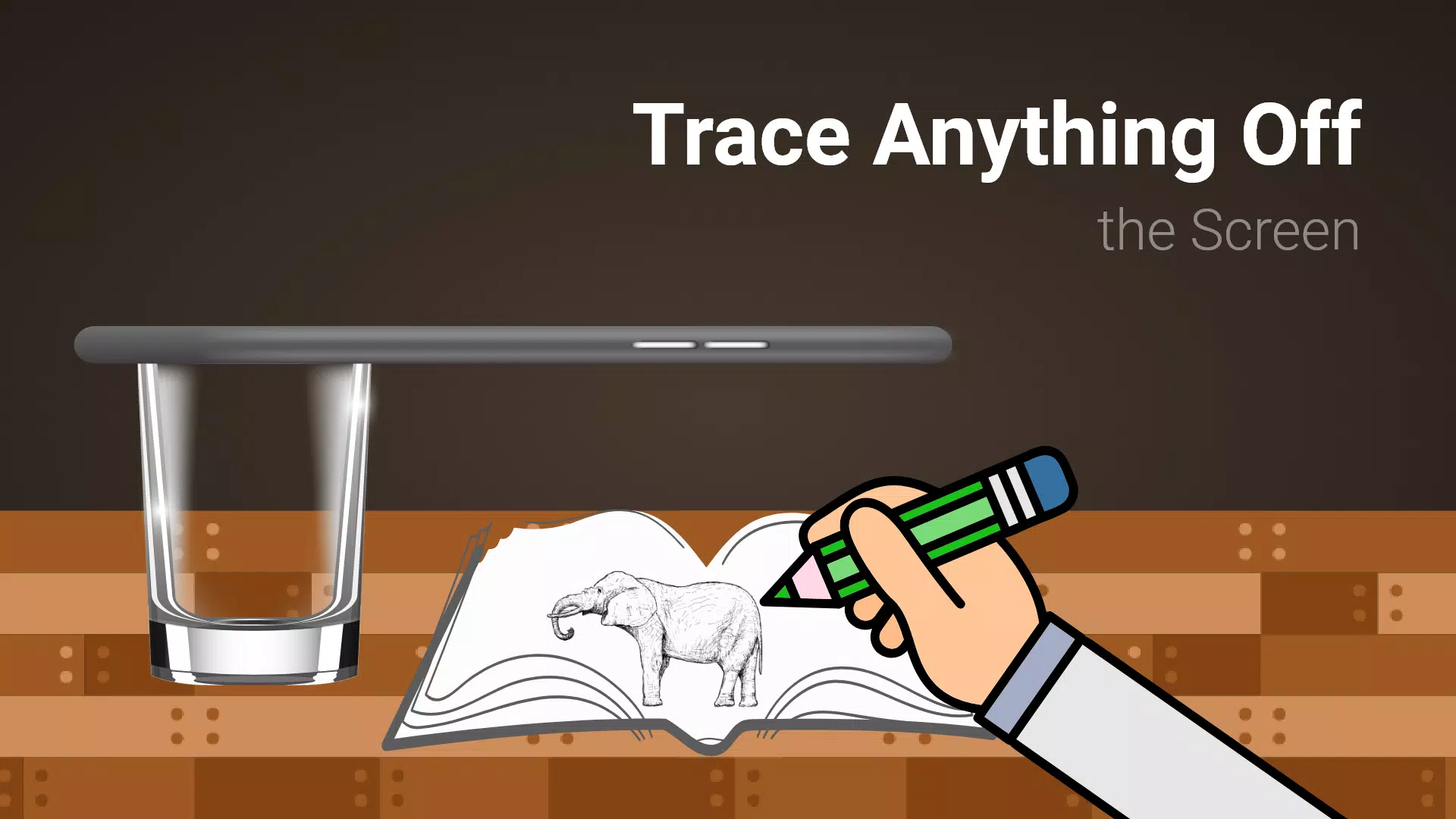
- Trace any image by viewing the camera feed on your screen. The image won't physically print on the paper, but you can copy it precisely.
- Draw on paper while viewing a transparent image overlay with the camera active.
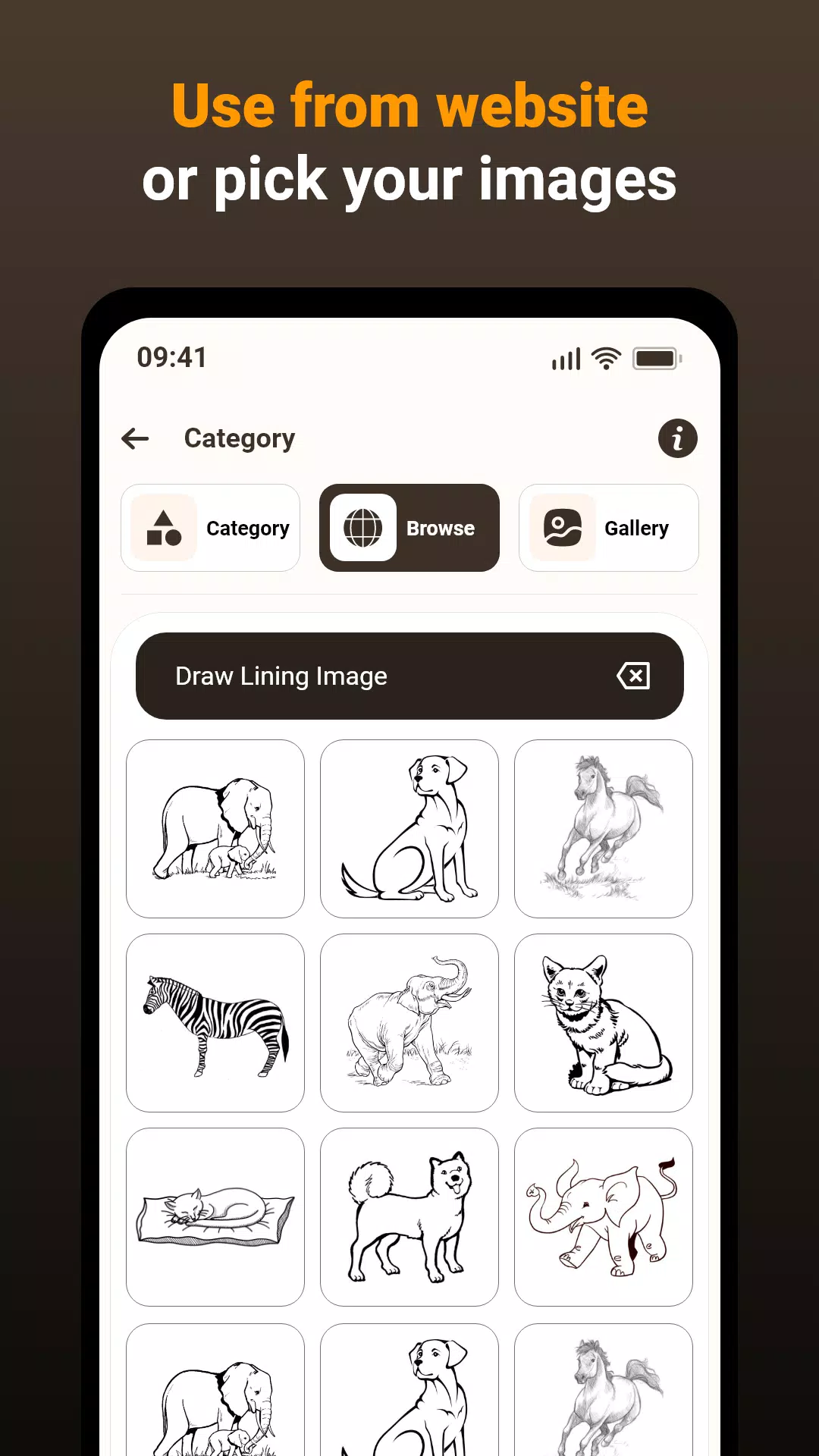
- Pick from sample images in the app to use as a reference for your sketchbook drawings.
- Choose any photo from your gallery, turn it into a traceable outline, and sketch it on a blank page.
- Adjust image transparency or convert it into a line drawing to create your artwork.
This app helps you transfer images from your phone’s camera to paper, making drawing and sketching easier. Follow these steps:
1. Image Selection:
Choose a photo from your gallery or take one with the camera.
2. Applying Filters & Camera Display:
Apply the tracing filter. You’ll see a transparent version of the image on the camera screen. Place your drawing paper underneath and trace the outlines.
3.Tracing onto Paper:
While the image won't appear on the paper itself, you see a transparent overlay through the camera to guide your tracing.
4. Drawing Process:
Draw on paper while looking at your phone, which shows the transparent guide image.
5. Converting Images:
Select any image and convert it into a traceable outline.
Image Tracing:
The app enables tracing by displaying images through your phone’s camera feed, allowing you to reproduce them on paper.
Transparent Image:
Yes. The camera feed shows a transparent image overlay, which you can align with your physical surroundings to trace it onto paper.
Real-time Tracing:
Correct. You can draw on paper while looking at your phone screen, which displays a transparent guide. This allows for precise tracing and duplication.
Sample Images:
Yes. The app includes sample images for you to practice with, helping you improve your tracing technique and build confidence.
Gallery Images:
Exactly. You can select images from your gallery and convert them for tracing, adding great versatility to your drawing projects.
The app is a valuable tool for improving drawing skills, practicing tracing, or creating art from real-world references. By blending technology with traditional methods, it offers a convenient and effective learning experience.
What's New in the Latest Version 1.0.5
Last updated on Mar 15, 2024
Bug fixes and issue resolution.







![熊本のHairSalon YELLOW[ヘアサロンイエロー]](https://imgs.dgmma.com/uploads/78/173155007867355b7e469e0.webp)