
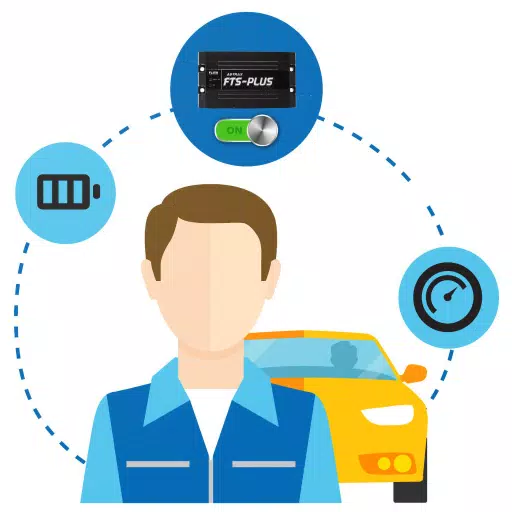
An application for monitoring the status of GPS tracking devices.
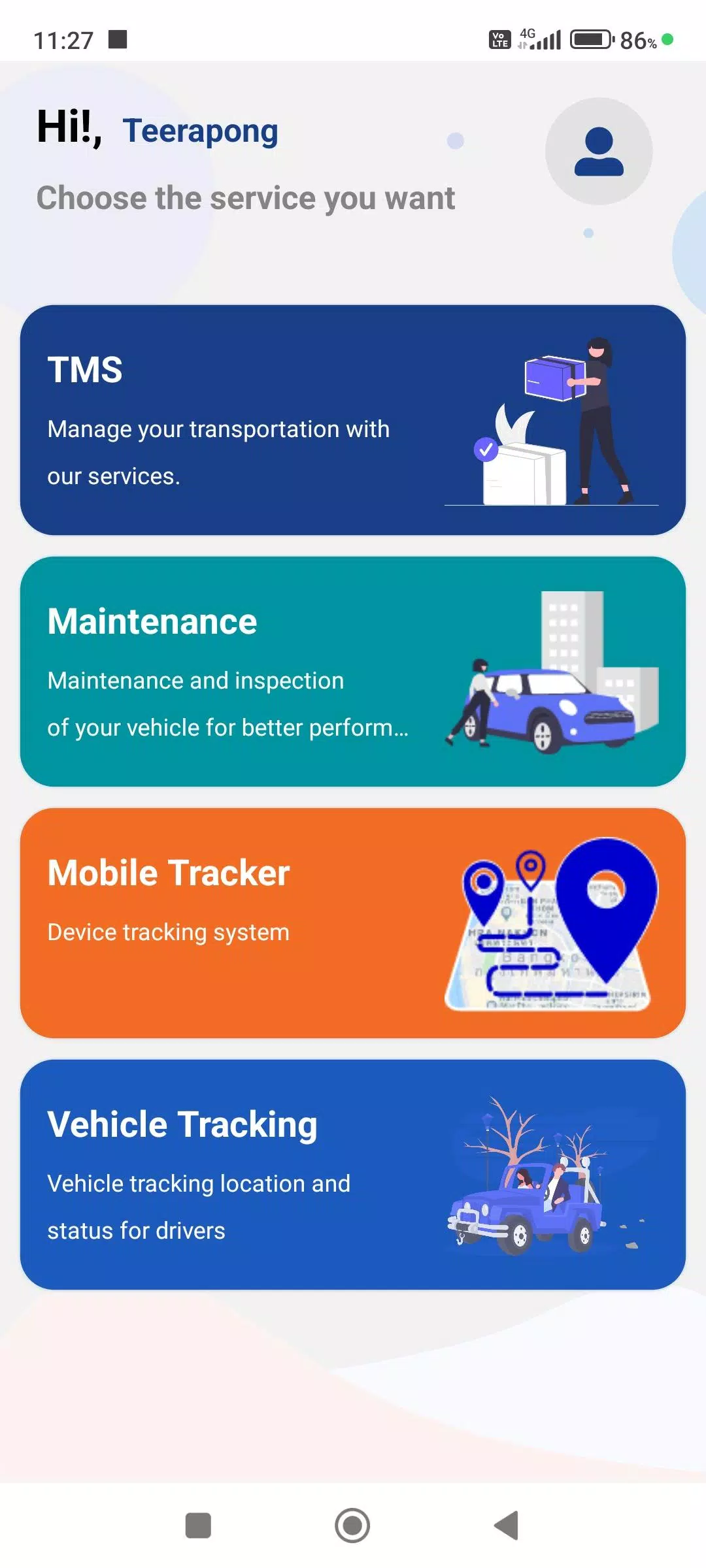
This app, designed for drivers, seamlessly integrates with the company's Web Console to post diverse work information, enhancing accuracy and completeness in these key areas:
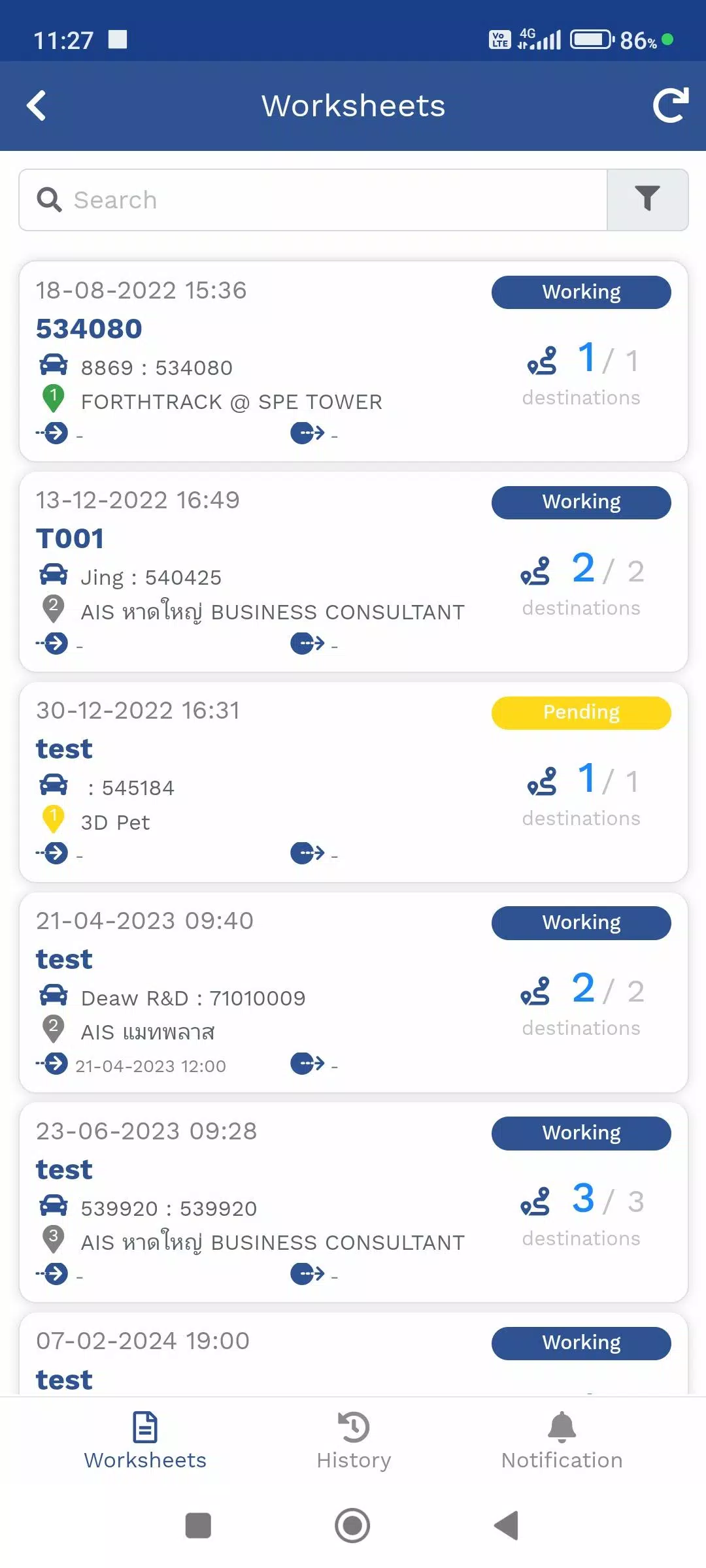
1. Travel Itinerary Menu (TMS)
This menu manages assigned product delivery routes. It displays your current GPS or Mobile Tracker location alongside delivery destinations and provides real-time status updates.
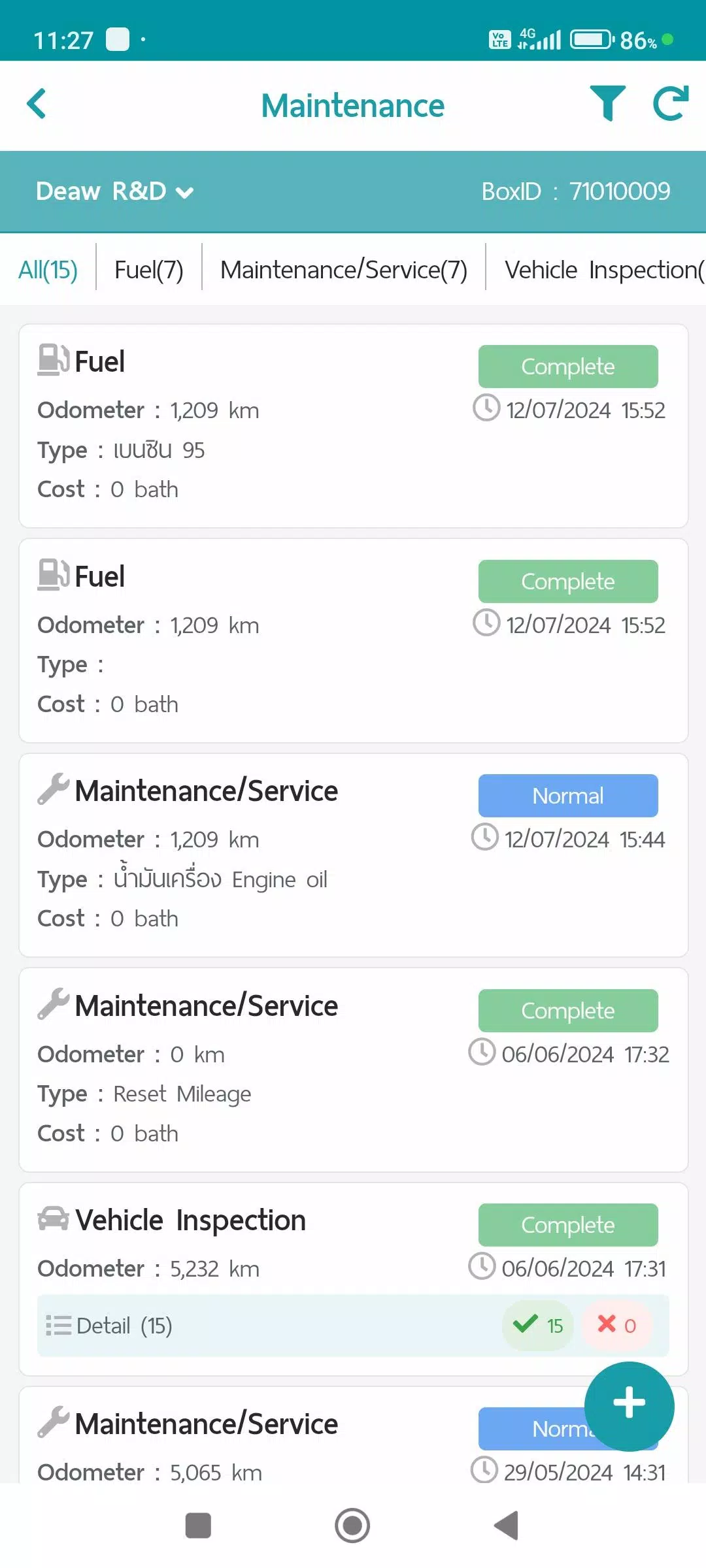
2. Maintenance Menu
This menu logs vehicle maintenance items. Data and reports can be stored and summarized via the Web Console, categorized into the following types:
- Refueling
- Maintenance/Service
- Vehicle Condition Check
- Repair Items
3. Mobile Tracker Menu
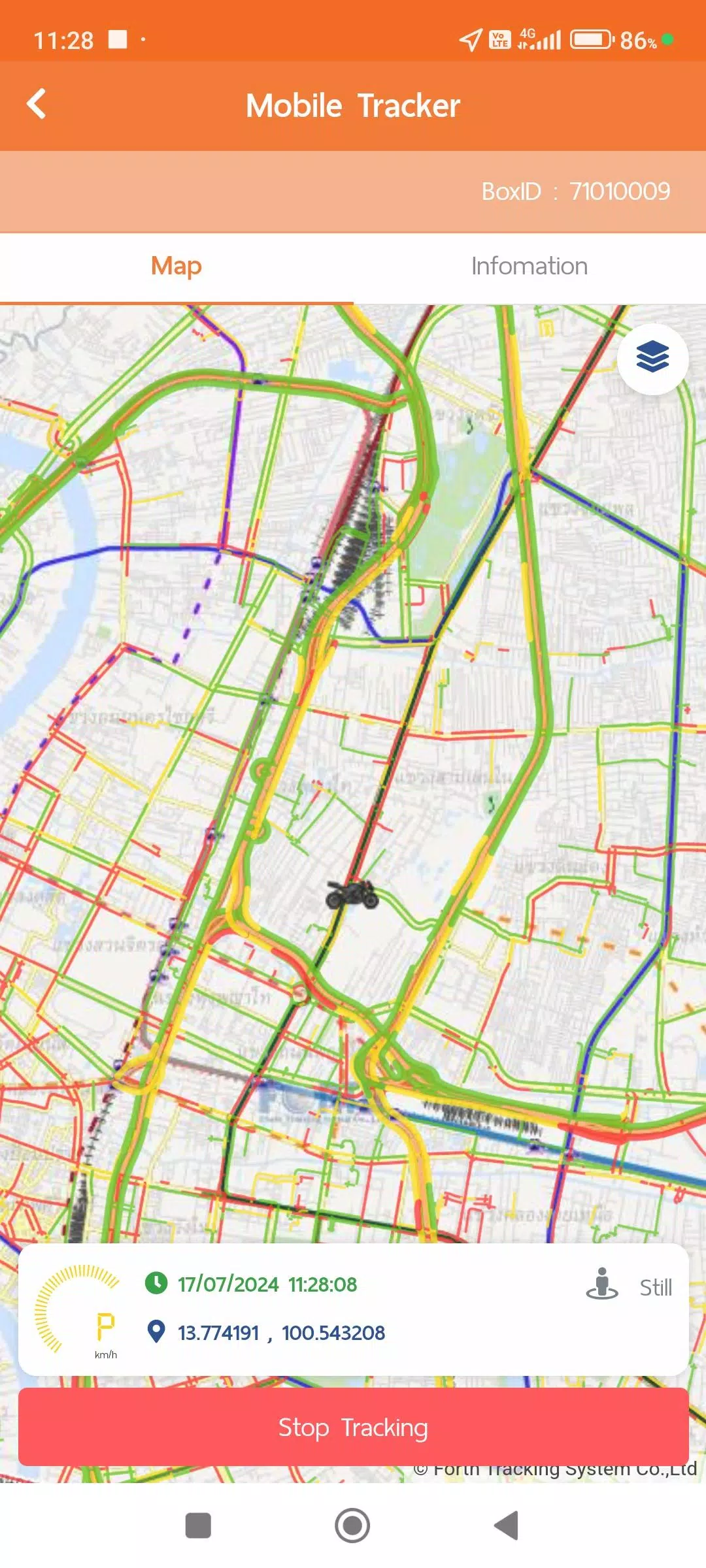
This menu pinpoints a driver's location via their mobile device. Instead of a separate GPS unit, the app transmits and stores GPS location data while tracking is active. Transmission can be paused. This data integrates with other menus like TMS and Vehicle Tracking, and summaries or reports can be viewed in various formats via the Web Console. The Mobile Tracker requires the following permissions:
- Always Allow Location Access: Enables GPS requests without launching the app for convenient operation.
- Physical Activity Recognition Access: Uses activity data to intelligently manage GPS polling for better efficiency and battery conservation:
1. Still: Requests GPS every 1 minute; switches to every 5 minutes in Power Save Mode.
2. Walking: Requests GPS every 1 minute.
3. In Vehicle: Transmits GPS data every second for precise distance and speed calculation, though data is sent at 1-minute intervals by default.
Power Save Mode activates after being 'Still' for over 5 minutes and deactivates upon 'Walking' or 'In Vehicle' activity.
4. Vehicle Tracking Menu
This menu displays real-time location from GPS or Mobile Tracker devices alongside work statuses. It also provides access to historical data in formats such as:
- Device Information
- Notification Settings
- Daily Travel Summaries
- GPS Movement Data for selected timeframes
- Additional data from equipment like MDVR or TPMS (if installed)
Data collection and usage policies are available in your user account:
- Terms and Conditions
- Privacy Policy
- Cookie Policy
What's New in the Latest Version 1.7.6
Last updated on Nov 9, 2024
1. System performance updates and improvements.











![熊本のHairSalon YELLOW[ヘアサロンイエロー]](https://imgs.dgmma.com/uploads/78/173155007867355b7e469e0.webp)


















