
Google Voice: Your All-in-One Communication Hub
Google Voice is a free mobile application offering a dedicated phone number for calls, texts, and voicemails, seamlessly synchronizing across your devices – perfect for home, office, or on-the-go use.
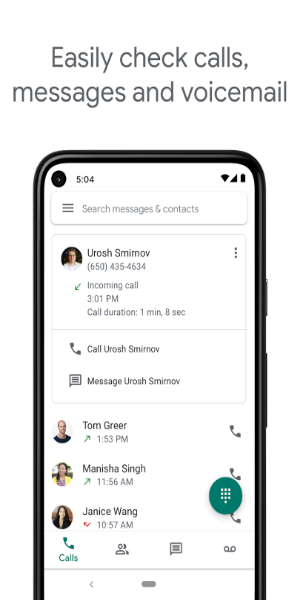
Key Features:
- Transcribed Voicemails: Effortlessly access your voicemails via convenient text transcriptions.
- Cross-Device Synchronization: Access your communications from smartphones and computers alike.
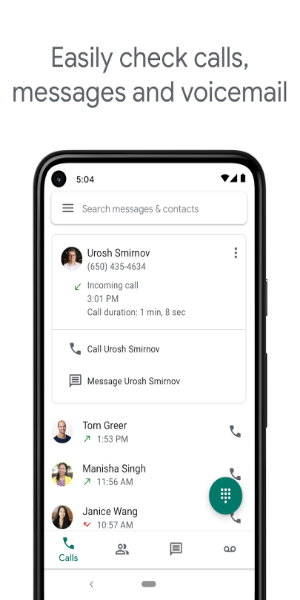
- Centralized Storage: Manage calls, messages, and voicemails in one easily accessible location.
Google Voice provides a single number for all your communication needs, working seamlessly across your smartphones and computers. This ensures consistent accessibility whether you're at home, the office, or traveling.
Important Note: Currently available for US personal Google accounts and select Google Workspace accounts. Text messaging support may vary by region.
How Google Voice Functions:
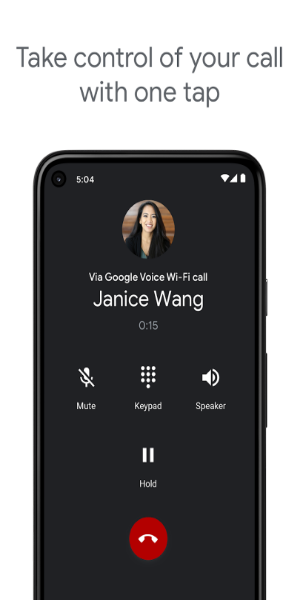
Imagine a personalized answering service – that's Google Voice. Your free number routes calls to all your connected devices, eliminating missed calls. Customize call routing by contact and time; for instance, direct friend's calls to your smartphone and after-hours work calls to voicemail. Record calls with a single tap and store them indefinitely. Voicemails are transcribed and delivered to your chosen devices. The app also includes built-in spam call filtering and number blocking capabilities. Manage call forwarding, texts, and voicemails through personalized settings.
Getting Started with Google Voice:
- Download and install the Google Voice app.
- Sign in using your Google account.
- Select a phone number using the search function (filter by city or area code).
- Confirm your number selection.
- Verify your number.
- Link your mobile number (if prompted) and enter the verification code.
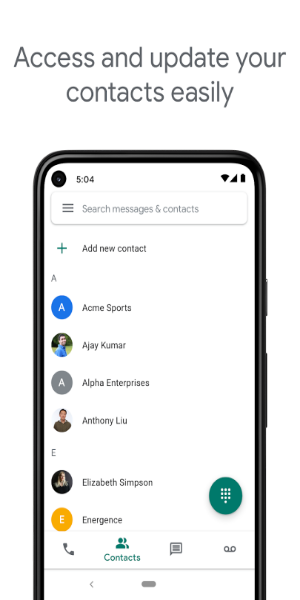
- Grant access to your contacts for seamless integration.
Streamlined Communication Management:
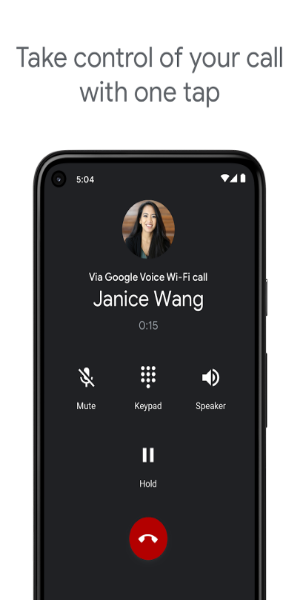
Google Voice is a top-tier VoIP solution for Android, providing complete control over calls, messages, and voicemails. Save time and effort with automated spam filtering and unwanted number blocking.
User-Friendly Control:
- Automated spam filtering and number blocking.
- Personalized settings for call, text, and voicemail forwarding.
Secure and Searchable Archiving:
- All calls, texts, and voicemails are securely stored and easily searchable.
Multi-Device Messaging:
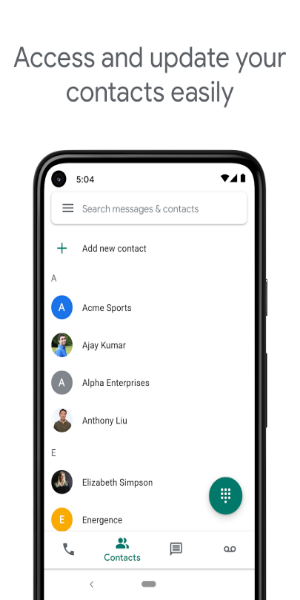
- Send and receive individual and group SMS messages from any linked device.
Transcribed Voicemails:
- Access detailed voicemail transcriptions within the app and via email.
Cost-Effective International Calls:
- Enjoy competitive international call rates without additional mobile carrier charges.
Important Considerations:
- Google Voice is primarily available in the US, with limited Google Workspace availability in select countries. Check with your administrator for access.
- Calls made using Google Voice for Android utilize a Google Voice access number and consume standard mobile plan minutes. International calls may incur additional costs.
Recent Updates:
This version features enhanced stability and performance improvements.













![熊本のHairSalon YELLOW[ヘアサロンイエロー]](https://imgs.dgmma.com/uploads/78/173155007867355b7e469e0.webp)