

Charge Search App - Metered Parking
For Users Unable to Launch on Android 11
June 15, 2021
Some Android 11 devices experience immediate app crashes upon launch. You may resolve this by performing "Clear Storage," though please note this will erase your parking lot posting history permanently.
Solution Steps:
- Open Device Settings
- Select "Apps & Notifications"
- Choose "PP Park!" from application list
- Tap "Storage & Cache"
- Select "Clear Storage"
This issue stems from Android 11 system limitations, which Google acknowledges. While awaiting official fixes from Google and device manufacturers, "Clear Storage" remains the recommended workaround.
PPPark! Features
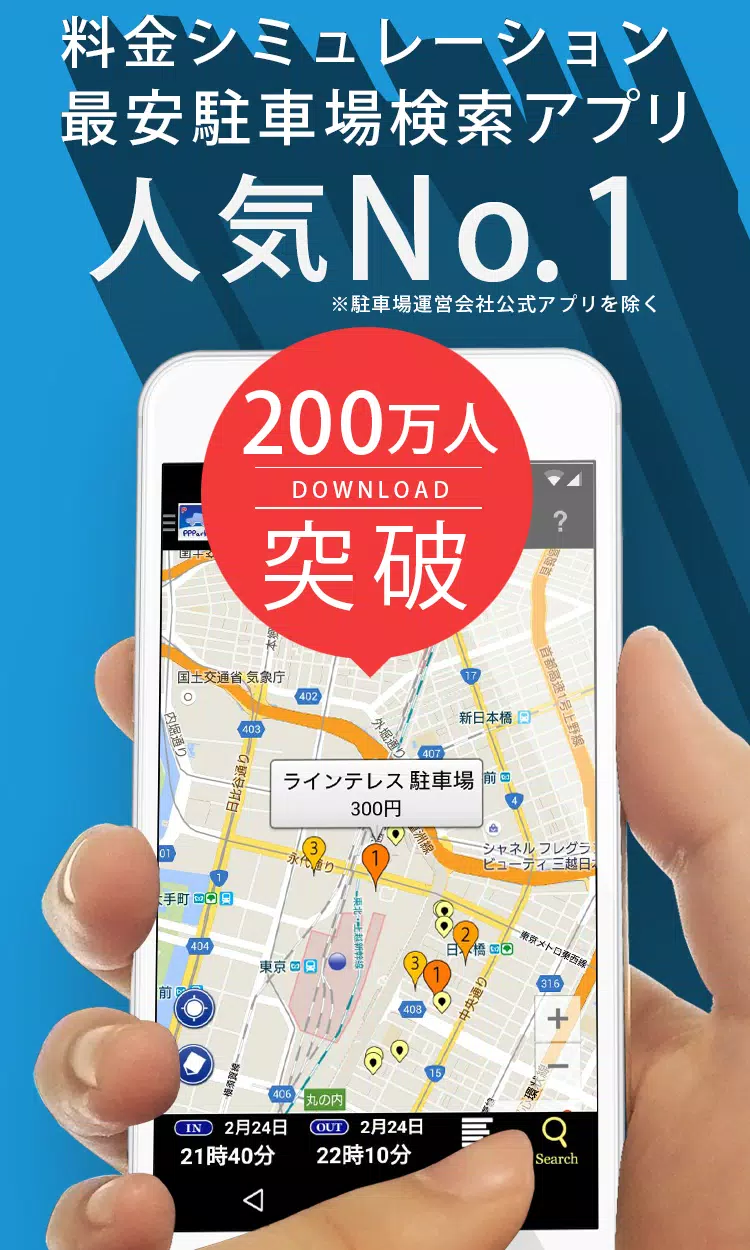
Find budget-friendly parking near any destination. Never overpay for parking again!
Key Features:
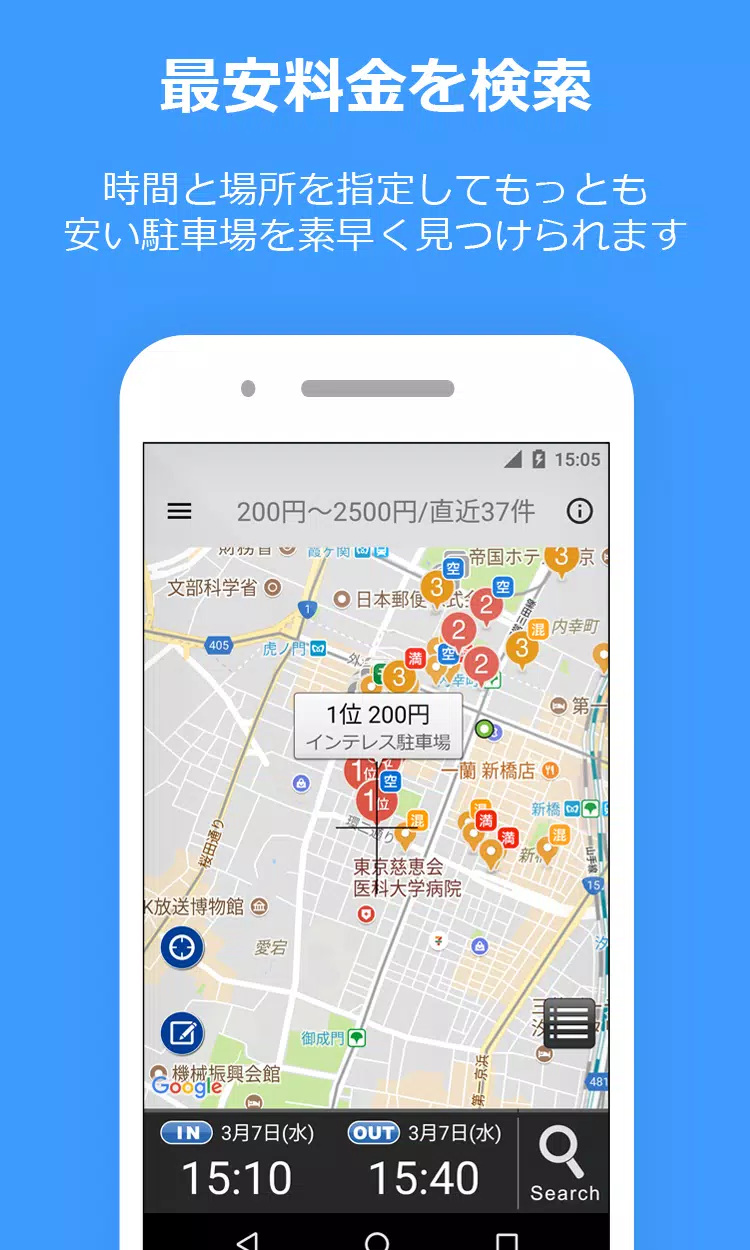
- Smart Price Calculation: Enter your parking timeframe to automatically generate sorted pricing results
- Maximum Rate Support: Includes daily maximum discounts for accurate pricing
- Seamless Navigation: Integrates with Google Maps, Yahoo! Navi, and NaviCon
- Parking Options: Covers reservation-based (Akippa, TokuP) and municipal parking (TOHOGAS)
- Street Parking: Displays time-limited street parking (marked in green) in Tokyo, Kanagawa, and Osaka
- Crowdsourced Updates: Users can contribute parking lot updates
How to Use
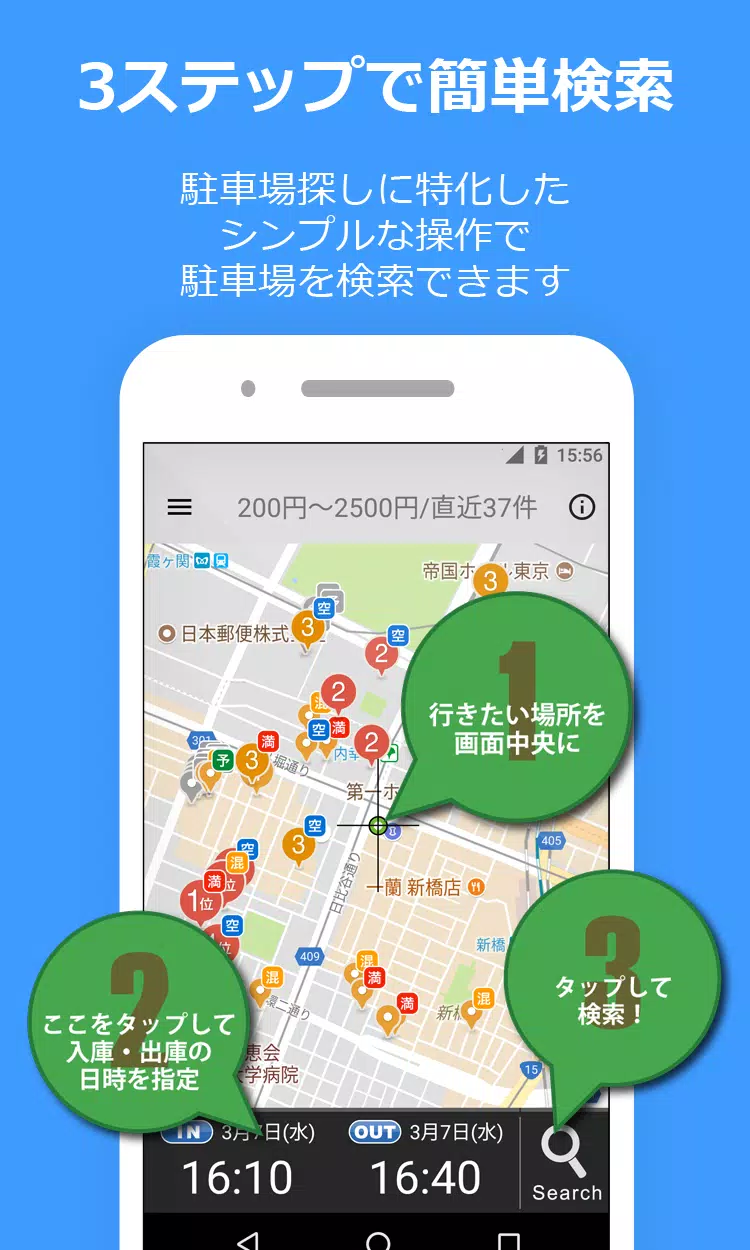
- Display destination on map
- Set arrival/departure times
- Tap search (magnifying glass icon)
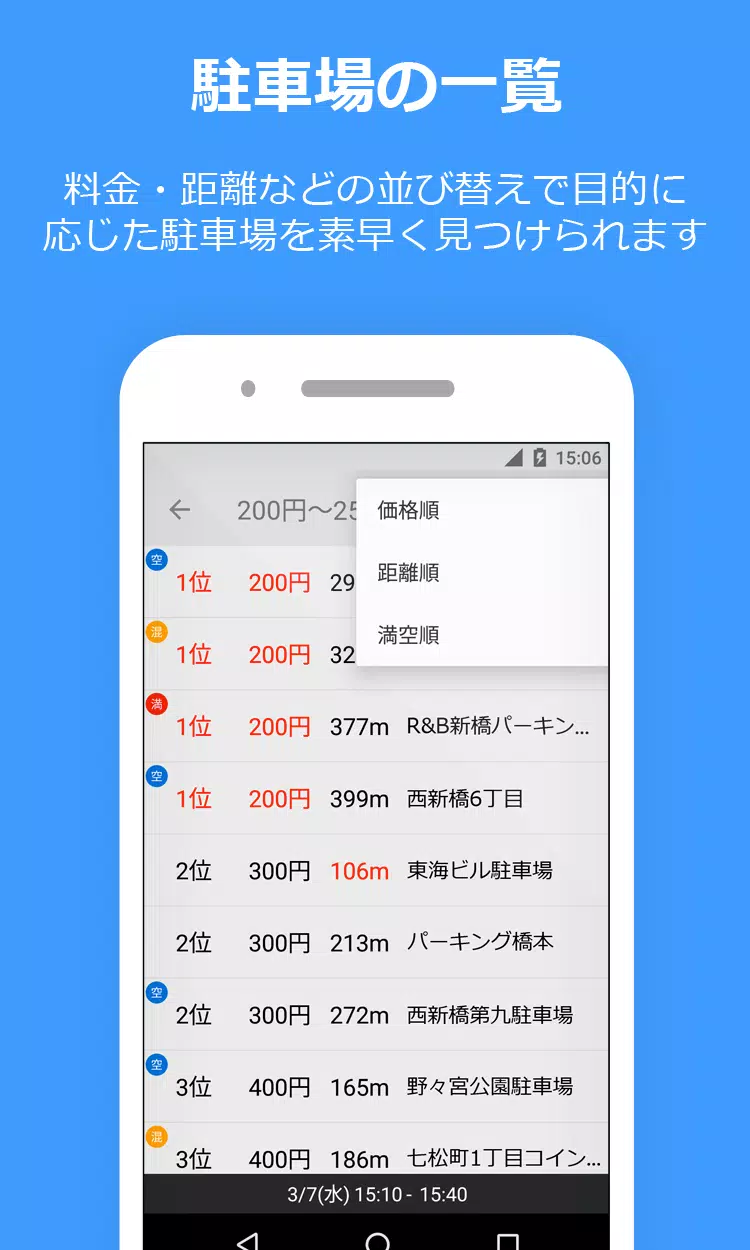
- Review ascending-price results
Note: Results reflect our best available pricing information. Always verify posted rates at parking locations.
Support
Report issues via:
- Twitter: @PPPark1
- Email: [email protected]
For troubleshooting assistance, include your device model and OS version in reports.
Website: https://pppark.com
Twitter: https://twitter.com/PPPark1












![熊本のHairSalon YELLOW[ヘアサロンイエロー]](https://imgs.dgmma.com/uploads/78/173155007867355b7e469e0.webp)


















