
SnapArt Pro: Unleash Your Inner Artist with Powerful Photo Editing
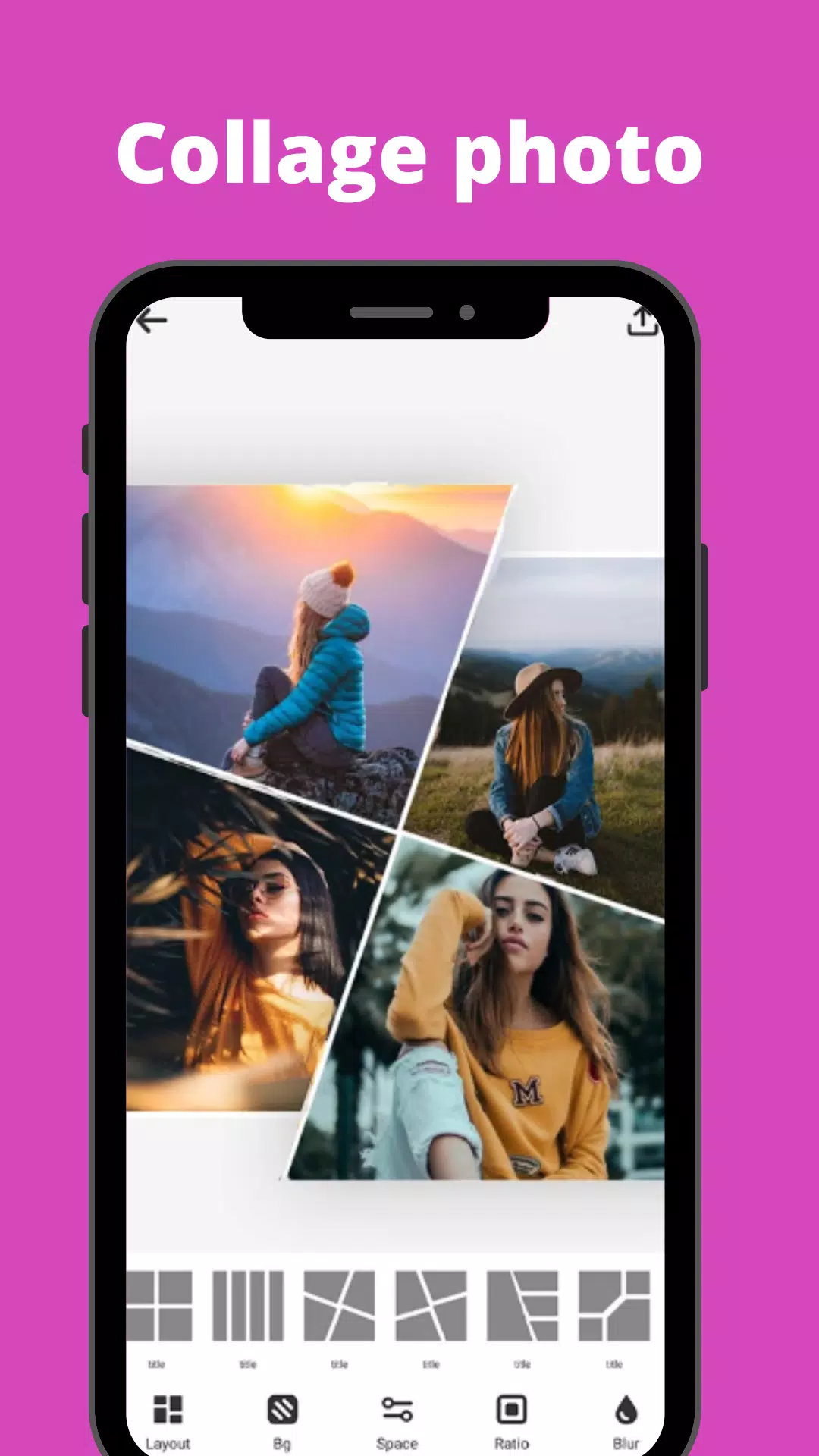
Transform your photos into stunning works of art with SnapArt Pro, a comprehensive photo editing app packed with features to enhance your images. Effortlessly create captivating photo collages, remove distracting backgrounds, and add stylish stickers – all within a user-friendly interface.
Apply incredible filters and effects with a single tap. SnapArt's extensive filter library includes Vintage, Euro, Film, Fuji, Kodak, Black and White, Lomo, Mood, Movie, and many more (150+ in total and completely free!). Precisely control hue, saturation, and light across seven color channels using the HSL color picker. Fine-tune the strength of filters and effects to achieve your desired aesthetic.
Beyond filters, SnapArt Pro offers a suite of powerful tools:
- Body Retouching: Refine specific areas of your photos for a more polished look. Adjust waist, hips, legs, or torso for enhanced proportions.
- One-Tap Cropping: Presets optimized for major social media platforms ensure your images are perfectly sized for Instagram, Facebook, Pinterest, and Twitter. Effortlessly rotate and flip images.
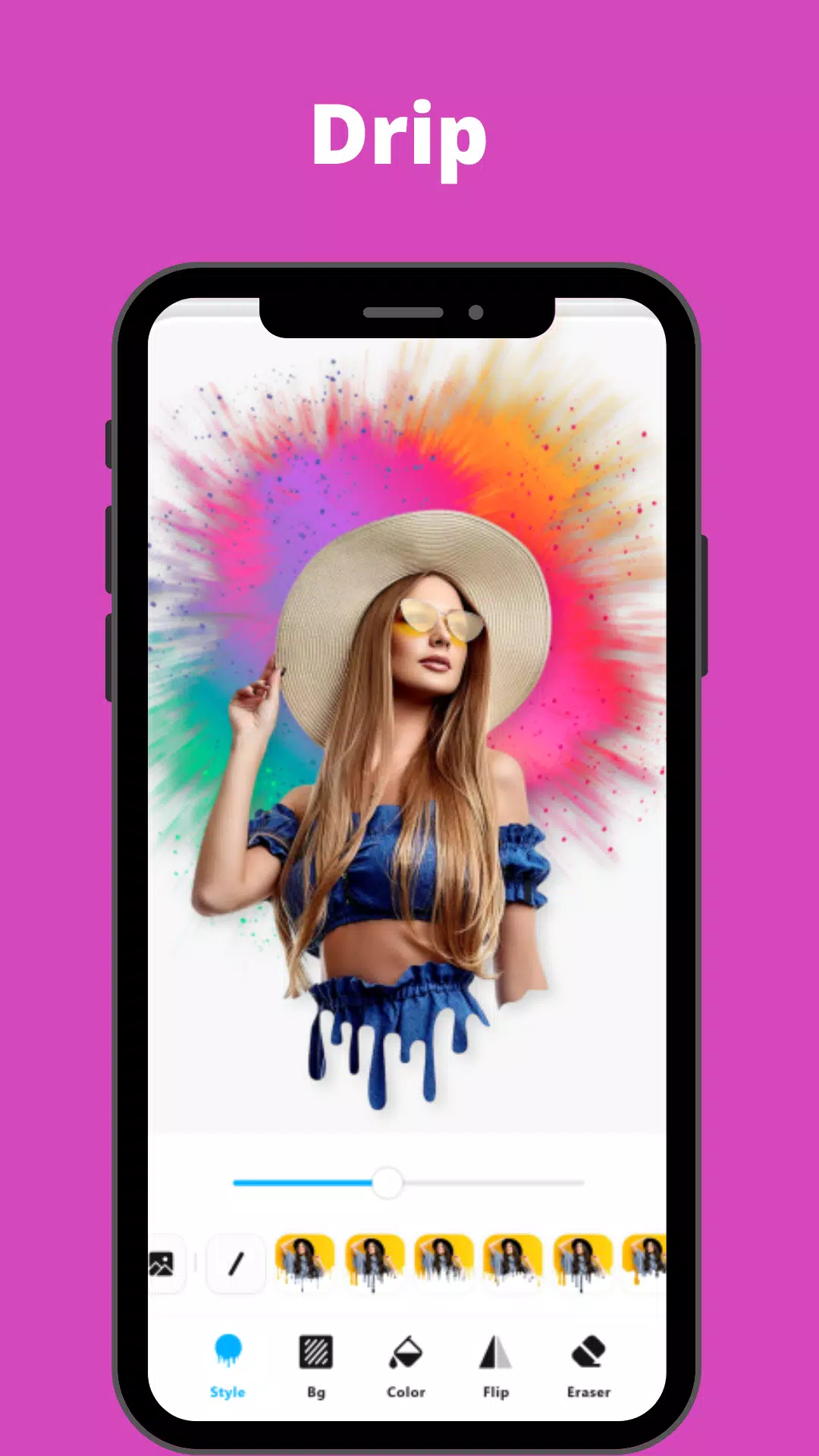
- 12+ Photo Effects & Background Blur: Apply effects such as Drip, Overlay, Neon, Motion Effect, and achieve a professional DSLR blur effect. Control the intensity of each effect for a personalized touch.
- Photo Collage Maker: Create stylish collages with up to 9 photos, choosing from 100+ grids and backgrounds. Seamlessly blur backgrounds for a professional finish.
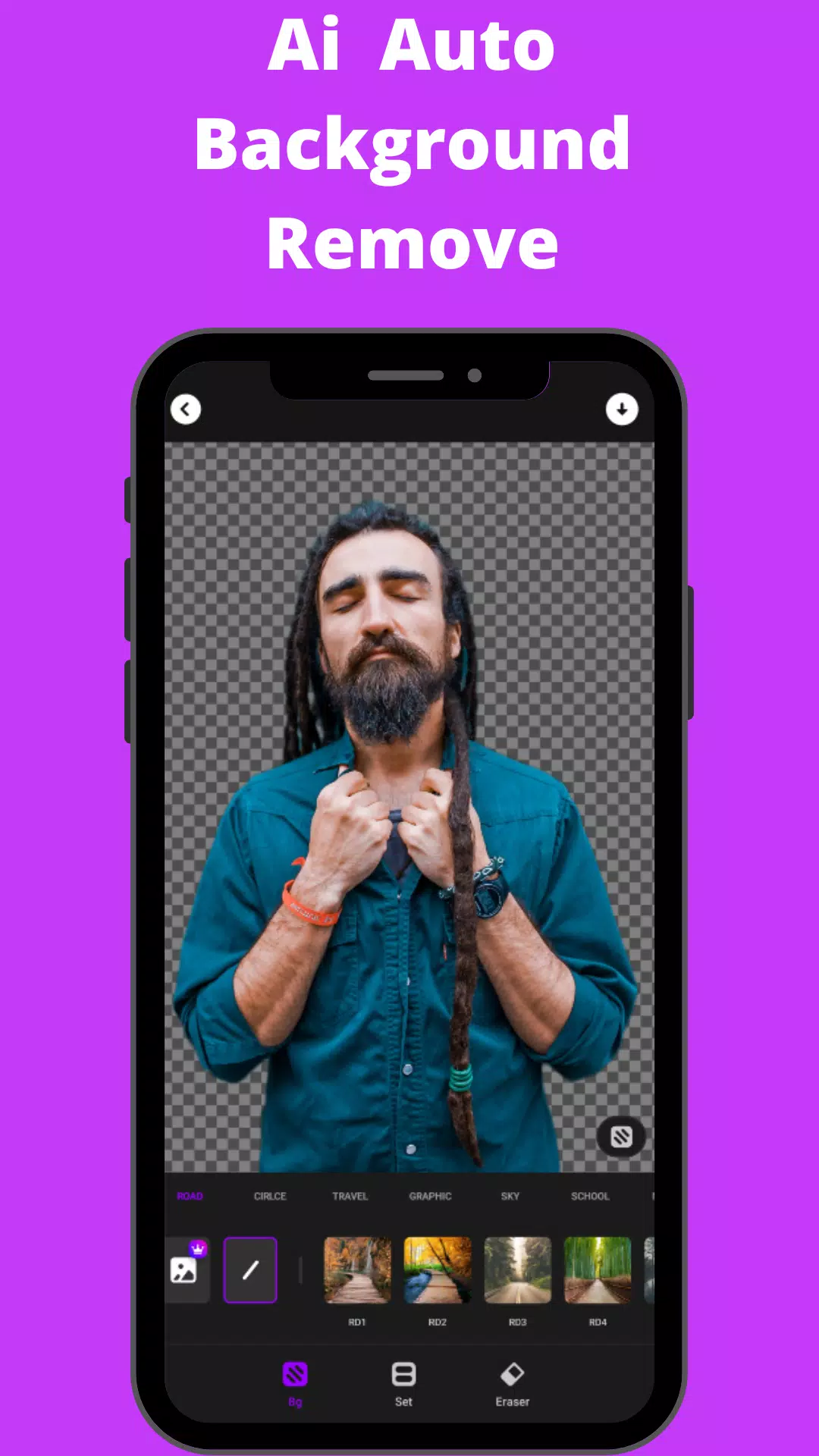
- Background Eraser: Easily remove or replace unwanted backgrounds using preset templates or a custom approach.
- HSL Color Mode: Master precise control over Hue, Saturation, and Luminance across 7 color channels.
- Basic Photo Editing Tools: Fine-tune highlights, brightness, shadows, contrast, warmth, exposure, and sharpness. Selective enhancement options provide maximum control.
- Add Text to Photos: Add text to your photos with a variety of fonts and styling options.
SnapArt Pro also includes a photo library history for easy access to your edits and multiple workspaces. The app automatically optimizes your watermark-free creations for social media sharing.
What's New in Version 2.37 (July 13, 2024): Bug fixes.
Permissions: SnapArt Pro requires "READ_EXTERNAL_STORAGE, WRITE_EXTERNAL_STORAGE" permissions for photo editing and saving.
Disclaimer: SnapArt is an independent entity and is not affiliated with Instagram, Facebook, Pinterest, or Twitter.
Download SnapArt Pro today and transform your photos!










![熊本のHairSalon YELLOW[ヘアサロンイエロー]](https://imgs.dgmma.com/uploads/78/173155007867355b7e469e0.webp)


















