Keep your Bring Digital Key software up to date using the Bring & T update application.
Ensure your Bring Digital Key runs the latest software version through the Bring & T update app.
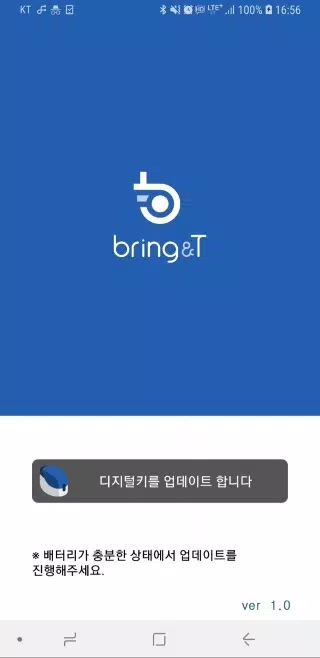
1. Launch the BringAnti update application.
2. Tap "Update digital key" at the screen's bottom.
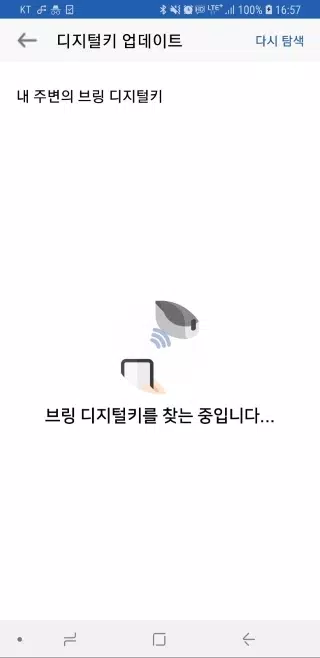
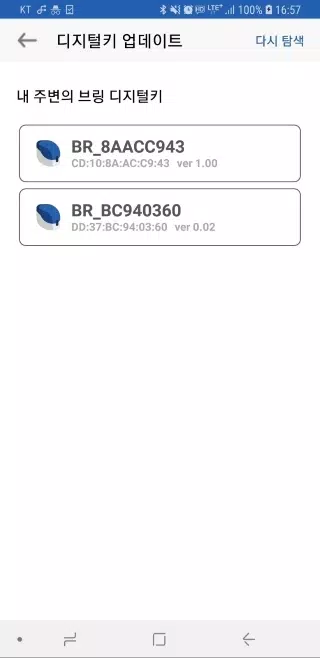
3. Choose your digital key "BR_xxxxxxxx" from the displayed list.
If your key isn't visible, click [Search again] to refresh the list.
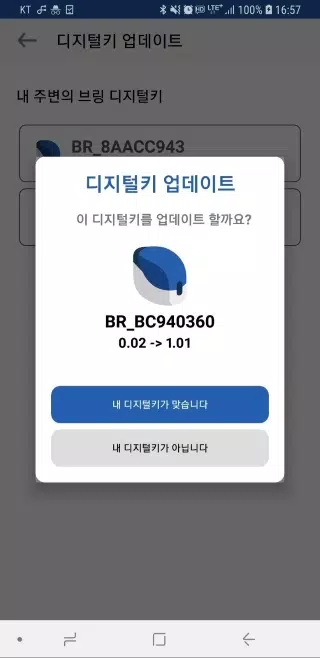
4. Upon selection, you'll see both current and available update versions.
5. Confirm with "Your device is correct" - the key's LED will blink purple for 10 seconds.
Briefly press the key's button (about 0.5 seconds) during this time.
6. The LED will transition from purple to blue, indicating successful software update.
7. Once completed, select "Close" to exit the application.
8. Maintain proximity between your digital key and device during wireless updates.
9. Updates require 2-3 minutes uninterrupted - ensure adequate battery beforehand.
10. Should interruptions occur, restart the app and retry the update process.
11. Only registered digital keys support software updates.
Unregistered devices cannot receive updates.













![熊本のHairSalon YELLOW[ヘアサロンイエロー]](https://imgs.dgmma.com/uploads/78/173155007867355b7e469e0.webp)