
Manage and control your KEBA wallbox effortlessly with the KEBA eMobility App.
The KEBA eMobility App delivers digital services for users of KeContact P30 & P40 models, including the P40, P30 x-series, company car wallbox, PV EDITION, and P30 c-series. Use the app to communicate with, configure, and manage your charging station—giving you full oversight of your wallbox operations.
Capabilities of the KEBA eMobility App:
- Remotely access and communicate with your wallbox from any location (local network communication remains for KeContact P30 c-series).
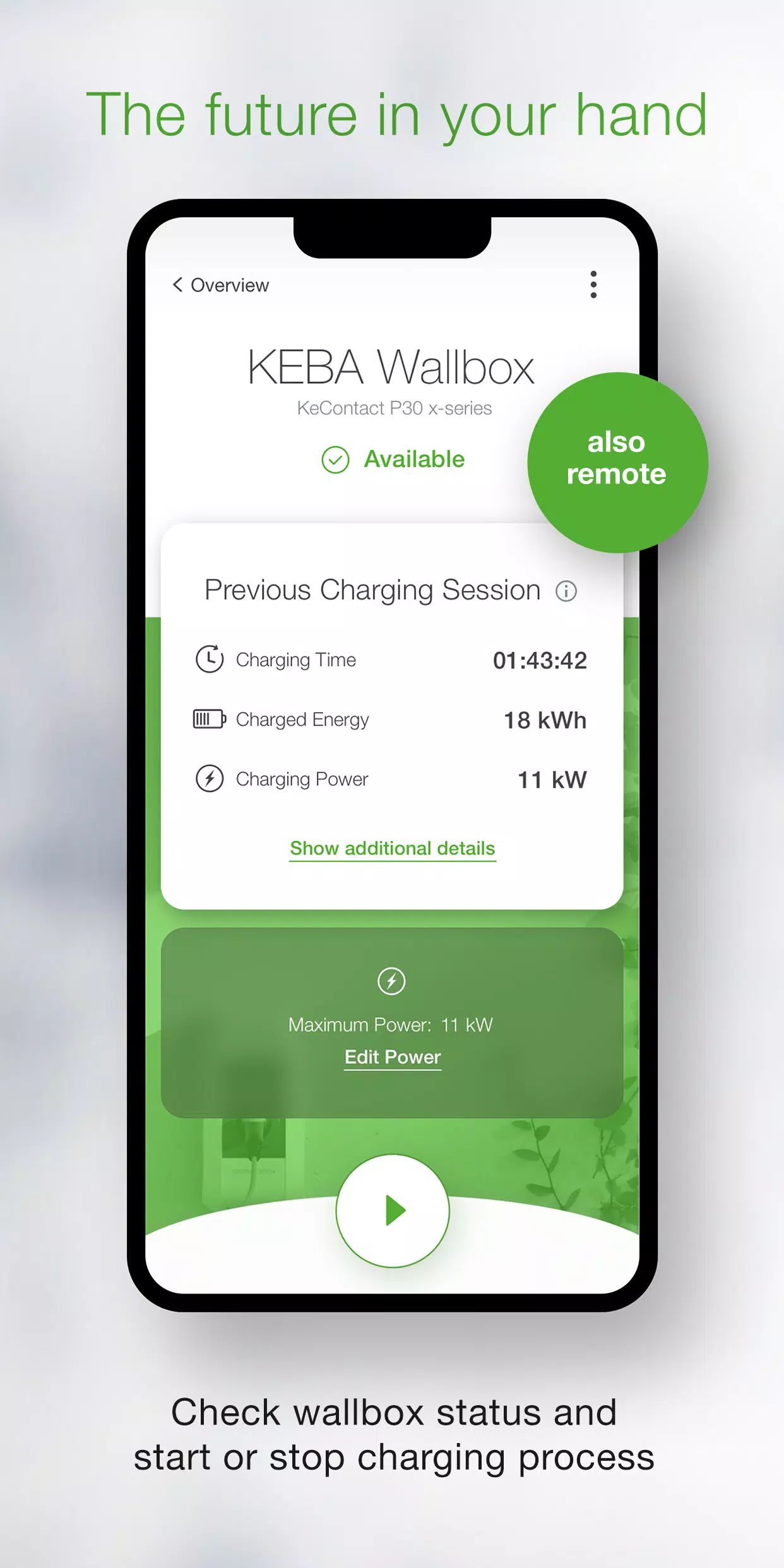
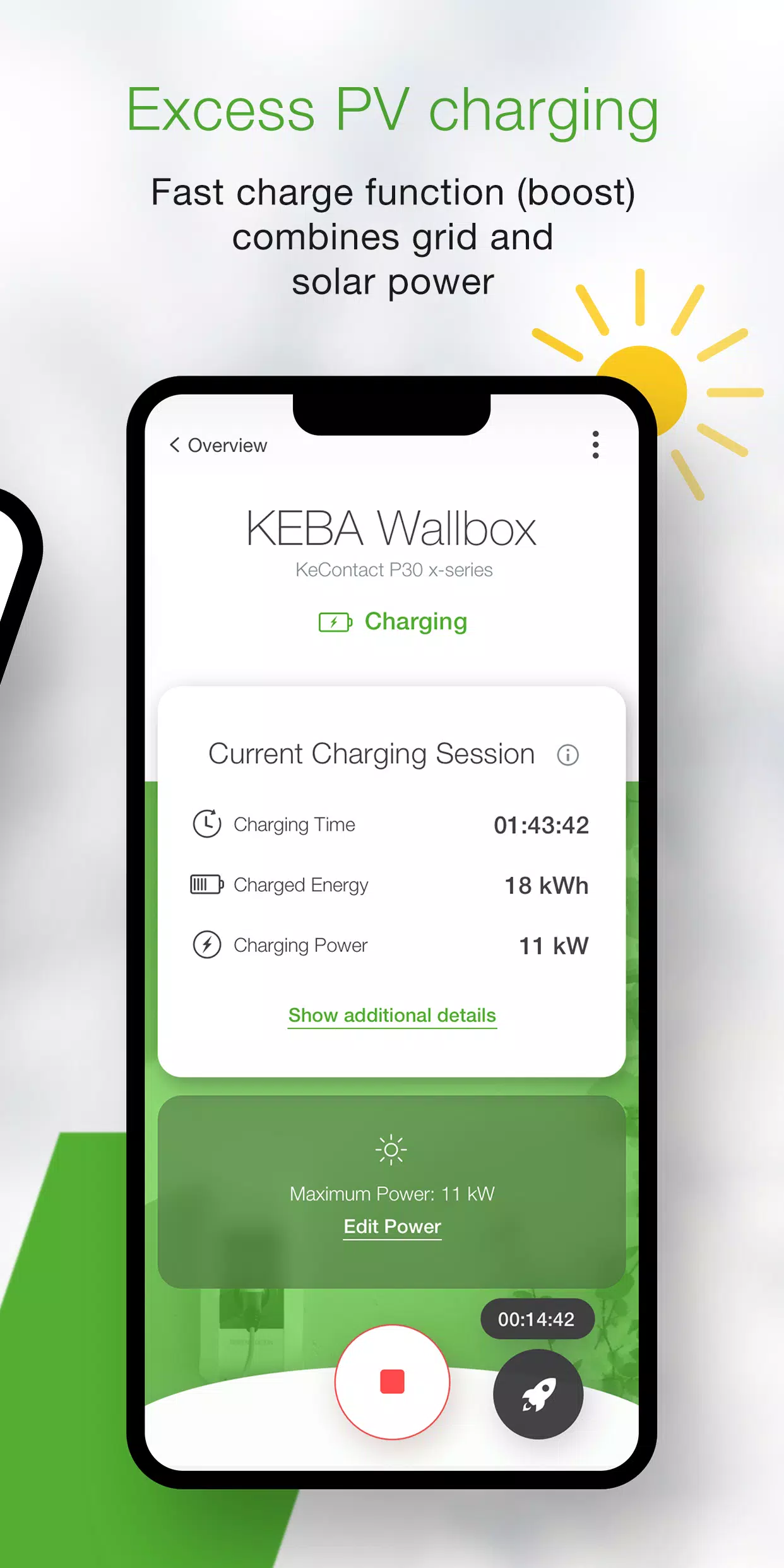
- Monitor your wallbox status in real time: see whether it’s charging, ready, offline, or experiencing an error.
- Start or stop charging instantly with a single tap.
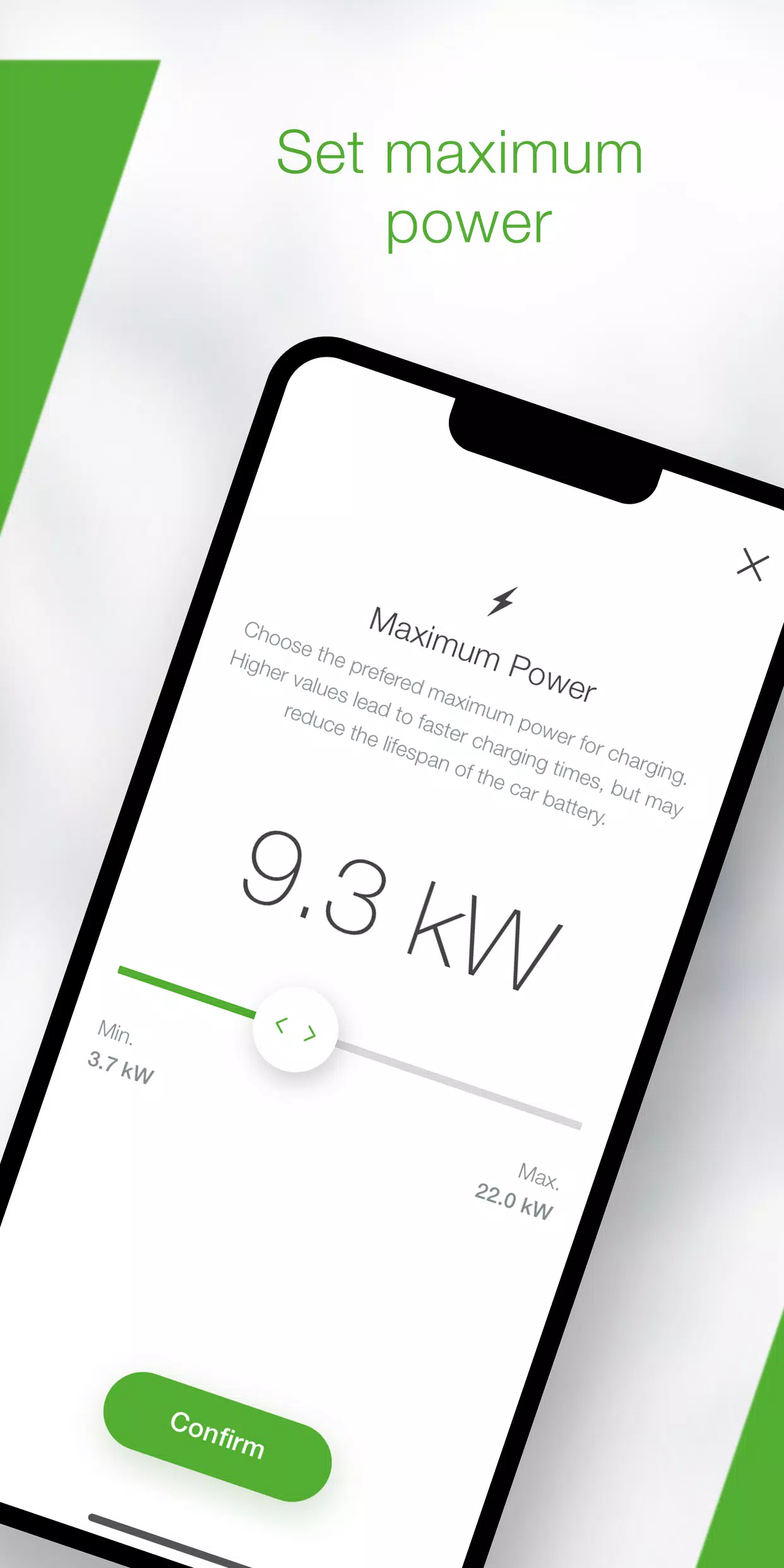
- Regulate charging speed by setting maximum power limits, helping you control energy use and charging duration.
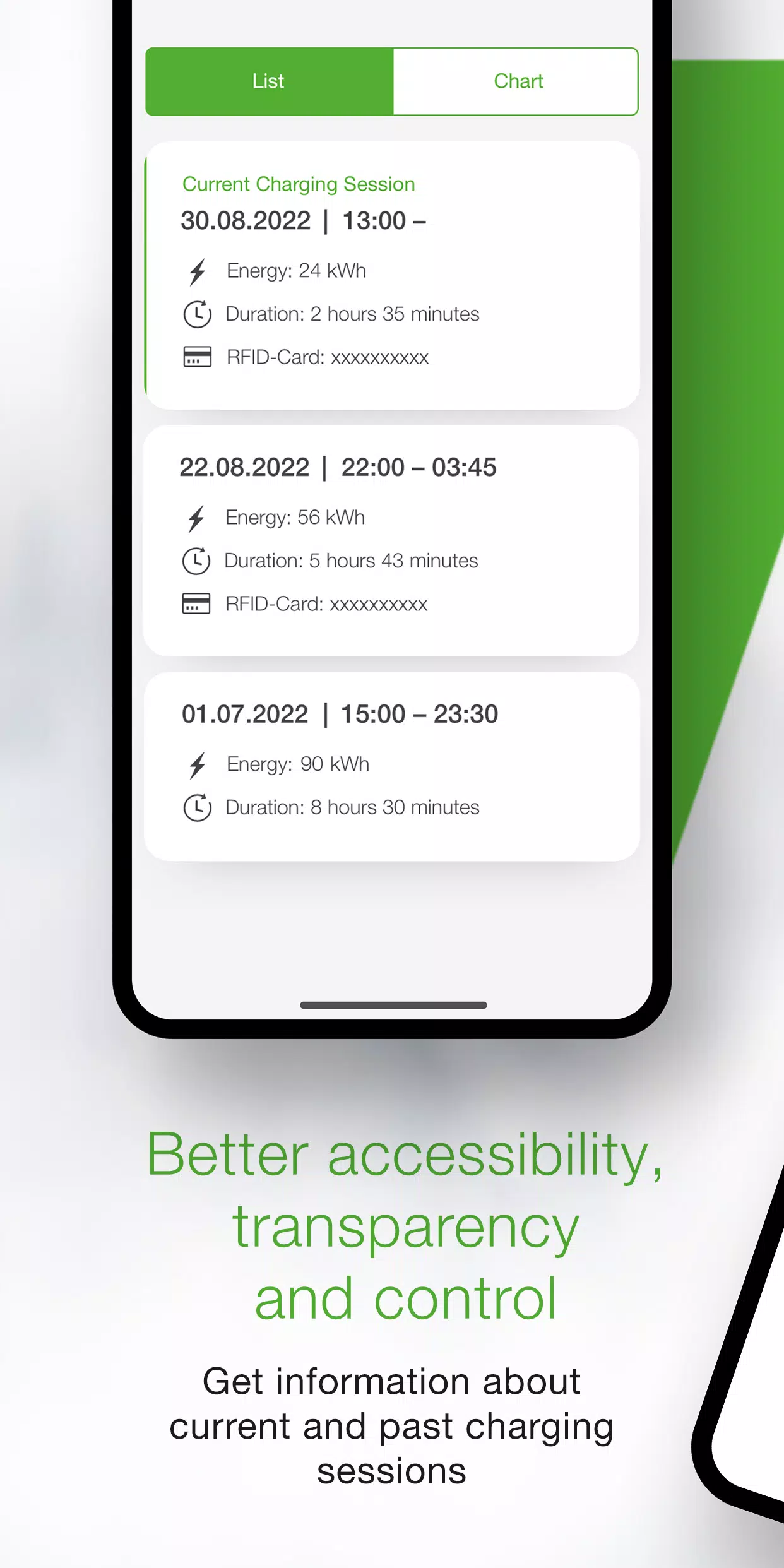
- Track real-time charging details like time, energy, power, and amperage in the app, and review past sessions in your history log.
- Access comprehensive energy usage statistics from earlier charging cycles.
- Follow the in-app setup guide to verify compatibility and configure your wallbox for first-time use.
- Use installer mode for guided initial setup and configuration of the P40 wallbox.
- Automate charging sessions with power profiles, letting you schedule start/stop times and maximum power levels (configurable via KEBA eMobility Portal for P40, P30 x-series, company car wallboxes, and PV EDITION).
- Keep your wallbox software current by enabling automatic updates in the app (not available for standalone KeContact P30 c-series models).
- As an x-series user, access all familiar web-interface configurations directly in the app (only for KeContact P30 x-series).
App-compatible KEBA wallbox models include:
- KeContact P40, P40 Pro, P30 x-series, company car wallbox, PV EDITION
- KeContact P30 c-series (no firmware update required to use the app)
Note: Charge Point Operator-managed charging stations may not support the app if you lack the web-interface password or serial number.
When connected to a KeContact P30 c-series, some app features may be limited compared to the x-series. Visit www.keba.com/emobility-app for a full function comparison.
Already using the KEBA eMobility Portal? Register through the app or portal to unlock additional benefits and browse advanced features online at emobility-portal.keba.com.
Important notes for electrical installers:
- Manual DIP switch adjustments are required for P30 wallboxes.
- P30 web interface configurations are also accessible via the app.
- For KeContact P30 c-series, enable full UDP communication by configuring DIP switches as outlined in the setup guide.
- Configure basic settings for the KeContact P40 using the KEBA eMobility App or directly on the device.
What's New in the Latest Version 3.10.0
Last updated on Nov 12, 2024
P40: Wallbox software version 1.1.0 is now available
P40: Perform a factory reset directly through the app
P40: Fixed display issue causing a blank screen in offline mode
P40: Corrected OCPP communication options in settings
P40: Resolved authentication errors after incorrect password entry
P40: Bluetooth connectivity improved for previously paired wallboxes
Enhanced enrollment usability and overall system stability









![熊本のHairSalon YELLOW[ヘアサロンイエロー]](https://imgs.dgmma.com/uploads/78/173155007867355b7e469e0.webp)




















