

Use this app to connect your Remote VCI to your workshop's Wi-Fi network.
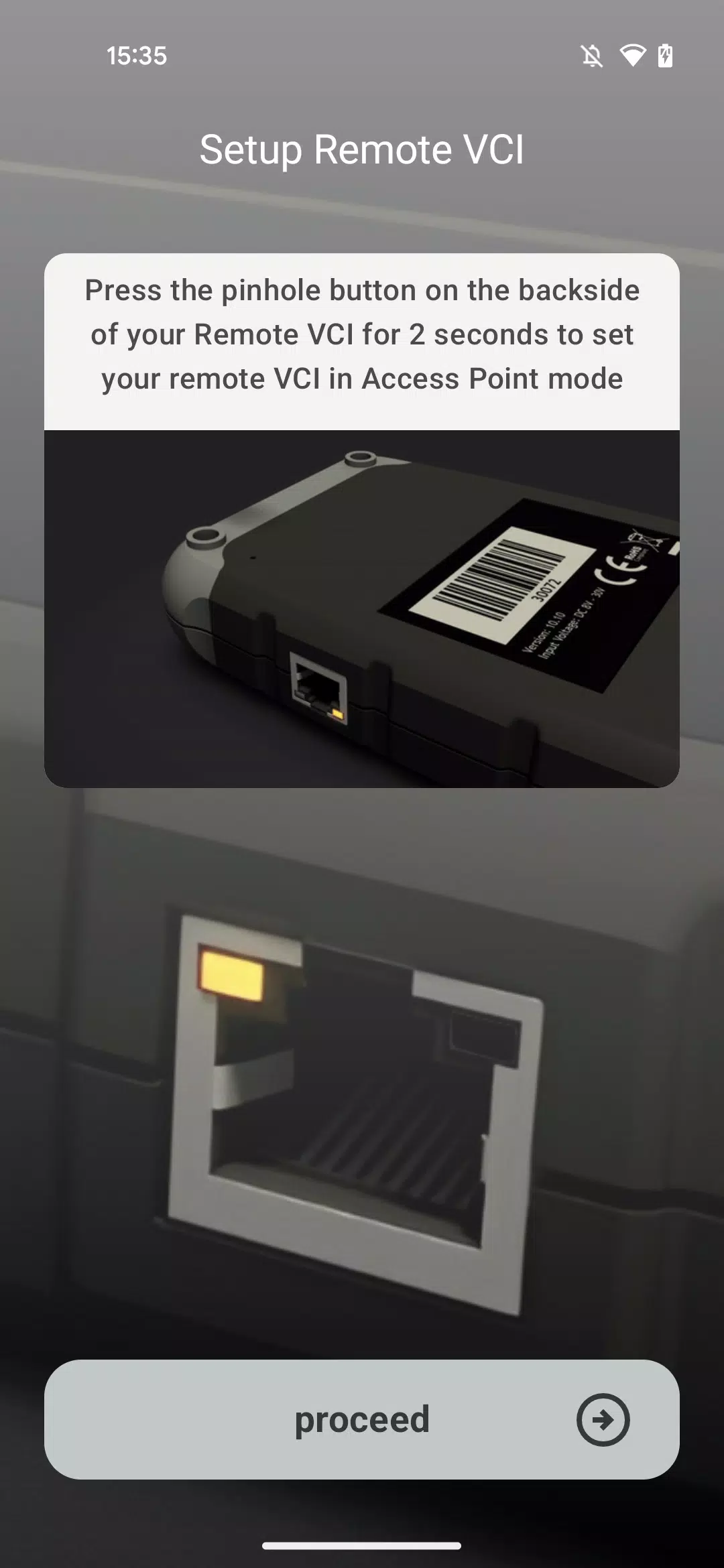
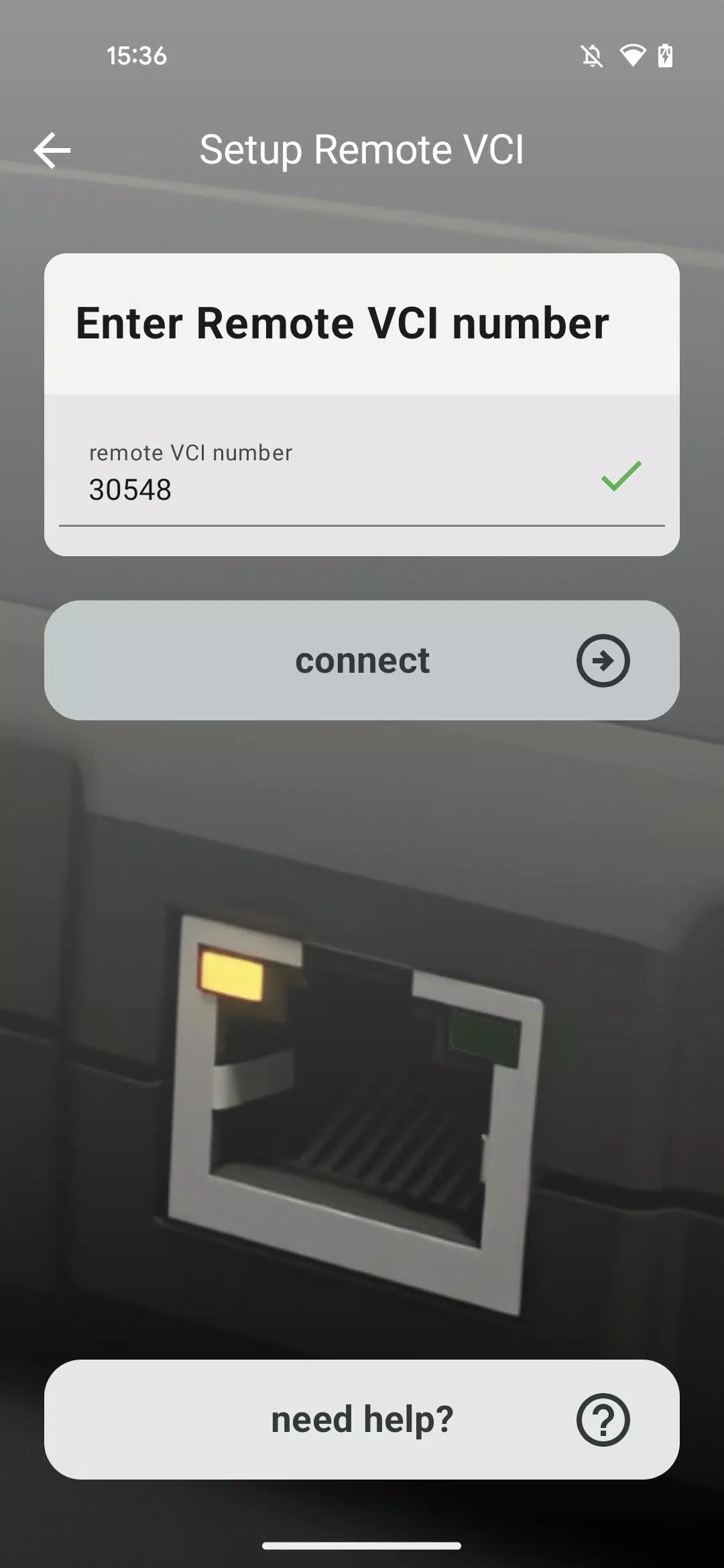
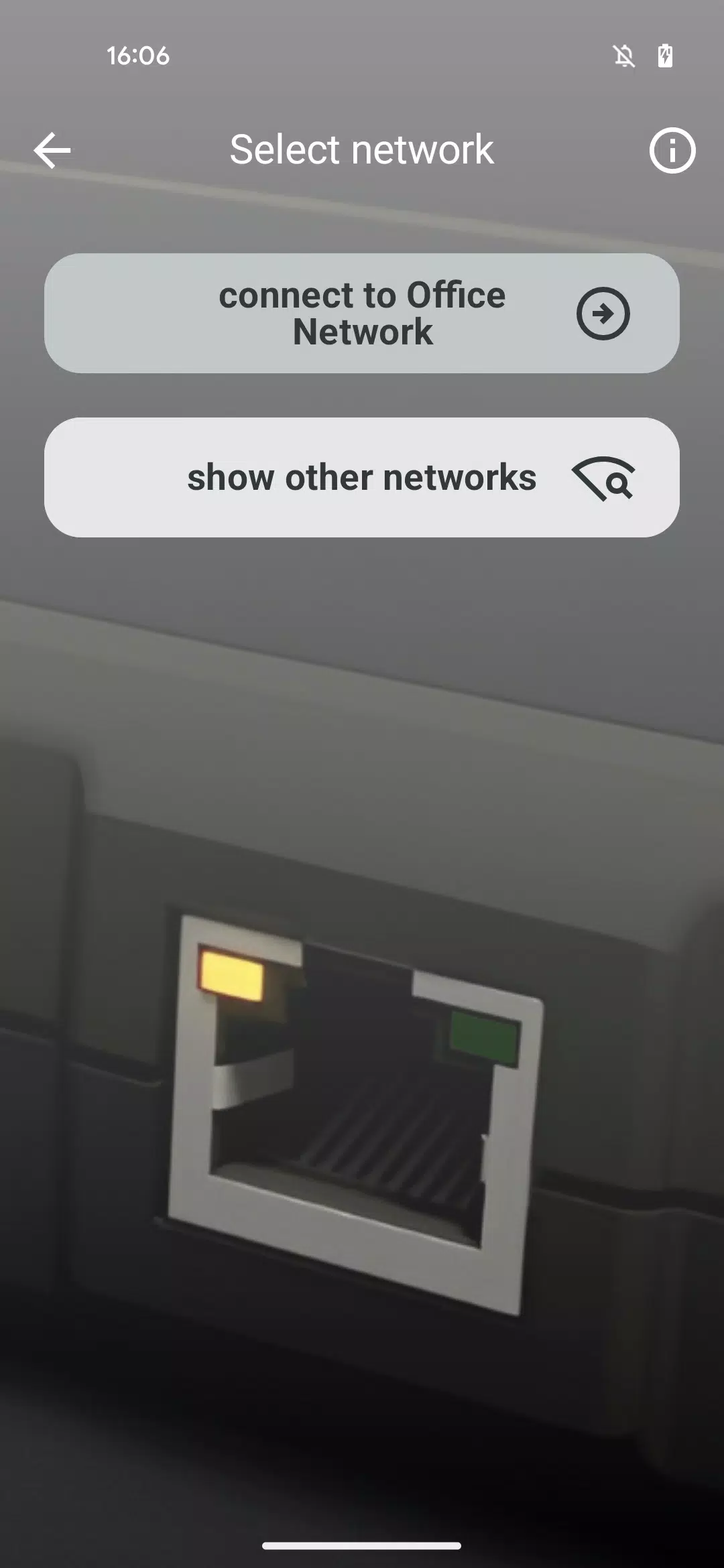
This specialized application guides you through connecting your Remote VCI to your workshop's Wi-Fi.
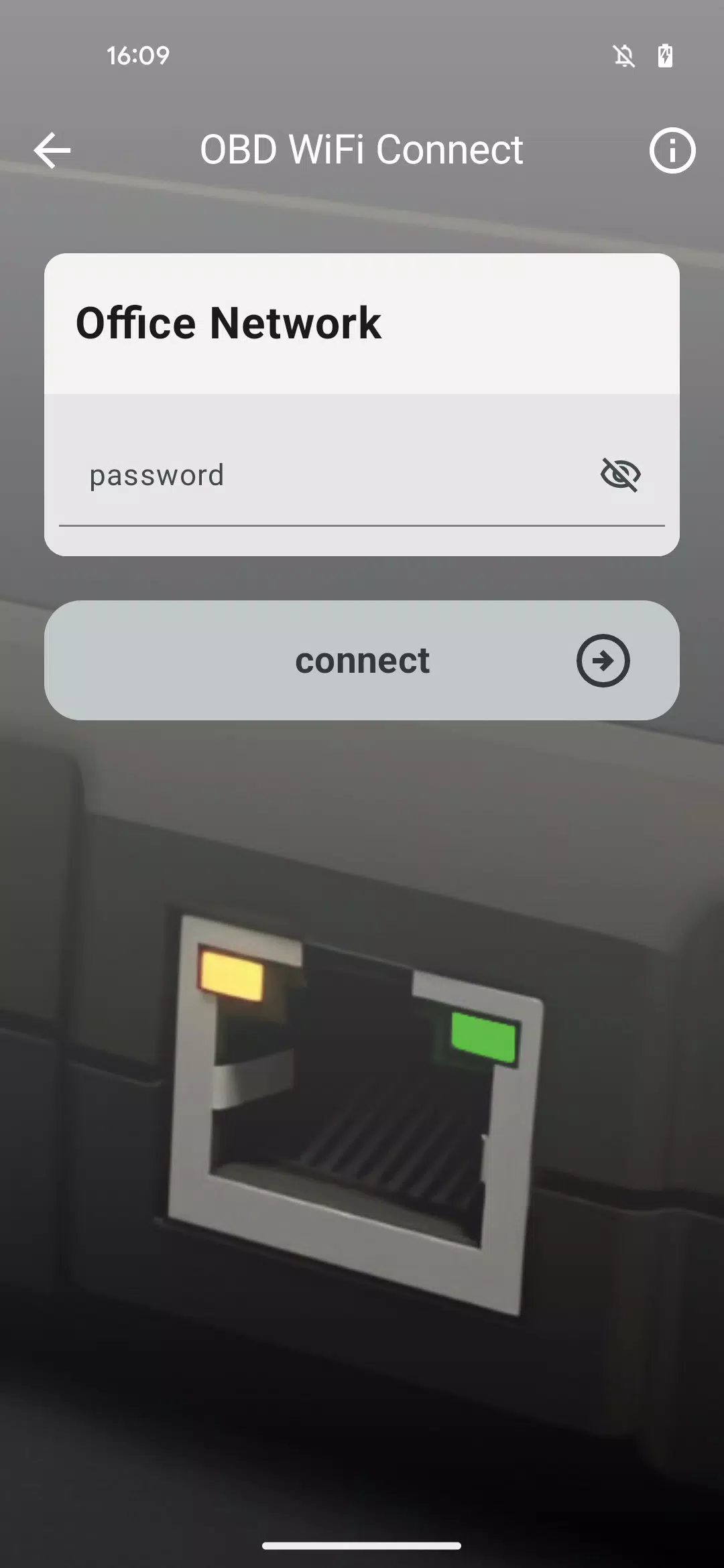
It offers a step-by-step guide to choosing the right Wi-Fi network and entering its password, enabling your Remote VCI to connect automatically.
Ensure you have your Wi-Fi network's correct login credentials ready.
The app's Need Help section offers extra support in case you encounter any issues during the Remote VCI connection process.
For tasks requiring an exceptionally stable connection—such as performing a full software flash on control units—we recommend using a LAN cable instead of Wi-Fi.
What's New in the Latest Version 1.1.2
Last updated on Nov 10, 2024
This release introduces the OBD WiFi Connect app, designed to get your Remote VCI operational.










![熊本のHairSalon YELLOW[ヘアサロンイエロー]](https://imgs.dgmma.com/uploads/78/173155007867355b7e469e0.webp)




















