Many Marvel Rivals players are experiencing extended shader compilation times on launch. This guide offers a solution to significantly reduce this loading delay.
Addressing Slow Shader Compilation in Marvel Rivals
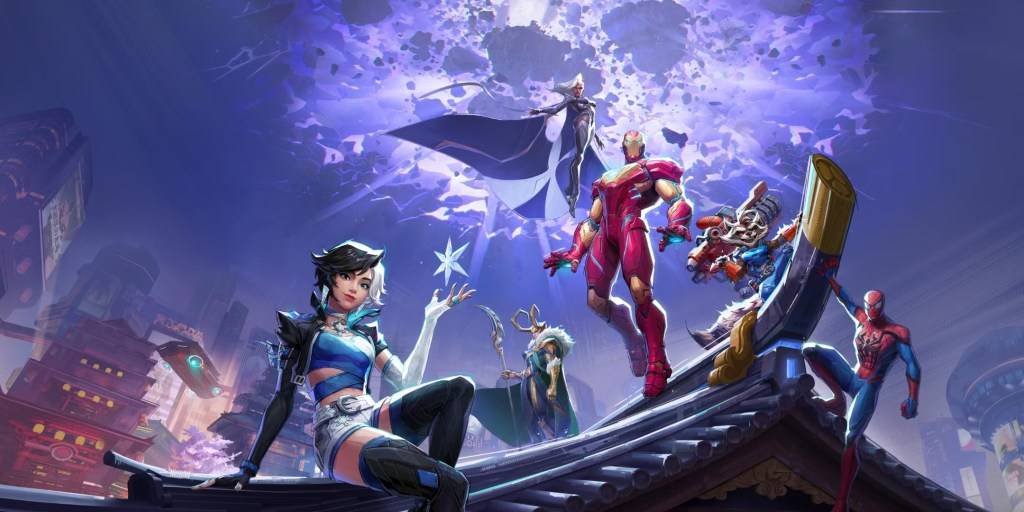
Game loading times can vary, especially for online titles. However, the lengthy shader compilation in Marvel Rivals on PC is proving frustrating for many. Shaders are crucial for rendering 3D graphics correctly, and issues with their compilation can lead to significant delays and even errors.
A community-discovered workaround effectively addresses this problem:
- Access Nvidia Control Panel: Locate and open your Nvidia control panel.
- Adjust Shader Cache Size: Navigate to the global settings and find the Shader Cache Size option.
- Set Lower Value: Select a shader cache size value less than or equal to your VRAM. The available options are limited (5GB, 10GB, 100GB), so choose the closest appropriate setting.
This method has reportedly reduced shader compilation times from several minutes to just a few seconds, and also resolved "Out of VRAM memory" errors.
While a permanent fix from NetEase Games is awaited, this temporary solution offers a significant improvement for players experiencing this issue. Until an official patch is released, this workaround provides a practical solution to avoid lengthy loading times.
Marvel Rivals is currently available on PS5, PC, and Xbox Series X|S.